Hemory favicon

Hemory

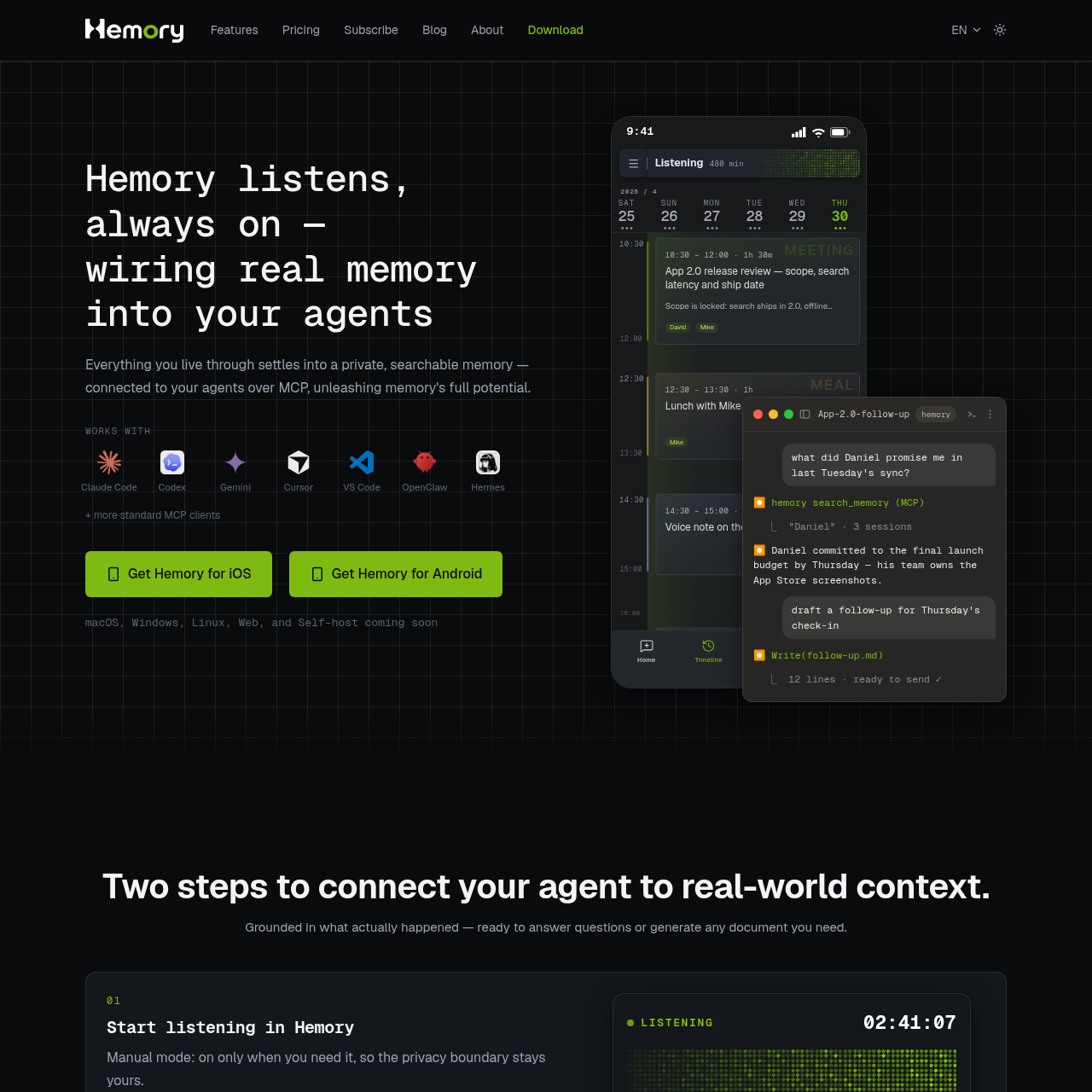
Hemory captures spoken conversations on mobile devices and exposes a searchable record to AI coding and assistant tools via the Model Context Protocol.

Meeting AssistantRecording physical conversationsOrganizing spoken interactions into a…Connecting conversational memory to…Enabling external agents to query past…
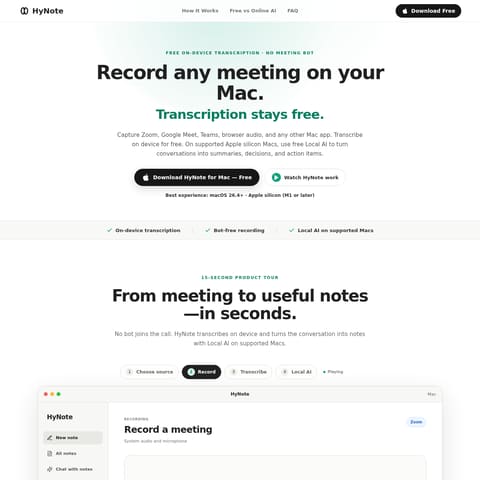
Hemory product interface screenshot
Listed on AIToolly

What Is Hemory? Product Overview

What the product does and how it is positioned

Hemory is an ambient voice memory application designed to record real-world conversations and make them accessible to AI agents.

The software processes audio locally or via streaming, organizing captured context into a searchable timeline accessible through Model Context Protocol integrations.

What Can You Use Hemory For?

Source-supported ways to use the product

Meeting and Commitment Verification

AI agents can query past meeting records to check agreed-upon deadlines, assignments, and specific commitments.

Work Reports and Product Documentation

Connected agents can synthesize recent discussions and interviews to draft status reports, presentation decks, or product requirement documents.

Automated Daily Journaling

AI assistants can extract highlights from recorded daytime conversations to produce recurring evening journal summaries.

How to Use Hemory

The documented workflow, where available

  1. 1

    Start Audio Capture

    Initiate recording manually when needed or configure a schedule to listen automatically during designated recurring hours.

  2. 2

    Connect Agent via MCP

    Add the Hemory MCP server to a supported client to expose the memory search tool to the connected AI assistant.

Model Context Protocol and Memory Architecture

Hemory functions as an ambient memory layer bridging physical spoken conversations with external AI coding assistants and autonomous agents. Rather than keeping transcripts isolated inside a standalone interface, the platform exposes a Model Context Protocol tool named search_memory to external MCP clients. This allows development environments and conversational assistants to retrieve grounding context directly from real-world meetings and discussions.

Data privacy and stream management are structured around localized audio retention. Streaming audio sent for cloud processing is discarded once transcription finishes, while physical audio files remain strictly isolated on the capture hardware. This architecture is intended to reduce multi-device cloud synchronization while still allowing users to query memory records and generate derivative artifacts through connected agents.

  • Connects to MCP-compatible clients including Claude Code, Codex, Gemini, Cursor, VS Code, OpenClaw, and Hermes.
  • Exposes memory search capabilities directly to external AI workflows.
  • Utilizes voice-activity detection to isolate spoken dialogue from background pauses.
  • Keeps raw audio files isolated on the original recording device.

What to Test Before Choosing Hemory

Checks to run with your own material and workflow

  • Confirm that your AI assistant or development environment supports the Model Context Protocol.
  • Verify that your primary recording devices run supported mobile operating systems such as iOS or Android.
  • Check whether local-only audio storage satisfies your data access and multi-device requirements.
  • Review scheduled listening timeframes to ensure capture windows align with relevant meetings.

Hemory Sources and Last Checked

What was checked and when

Last checked

Hemory Frequently Asked Questions

Answers based on the source-checked product record

Which platforms currently support Hemory?

Hemory is available on iOS, Apple Watch, and Android. Versions for macOS, Windows, Linux, Web, and self-hosted environments are listed as coming soon.

Which AI agents can connect to Hemory?

Hemory works with standard Model Context Protocol clients, including Claude Code, Codex, Gemini, Cursor, VS Code, OpenClaw, and Hermes.

How does Hemory handle audio privacy and cloud storage?

Raw audio is stored exclusively on the recording device and is never synced across devices. Audio processed in the cloud is treated as an ephemeral stream and destroyed immediately after processing.

What listening modes are available in the application?

Users can activate Manual mode to record only on demand, or Schedule mode to automatically listen during predefined time frames, such as standard working hours.

How does Hemory manage periods of silence during recording?

Hemory uses voice-activity detection to identify active speech, so that background noise, conversational pauses, and silence are separated from spoken dialogue.

Explore other recently added tools in the same category.