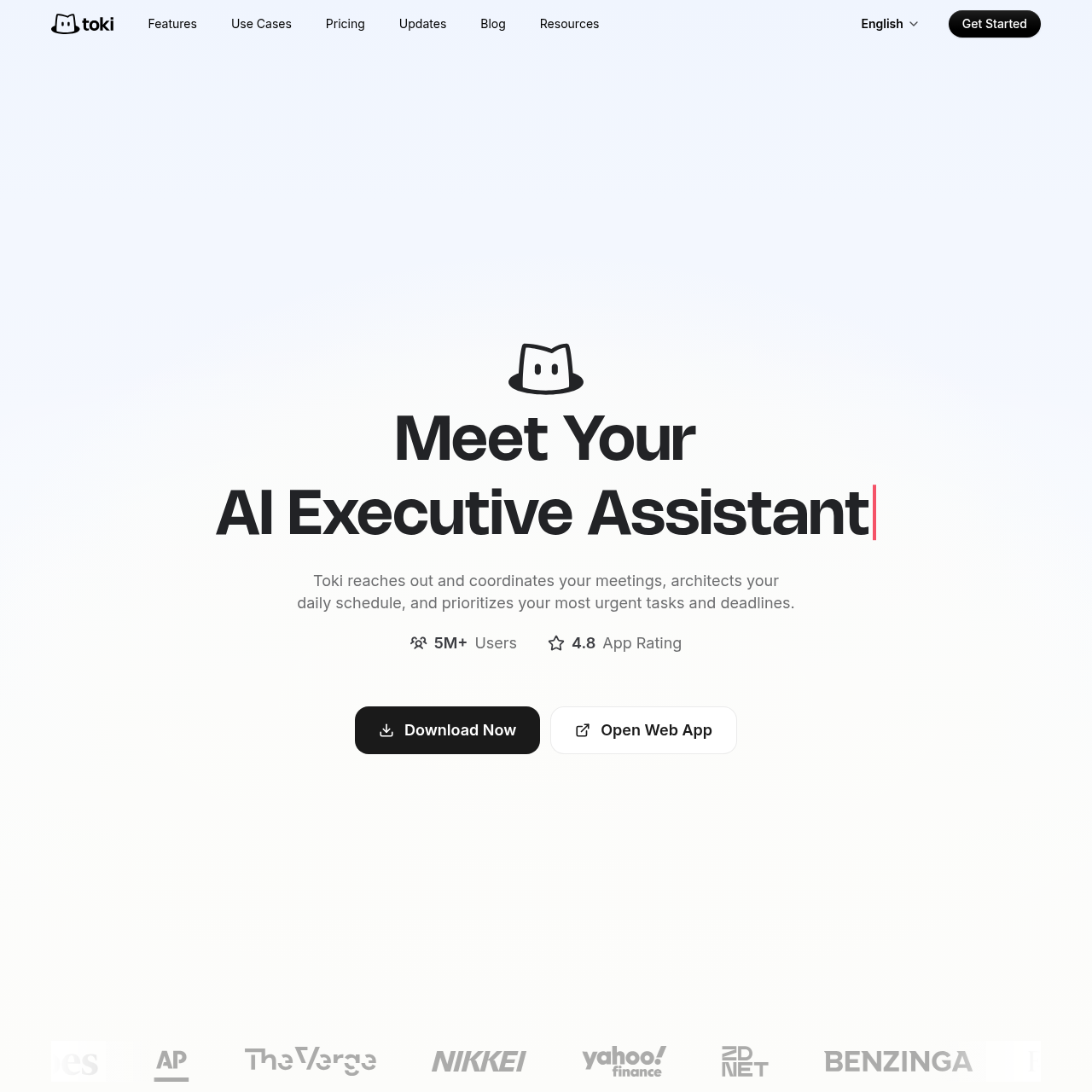
Toki Coordination is an AI executive assistant that manages schedules, coordinates meeting availability with attendees, and tracks tasks through multi-modal inputs.
Toki Coordination serves as an AI executive assistant designed to handle meeting scheduling, daily calendar architecture, and task prioritization.
The system processes inputs from texts, voice recordings, emails, and images to generate calendar bookings, track triggers, and resolve schedule conflicts.
What Can You Use Toki Coordination For?
Source-supported ways to use the product
Multi-Participant Meeting Scheduling
Users delegate attendee outreach to the assistant to find mutually compatible meeting times or distribute dedicated booking links.
Calendar Deconfliction and Focus Planning
Professionals allocate blocks for focused work while receiving actionable suggestions to resolve overlapping calendar commitments.
Event and Deadline Trigger Tracking
Individuals configure automated monitoring for specific criteria, such as stock price thresholds or target deadlines, to receive timely alerts.
Automated Coordination and Calendar Management
Toki Coordination operates as an automated scheduling assistant by managing communication with meeting participants and evaluating calendar availability. The system enables users to create booking links or instructs the assistant to contact attendees directly to identify mutually agreeable meeting times.
In addition to coordinating external meetings, the platform organizes daily routines by balancing focused deep work against urgent tasks. It analyzes calendar commitments to provide conflict resolution recommendations when overlapping events occur.
Reaches out to attendees directly to establish meeting availability without manual back-and-forth messaging
Generates dedicated scheduling links for self-service booking
Provides conflict resolution recommendations to resolve overlapping commitments
Synchronizes schedules across Google Calendar, iCloud, and Outlook
What to Test Before Choosing Toki Coordination
Checks to run with your own material and workflow
Confirm calendar synchronization reliability across Google Calendar, iCloud, or Outlook accounts.
Verify that alert escalation mechanisms, including iOS alarms and CallMe phone notifications, function properly on mobile devices.
Check whether the discontinuation of WhatsApp access affects planned cross-platform messaging routines.
Answers based on the source-checked product record
What input formats can Toki Coordination capture?+
Toki accepts multi-modal inputs including text messages, voice notes, screenshots, images, and emails to generate calendar events and actionable tasks.
Which external calendar services integrate with Toki?+
Toki supports synchronization across external calendar platforms including Google Calendar, iCloud, and Outlook, consolidating schedules in one place.
How does Toki handle urgent notifications and reminders?+
The platform delivers adaptive reminders using mobile push notifications, iOS alarms, and CallMe phone call escalations for high-priority items.
Can Toki Coordination be accessed through WhatsApp?+
No, Toki is no longer available on WhatsApp following platform-wide policy updates that restrict standalone AI services on that messaging platform.
What security protocols protect stored user data?+
User data is encrypted both during transmission and in storage, and internal policies strictly bar company personnel from accessing data without explicit prior consent.
More Meeting Assistant AI tools
Explore other recently added tools in the same category.