Claude Code Remote Control
Claude Code Remote Control: Seamlessly continue local coding sessions from any device with full environment access.
Remote Control is a research preview feature for Claude Code that allows developers to bridge their local development environment with mobile apps and web browsers. Unlike cloud-hosted solutions, Remote Control keeps the session running locally on your machine, ensuring your filesystem, MCP servers, and project configurations remain accessible. It is available for Max plan subscribers (with Pro support coming soon) and offers a synchronized experience across devices. Whether you are moving from your desk to your phone or switching browsers, Remote Control maintains session history and tool activity without moving your data to the cloud. It utilizes secure outbound HTTPS requests and TLS encryption to ensure your local environment stays protected while providing the flexibility of remote interaction through claude.ai/code and the Claude mobile app.
2026-03-01
132500.0K
Claude Code Remote Control Product Information
Claude Code Remote Control: Extending Your Local Environment to Any Device
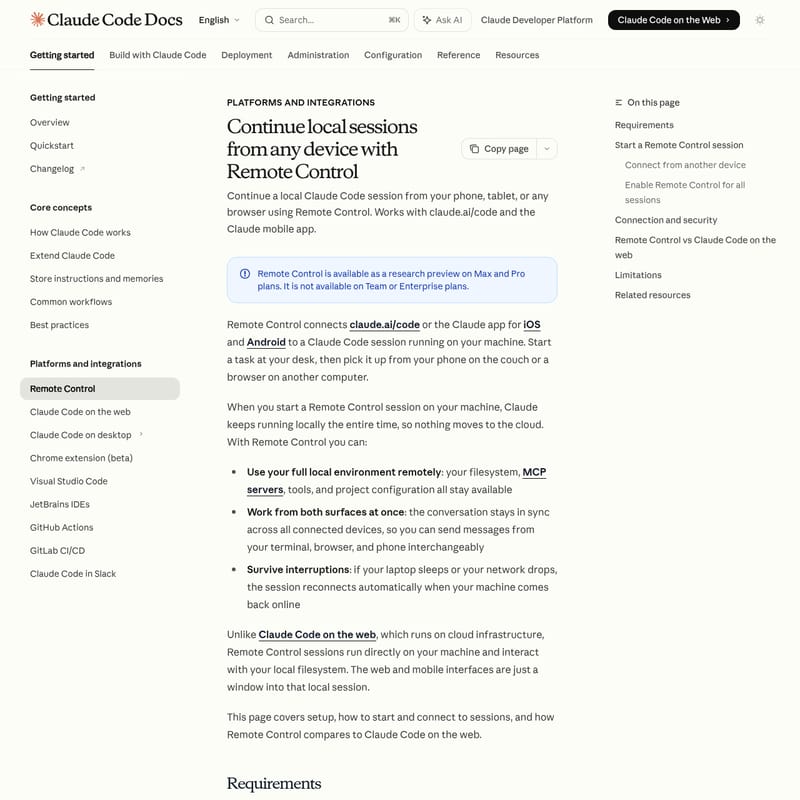
In the modern development workflow, flexibility is key. Claude Code Remote Control is a powerful feature designed to let you continue your local Claude Code sessions from your phone, tablet, or any web browser. Currently available as a research preview for Max plan subscribers, Remote Control bridges the gap between your desktop terminal and the portability of the Claude mobile app or claude.ai/code.
With Remote Control, the Claude Code session remains running locally on your machine. This means your filesystem, MCP servers, tools, and project configurations stay exactly where they are, while you gain the freedom to interact with them from any location.
What's Remote Control?
Remote Control is a connectivity feature that links claude.ai/code or the official Claude app (iOS and Android) to a live Claude Code session active on your computer. Unlike traditional cloud-based IDEs, Remote Control ensures that nothing moves to the cloud; your machine remains the host, and the web or mobile interface acts as a window into that local environment.
Whether you need to pick up a task from your phone on the couch or access your project via a browser on a different computer, Remote Control keeps your conversation in sync across all connected surfaces. It is built to survive interruptions, automatically reconnecting your Claude Code session if your network drops or your laptop briefly sleeps.
Features of Remote Control
Remote Control offers several high-end features designed for professional developers who require mobility without sacrificing local power:
- Full Local Environment Access: Use your project's local filesystem, specialized MCP servers, and unique tool configurations remotely.
- Multi-Surface Synchronization: The conversation stays perfectly in sync. You can send messages from your terminal, browser, or phone interchangeably during the same Claude Code session.
- Automatic Reconnection: If your machine goes offline or enters sleep mode, Remote Control attempts to reconnect automatically once the machine is back online.
- Secure Connectivity: The feature uses outbound HTTPS requests and does not open inbound ports on your machine. All traffic is protected via TLS encryption through the Anthropic API.
- QR Code Integration: Easily transition to mobile by scanning a QR code generated directly in your terminal to open the session in the Claude app.
Use Case for Remote Control
When should you use Remote Control versus other Claude Code interfaces? Here are the primary scenarios:
- Transitioning Workspaces: Start a complex debugging task at your desk using Claude Code and continue monitoring or prompting the AI while moving around the office or home using your phone.
- Remote Monitoring: Kick off a long-running task on your primary workstation and check the status via a browser on a secondary device without needing to sit at your desk.
- Collaborative Review: Use the web interface of Remote Control to show a colleague your progress on a local project through claude.ai/code without having to share your physical screen.
Note: Use Remote Control when you have an existing local setup. If you prefer to work on a repository you haven't cloned locally, consider using Claude Code on the web instead.
How to Use Remote Control
Requirements
Before starting, ensure you meet the following criteria:
- Subscription: You must have a Max plan (Pro plan support is coming soon). API keys are not supported for this feature.
- Authentication: You must be signed in via
claude /login. - Workspace Trust: You must have run claude in your project directory at least once to accept the trust dialog.
Starting a Session
You can initiate Remote Control in two ways:
- New Session: Run the command
claude remote-controlin your project directory. This will display a session URL and a QR code (press spacebar to toggle). - Existing Session: If you are already in a session, type
/remote-control(or/rc) to generate the remote link.
Connection Commands and Flags
--verbose: Shows detailed connection and session logs.--sandbox/--no-sandbox: Enables or disables sandboxing for filesystem and network isolation./rename: Use this before starting Remote Control to give your session a descriptive name for easier identification in the session list.
Enabling for All Sessions
To make Remote Control the default for every Claude Code instance, run /config and set "Enable Remote Control for all sessions" to true.
FAQ
Q: Is my data stored in the cloud when using Remote Control? A: No. The Claude Code session continues to run locally on your machine. The web and mobile interfaces simply act as a remote window into your local environment.
Q: What happens if I close my terminal?
A: Since Remote Control runs as a local process, closing the terminal or stopping the claude process will end the session. You will need to run claude remote-control again to restart.
Q: How many remote sessions can I have at once? A: Each Claude Code instance supports one active Remote Control session at a time.
Q: Does it work with the Claude mobile app? A: Yes, it is compatible with both the iOS and Android Claude app, as well as any standard web browser via claude.ai/code.
Q: Is Remote Control secure? A: Yes. It uses short-lived credentials and TLS encryption. It does not require opening any inbound ports on your firewall, as it relies on outbound requests to the Anthropic API.