Transcribe Audio to Text favicon

Transcribe Audio to Text

Transcribe Audio to Text by Audio Converter AI converts spoken audio and video recordings into searchable, editable text transcripts with speaker identification, timestamps, and automated summaries across more than 200 languages.

Translation & TranscriptTranscribes spoken media from uploaded…Automatically distinguishes separate…Generates structured summaries…Enables manual text correction, note…Transcribe Audio to TextAudio TranscriptionAudio to TextSpeech to TextAI TranscriptionVideo to TextYouTube TranscriptionTranscribe Video to Text
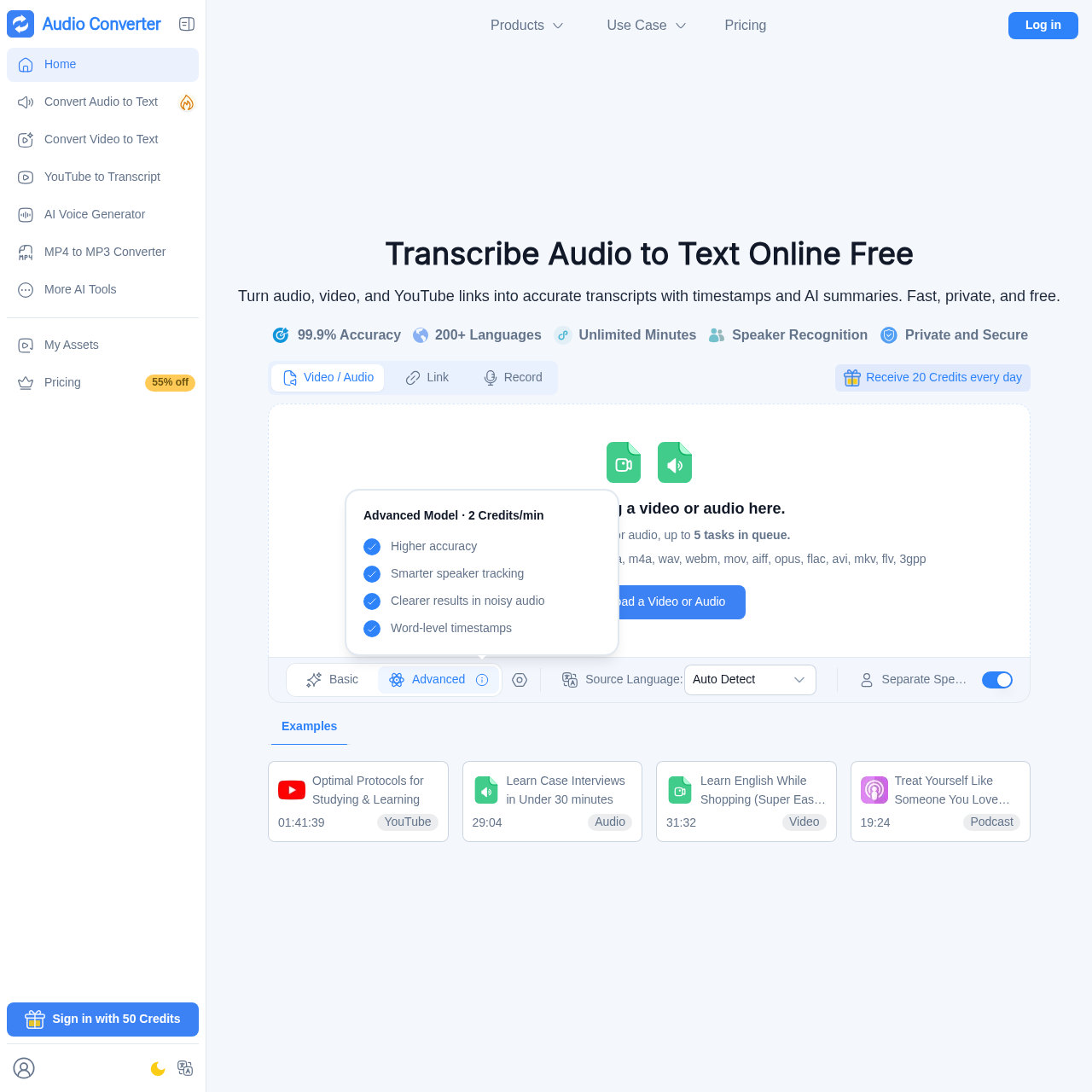
Transcribe Audio to Text product interface screenshot
Estimated monthly visits
690K
Data period:
Listed on AIToolly

What Is Transcribe Audio to Text? Product Overview

What the product does and how it is positioned

Transcribe Audio to Text is a web-based transcription tool developed by Audio Converter AI that converts speech from audio, video, and direct links into editable transcripts. It supports automated language detection across more than two hundred languages.

The service incorporates speaker recognition to separate voices, generates timestamps throughout the transcript, and produces automated text summaries. File handling features include isolated encrypted processing and automatic post-processing file removal.

What Can You Use Transcribe Audio to Text For?

Source-supported ways to use the product

Lecture and Class Study

The company presents academic study as a use case, where students transcribe lecture recordings to review searchable text, timestamps, and automated summaries.

Meeting and Interview Transcription

The company highlights professional workflows where users convert meetings, calls, and interviews into shared transcripts with speaker labels and key takeaways.

Transcription Processing and Speaker Tracking

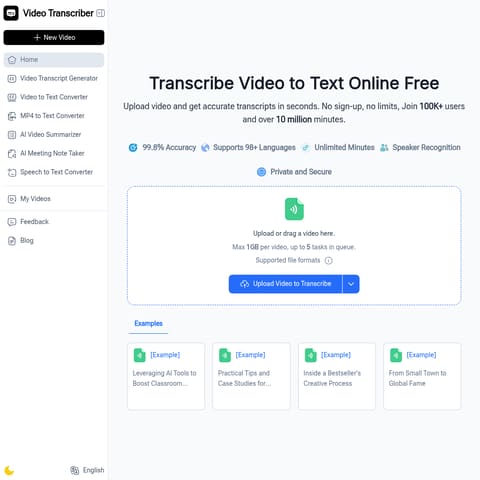
The transcription engine handles multiple input formats including direct audio and video uploads, links, and microphone recordings. Users can select automatic language detection across more than 200 languages and configure speaker separation settings prior to queueing tasks.

Once generated, transcripts display segmented speech with timestamps to help locate specific sections of the source media. The advanced model provides word-level timestamps and enhanced speaker tracking to maintain clarity across multi-speaker or noisy audio recordings.

  • Identifies different speakers automatically and displays designated speaker labels.
  • Provides timestamps across the transcript, including word-level tracking in advanced mode.
  • Generates concise summaries of long recordings alongside the full editable text.

Transcribe Audio to Text Pricing

Human-maintained commercial information

subscriptionfree trial
  • USD 4.99/month

Pricing can change. Confirm the current plan and billing terms on the official site before purchasing.

What to Test Before Choosing Transcribe Audio to Text

Checks to run with your own material and workflow

  • Verify that media files stay within the 3GB maximum file size limit and fit into the five-task queue capacity.
  • Check that the target spoken language is covered within the 200+ supported languages and evaluate auto-detection performance.
  • Confirm whether the advanced transcription model is needed for noisy audio, word-level timestamps, or enhanced speaker tracking.

Transcribe Audio to Text Sources and Last Checked

What was checked and when

Last checked

Transcribe Audio to Text Frequently Asked Questions

Answers based on the source-checked product record

What media formats does the transcription service support?

Supported formats include mp3, mp4, mpeg, mpga, m4a, wav, webm, mov, aiff, opus, flac, avi, mkv, flv, and 3gpp, in addition to direct links and recordings.

What file size and processing limits apply to uploads?

Media files are limited to a maximum of 3GB per video or audio upload, with a processing queue capacity of up to five concurrent tasks.

Does the service identify different speakers in an audio file?

Yes, the tool provides speaker recognition features that automatically differentiate between speakers and assign labels within the transcript.

How does the platform protect file privacy and security?

Files are encrypted both in transit and at rest, processed within isolated environments, and automatically deleted once processing has concluded.

Can generated transcripts be modified and exported?

Transcripts are editable directly within the platform, allowing users to make text corrections, take notes, and share or download the completed output.

Explore other recently added tools in the same category.