SubtitleGenerator favicon

SubtitleGenerator

SubtitleGenerator is a browser-based tool that provides AI-driven transcription, styling, and correction features, supporting video files remain local to the user's device throughout the process.

Translation & TranscriptGenerates AI-based subtitles with…Supports subtitle translationProvides interactive correction toolsOffers high-accuracy transcription modes
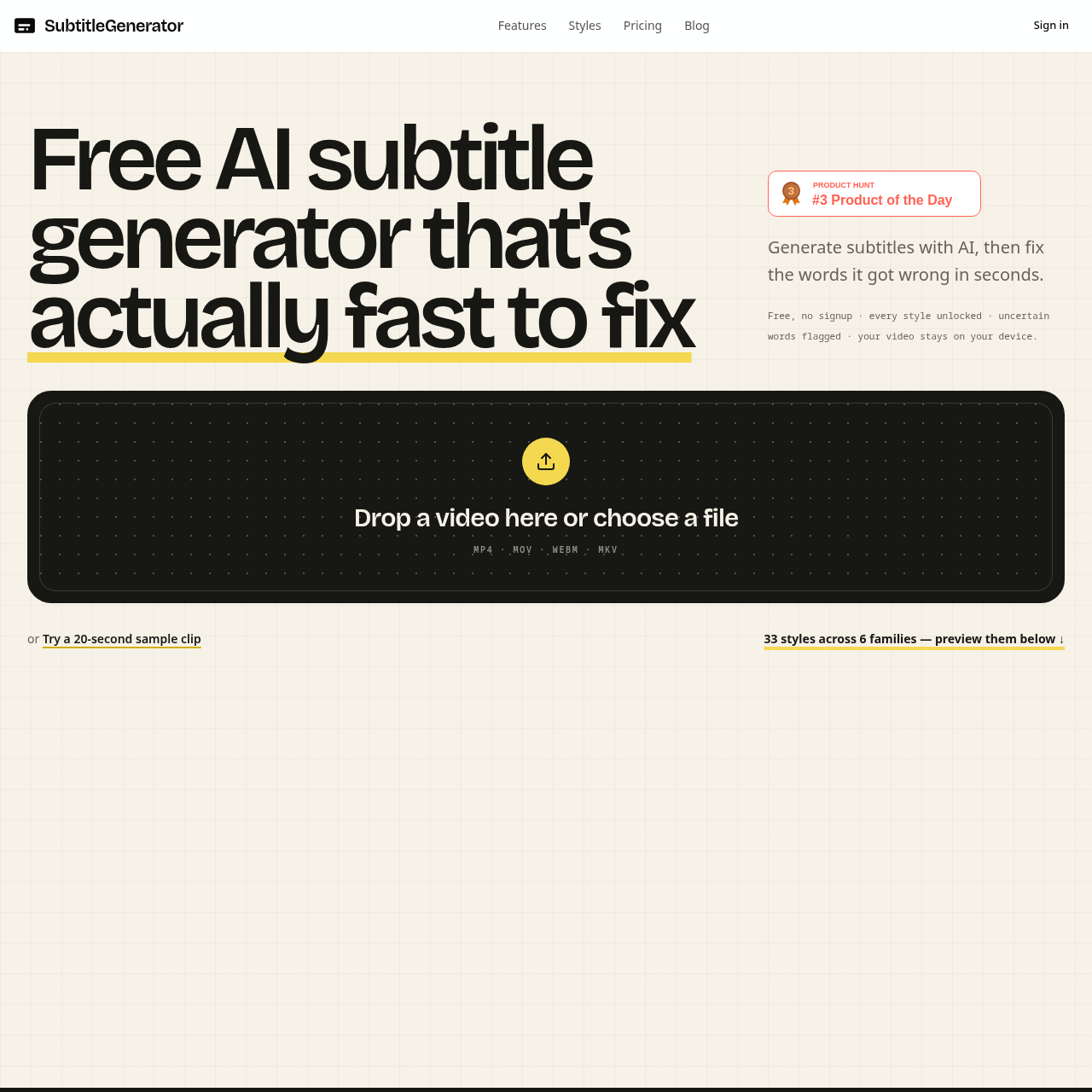
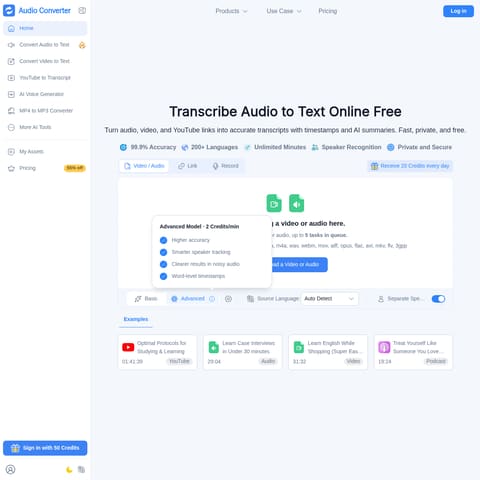
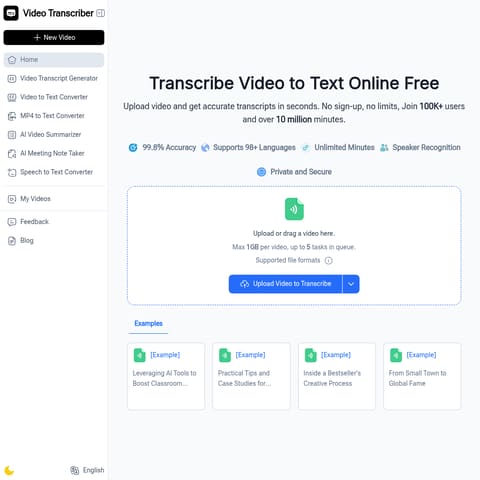
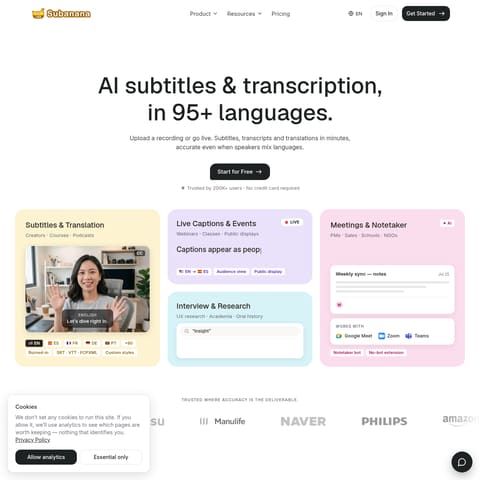
SubtitleGenerator product interface screenshot
Listed on AIToolly

What Is SubtitleGenerator? Product Overview

What the product does and how it is positioned

SubtitleGenerator offers a streamlined workflow for creating, editing, and styling video captions directly in the browser. It focuses on speed and accuracy by automatically flagging uncertain words for user review.

The platform provides a diverse catalog of 33 caption styles and supports various export formats, including burned-in video and standard subtitle files compatible with professional editing software.

What Can You Use SubtitleGenerator For?

Source-supported ways to use the product

Content Creation

Short-form and YouTube creators use the tool to apply visual captions, including 9:16 safe-area layouts and branded styles.

Professional Editing

Editors and agencies utilize the platform to prepare and correct subtitle assets before importing them into professional non-linear editing software like Premiere Pro or DaVinci Resolve.

How to Use SubtitleGenerator

The documented workflow, where available

  1. 1

    File Selection

    Users drop their video file directly into the browser interface to begin the process without requiring an account.

  2. 2

    AI Transcription

    The system transcribes the audio, providing word-level timing and automatically flagging low-confidence words for verification.

  3. 3

    Correction and Styling

    Users review flagged words, perform manual edits if necessary, and select from a library of 33 caption styles to customize the visual output.

  4. 4

    Export

    The final captioned video or subtitle asset is exported directly from the browser, with options for burned-in captions or various industry-standard file formats.

Caption Styling and Customization

The platform features a catalog of 33 distinct caption styles categorized into six families: Clean, Creator, Karaoke, Cinematic, Pop, and Branded. These styles encompass various typography, framing, and motion effects designed to suit different content types.

  • Allows users to preview animations and styles on their own video content before finalizing.

What to Test Before Choosing SubtitleGenerator

Checks to run with your own material and workflow

  • Verify that the video file format is supported (MP4, MOV, WEBM, or MKV) before initiating the upload process.
  • Review the AI-flagged words within the editor to ensure accuracy, as the system highlights low-confidence transcriptions for manual correction.

SubtitleGenerator Sources and Last Checked

What was checked and when

Last checked

SubtitleGenerator Frequently Asked Questions

Answers based on the source-checked product record

Does the tool store my uploaded video files?

No, the source video stays on your device. Only the extracted audio is sent for transcription, and all rendering happens locally within your browser.

Can I edit the subtitles after the AI generates them?

Yes, you can review and edit any cue. The AI automatically flags uncertain words, and you have the option to keep, edit, or re-transcribe specific sections.

What export formats are available?

The tool supports exporting burned-in video as well as eight subtitle formats, including SRT, VTT, ASS, SSA, SBV, SMI, TXT, and JSON for use in other editors.

Is an account required to use the generator?

No, you can start using the subtitle generator immediately without signing up for an account.

Does the platform support subtitle translation?

Yes, full-track subtitle translation is available for users with Pro or Max plans within the same editor interface.

Explore other recently added tools in the same category.