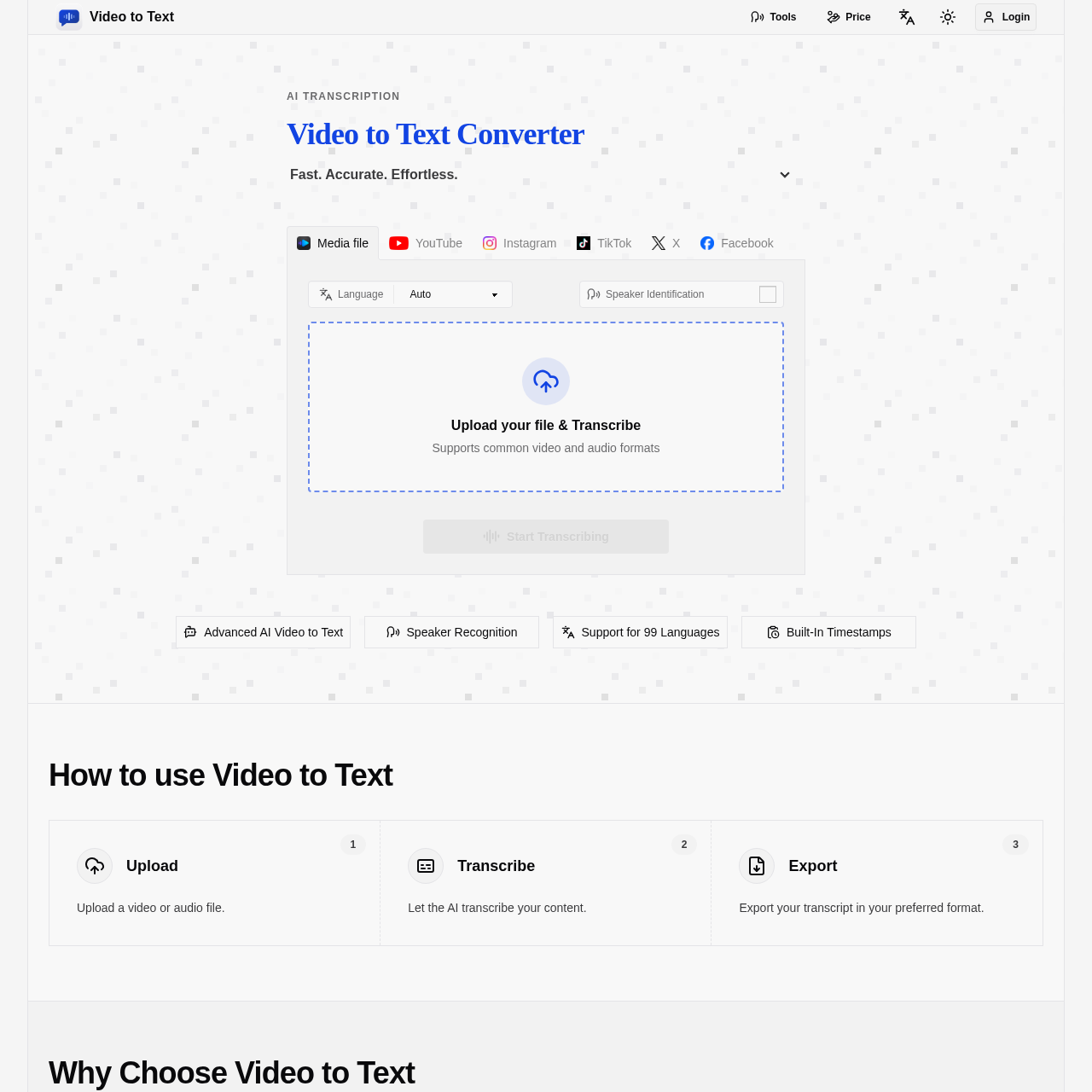
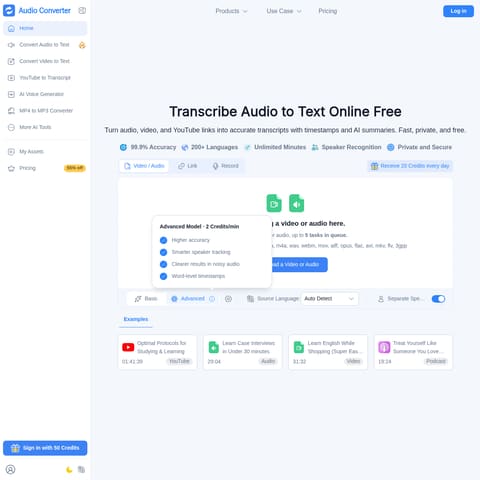
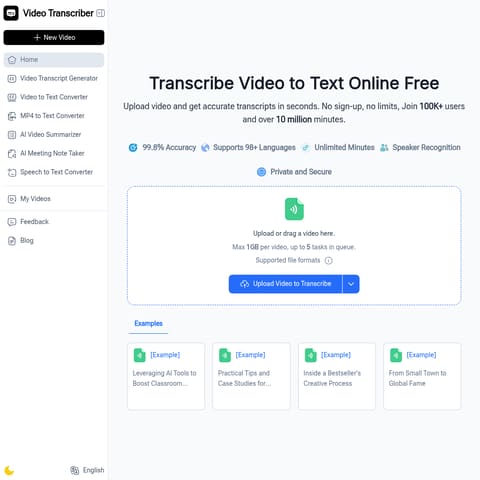
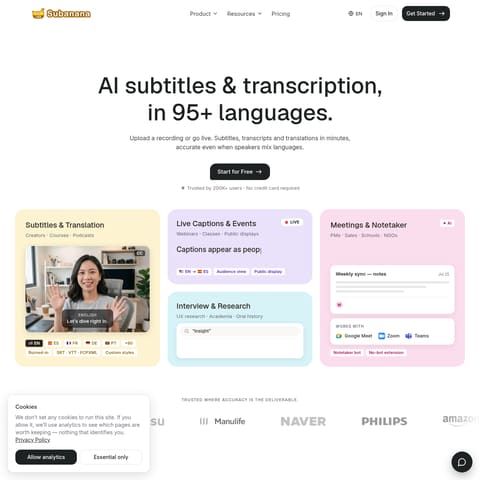
Video to Text is an AI-driven transcription platform that converts audio, video files, and public social media links into timestamped, multi-language text transcripts.
Translation & TranscriptPerforms speaker diarization to…Generates timestamped transcripts suitableSupports direct input of public social…AI-Powered Transcriptionas well as video linksinto cleanexportable text. the product is designed for creatorsteamsand individuals who need fastthe app combines a simple upload flow with automated processingspeaker-aware transcriptionand flexible export options. in addition to uploading files
Estimated monthly visits
6K
Data period:
Listed on AIToolly
What Is Video to Text? Product Overview
What the product does and how it is positioned
video to text is an ai-powered transcription service that converts video and audio files, as well as video links, into clean, exportable text. the product is designed for creators, teams, and individuals who need fast, accurate speech-to-text conversion without setting up their own transcription pipeline.
Video to Text provides a streamlined solution for converting spoken content into written formats. By leveraging AI, the tool generates transcripts from various media files and public video links, offering features such as speaker identification and multi-language support.
The platform is designed to assist users in creating subtitles, searchable notes, and structured data. With support for multiple export formats, it facilitates the repurposing of audio and video content for professional, educational, and personal use cases.
What Can You Use Video to Text For?
Source-supported ways to use the product
Content Creation and Editing
Creators use the tool to generate timestamped transcripts from raw footage, which can be converted into subtitles, blog posts, or social media captions.
Meeting and Lecture Documentation
Users transcribe recorded meetings, webinars, and lectures to produce searchable notes, action items, or study materials with speaker labels.
How to Use Video to Text
The documented workflow, where available
1
Upload
Upload a video or audio file, or provide a link to a public video from supported social media platforms.
2
Transcribe
The AI processes the content to generate a transcript, including speaker identification and timestamps.
3
Export
Download the completed transcript in the preferred format, such as TXT, SRT, VTT, or CSV.
Transcription and Export Capabilities
The platform offers robust transcription features tailored for diverse media types. By supporting 99 languages and automatic language detection, it accommodates global content requirements and mixed-language audio recordings.
Once transcribed, the content can be exported into formats optimized for different needs. SRT and VTT files are provided for subtitle creation, while CSV and TXT formats allow for structured data analysis and simple text editing.
Automatic language detection for 99 supported languages.
Speaker diarization for clear identification of participants.
Export options including TXT, CSV, SRT, and VTT.
Video to Text Pricing
Human-maintained commercial information
creditsfreemium
USD 9.9
Pricing can change. Confirm the current plan and billing terms on the official site before purchasing.
What to Test Before Choosing Video to Text
Checks to run with your own material and workflow
Confirm that the video or audio file format is among the supported types, such as MP4, MOV, MP3, or WAV.
Verify that the source video link is set to public, as the tool requires public access to process social media content.
Answers based on the source-checked product record
What is Video to Text?+
Video to Text is an AI-powered transcription tool designed to convert audio and video files into text, subtitles, and timestamped transcripts.
Which file formats are supported for upload?+
The platform supports common video formats including MP4, MOV, MKV, WEBM, and M4V, as well as audio formats such as MP3, WAV, M4A, FLAC, OGG, AAC, and OPUS.
Can I transcribe videos from social media?+
Yes, the tool allows users to paste public links from YouTube, TikTok, Instagram, X, and Facebook to generate transcripts directly.
Does the tool support multiple speakers?+
Yes, the service includes speaker diarization, which identifies and separates different speakers within a recording.
What export formats are available?+
Transcripts can be exported in TXT for plain text, CSV for spreadsheet analysis, and SRT or VTT for subtitle and captioning purposes.
More Translation & Transcript AI tools
Explore other recently added tools in the same category.