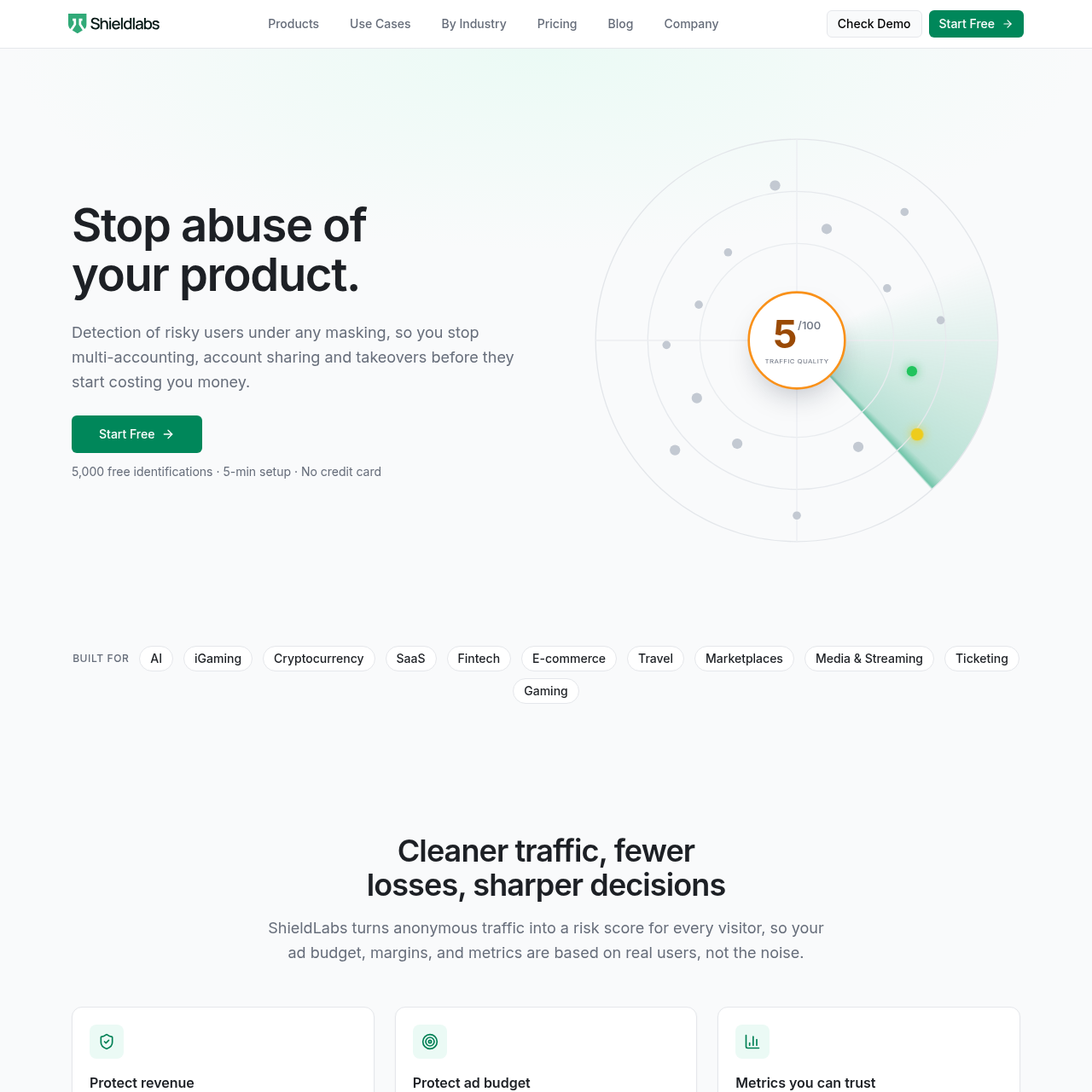
ShieldLabs is a visitor identification and traffic quality scoring platform that analyzes device and network signals to identify multi-accounting, account takeovers, and fraudulent traffic.
ShieldLabs is fraud detection and prevention with traffic quality scoring. It detects users running multiple accounts, account sharing and takeovers under any masking, so you prevent losses from free-trial, bonus, promo and API abuse. More than 100 device and network signals are collected on every visit and cross-checked against each other, which exposes deep masking with 99.9% identification accuracy. Visitors, users, devices and IP addresses are identified and scored, risk signals such as VPN, proxy, Tor and anti-detect browsers are returned by name, and bot and AI agent traffic is detected. It is built for developers and growth teams at SaaS, fintech, ecommerce and gaming companies: install a JavaScript snippet in about five minutes, then use the risk score through the API and webhooks. Self-serve pricing starts with a free plan of 5,000 identifications, paid plans from 99 USD per month.
ShieldLabs inspects visitor traffic by analyzing over 100 device, operating system, browser, and network data points during page load. The system generates a persistent identifier designed to recognize users across cleared cookies, rotated IP addresses, and private browsing sessions.
The service evaluates traffic using explainable risk scoring and preconfigured pattern detection for issues such as account sharing, multi-accounting, and click fraud. Data payloads containing visitor IDs, risk scores, and anonymity attributes are delivered via API and webhooks for programmatic enforcement.
What Can You Use ShieldLabs For?
Source-supported ways to use the product
Traffic Quality and Campaign Verification
Teams evaluate the proportion of invalid, anonymous, or datacenter clicks across acquisition channels and UTM parameters to assess ad traffic quality.
Multi-Accounting and Promo Abuse Prevention
Platforms identify individuals attempting to generate multiple accounts or farm sign-up bonuses and referral credits from the same device using fresh emails or incognito mode.
Account Takeover and Sharing Detection
Services detect unauthorized access attempts involving credential stuffing, proxies, or anti-detect browsers, as well as single subscription accounts distributed across multiple geographic locations.
Returning Trusted Visitor Identification
Organizations recognize legitimate returning visitors on their initial request without imposing repetitive verification steps or unnecessary friction.
How to Use ShieldLabs
The documented workflow, where available
1
Embed JavaScript Snippet
Add the ShieldLabs JavaScript snippet into the web application, framework, or content management system header.
2
Collect Signals and Process Identity
ShieldLabs collects client-side device, OS, browser, and network data points upon page load to generate a persistent visitor identifier and evaluate anonymity signals.
3
Deliver Risk Payload via API and Webhooks
ShieldLabs returns the persistent visitor ID, 0 to 100 risk score, and detailed detection flags to customer servers via API responses or webhooks.
4
Enforce Application Logic
Customer backend code inspects the risk score and signal breakdown to permit, challenge, or restrict the session according to internal security rules.
Explainable Risk Scoring and Network Intelligence
ShieldLabs assesses each visitor interaction by aggregating device characteristics, browser automation markers, and network intelligence into an explainable score from 0 to 100. Rather than functioning as an uninspectable rating, the score includes the precise contributing components, such as detected proxies, timezone mismatches, and anti-detect browsers.
These signals are paired with preconfigured pattern detection running over historical traffic records. The pattern engine evaluates accounts and devices against common abuse models, including ban evasion and account farms, categorizing identified issues by severity.
Provides itemized scoring adjustments tied directly to identified risk indicators.
Surfaces anonymity signals such as Tor, datacenter IPs, privacy relays, and OS tampering.
Rates correlated multi-session patterns as either Suspicious or Dangerous.
ShieldLabs Pricing
Human-maintained commercial information
subscriptionfreemium
USD 99/month
Pricing can change. Confirm the current plan and billing terms on the official site before purchasing.
What to Test Before Choosing ShieldLabs
Checks to run with your own material and workflow
Confirm that the JavaScript snippet can be embedded across target web environments, CMS platforms, or frontend frameworks.
Verify how the application backend receives and processes the visitor ID, risk score, and detection flags via API or webhooks.
Check that internal business logic is prepared to handle and act upon granular 0 to 100 risk scores rather than relying on automatic edge blocking.
Review the list of supported anonymity signals to ensure coverage for required threats like anti-detect browsers, VPNs, and proxies.
Answers based on the source-checked product record
What is ShieldLabs?+
ShieldLabs is a fraud detection and traffic quality assessment platform that identifies visitors, detects anonymity techniques, and assigns risk scores to traffic.
How does ShieldLabs identify visitors?+
ShieldLabs gathers more than 100 device, operating system, browser, IP, and network data points on the initial page load to generate a persistent visitor identifier across sessions and incognito modes.
What types of anonymity and abuse signals can ShieldLabs detect?+
It detects signals including VPNs, proxies, Tor, privacy relays, datacenter IPs, IP mismatches, anti-detect browsers, operating system tampering, browser automation, and geolocation spoofing.
Does ShieldLabs automatically block fraudulent visitors?+
No, ShieldLabs does not enforce blocks directly. It supplies risk scores, anonymity signals, and identifiers through its API and webhooks, allowing customer applications to apply custom business rules.
How is ShieldLabs integrated into a web application?+
ShieldLabs is installed via a client-side JavaScript snippet and integrates with web frameworks, content management systems, and backend services through REST APIs and webhooks.
More Code & IT AI tools
Explore other recently added tools in the same category.