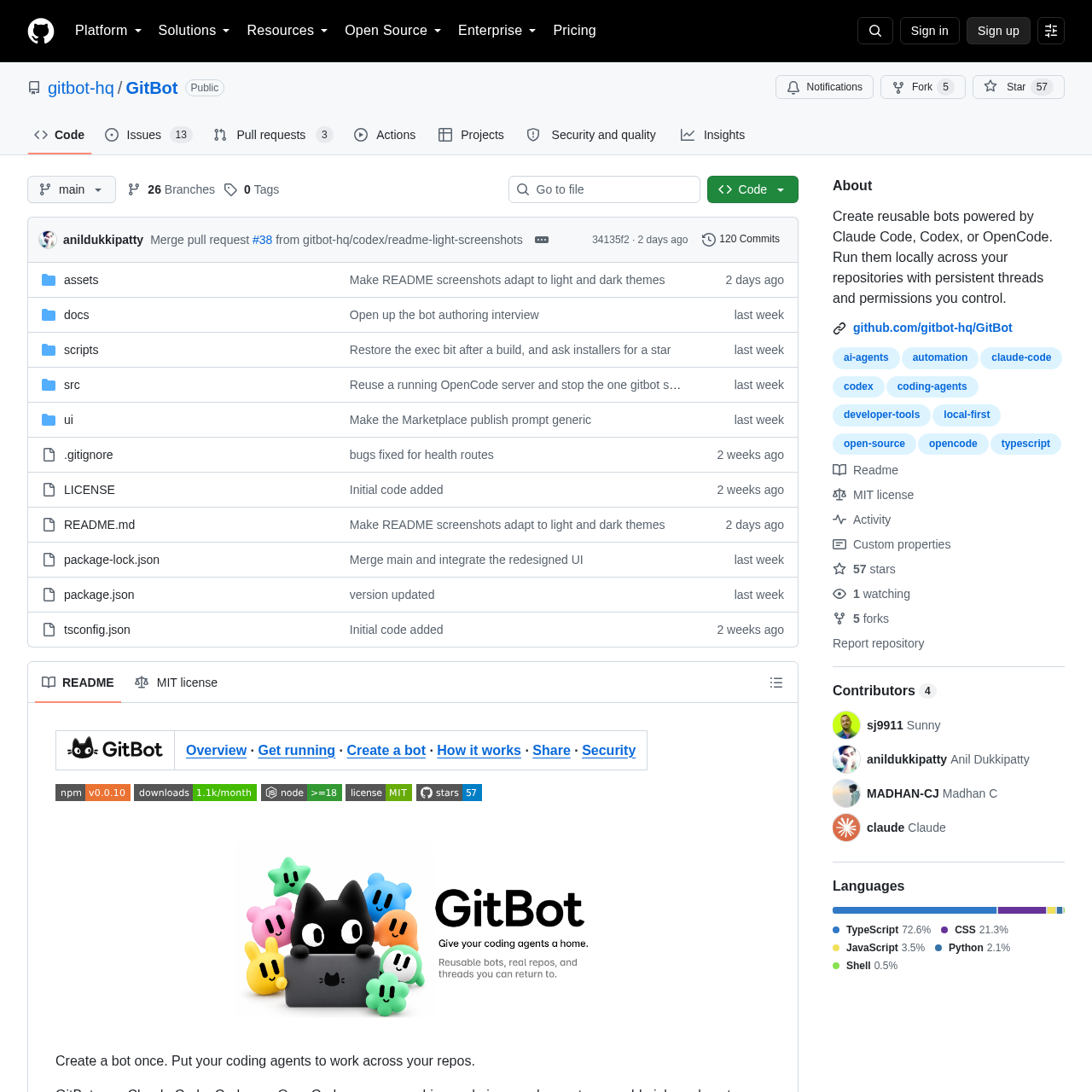
GitBot
GitBot is an open-source local server and web interface that runs Claude Code, Codex, and OpenCode agents with persistent threads and permission boundaries.
What the product does and how it is positioned
GitBot acts as a local bridge between a web browser workspace and command-line coding agents installed on the user's computer. It coordinates Claude Code, Codex, and OpenCode without requiring an external GitBot platform account, authenticating instead through the credentials of each installed CLI.
Users configure bots with reusable instructions, optional preparation routines, and repository-specific conversation threads. Depending on the underlying agent engine, GitBot either surfaces real-time tool approval prompts or confines the agent within designated directory sandbox modes.
Source-supported ways to use the product
Developers direct an agent to continuously audit a repository for mismatches between code and documentation, reviewing proposed file edits before execution.
Engineers run dedicated bots across different local folders to carry out isolated programming tasks while maintaining separated conversation threads.
The documented workflow, where available
Install Node.js 18 or higher, authenticate the preferred coding agent CLIs, install the GitBot package globally, and start the server using the gitbot start command.
Open the web interface, name the bot, define standing instructions, select the underlying agent, and set the default permission mode.
Select a local repository directory, send task instructions in a new thread, and monitor live responses while approving or denying tool requests.
GitBot handles permissions and safety constraints differently depending on the architecture of the underlying agent. For Claude Code and OpenCode, the platform provides an interactive approval system that displays approval cards whenever a tool requires explicit user permission. These two agents also support explicit allowed and disallowed tool lists to constrain the actions the agent may invoke.
Because Codex does not offer a per-action approval channel, GitBot instead enforces safety by selecting broader operational sandboxes, such as read-only planning modes or directory-restricted editing. Permission modes can be updated directly from the thread chat bar, applying to current pending approvals for Claude Code and OpenCode, or taking effect on the subsequent message for Codex.
Checks to run with your own material and workflow
What was checked and when
Answers based on the source-checked product record
GitBot does not require creating a GitBot account or central registration. It runs locally and relies on the user's existing command-line logins for Claude Code, Codex, or OpenCode.
All bot profiles and thread records are stored locally on the host machine under the ~/.gitbot directory by default, without using a hosted database or collecting telemetry.
Yes, GitBot operates as a background local server process. Users can close the browser tab during an execution turn and reopen the thread later to inspect the output.
GitBot includes no built-in authentication mechanism. Anyone with network access to its port can execute agents using the host machine's user permissions, making trusted network operation essential.
Using the share with code feature exports the bot's configuration and instruction prompts without including local repository files or conversation chat history.