Perplexity Hybrid Compute  favicon

Perplexity Hybrid Compute

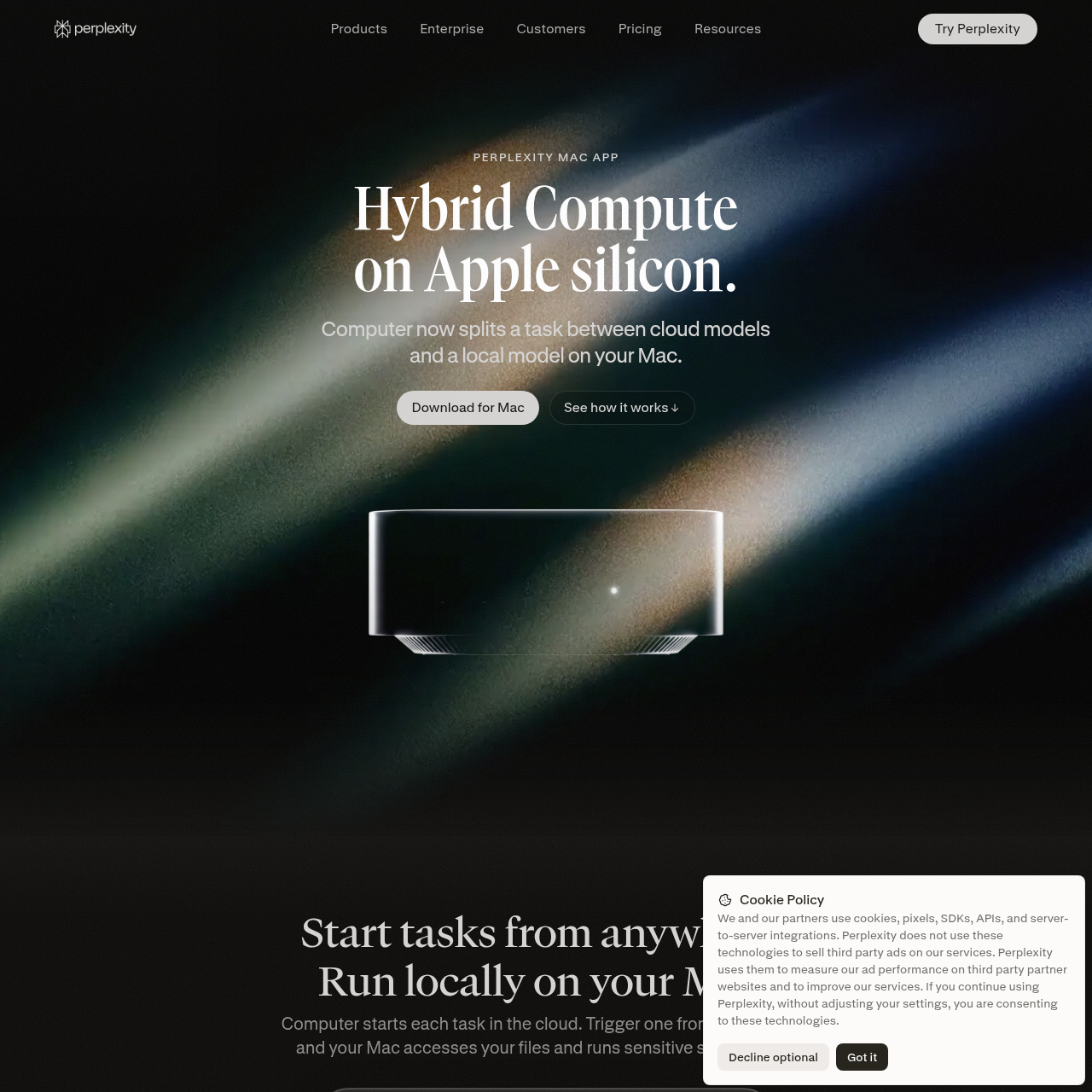
Perplexity Hybrid Compute splits tasks between cloud AI models and on-device models running on Apple silicon Macs.

ProductivityExecutes local file analysis and…Conducts web and market research using…Replaces personal identifiable…Integrates with local Mac applications,…
Perplexity Hybrid Compute  product interface screenshot
Estimated monthly visits
115.8M
Data period:
Listed on AIToolly

What Is Perplexity Hybrid Compute ? Product Overview

What the product does and how it is positioned

Perplexity Hybrid Compute enables the Perplexity Mac app to divide complex tasks across cloud and local compute resources. Cloud models conduct broad research and intensive reasoning, while an on-device model reads private files and runs sensitive steps locally on the user's Mac.

The system incorporates an on-device Privacy Gate classifier that detects sensitive information prior to outbound network calls. Personal data such as names, phone numbers, and addresses are substituted with placeholders for cloud processing and restored on the local machine upon completion.

What Can You Use Perplexity Hybrid Compute For?

Source-supported ways to use the product

Confidential Deal Benchmarking

Rebuilding internal financial projection models locally on a Mac while cloud models research comparable market transactions and return multiples.

Remote Task Initiation

Triggering analysis tasks remotely from an iPhone while routing confidential file reading and deck updates to an Apple silicon Mac.

How to Use Perplexity Hybrid Compute

The documented workflow, where available

  1. 1

    Install Perplexity for Mac

    Download and launch the latest Perplexity Mac application on an Apple silicon device.

  2. 2

    Download the Local Model

    Select and download a local model such as Gemma 4 E4B, Qwen3.6 35B-A3B, or a Perplexity model in one click without manual runtime configuration.

  3. 3

    Choose Hybrid Mode

    Open the model selector, choose Hybrid mode, and configure the desired local and cloud model pair for the task.

Privacy Gate and Data Redaction Architecture

Hybrid Compute employs an open-source on-device PII classifier created with Perplexity's Secure Intelligence Institute. The classifier analyzes files and prompts locally on the Mac before external transmission takes place.

When personal data is detected, the Privacy Gate presents an option to process the document entirely on the local machine or upload it as is. If cloud processing proceeds, detected identifiers are swapped with stand-ins and later restored to the final output on the local device.

  • On-device classifier identifies names, phone numbers, email addresses, and account numbers
  • Stand-in values shield sensitive data during cloud-based reasoning and benchmarking
  • Original values are restored inside local application files upon task completion

What to Test Before Choosing Perplexity Hybrid Compute

Checks to run with your own material and workflow

  • Confirm that the target Mac has Apple silicon, macOS 15 or higher, and at least 24 GB of unified memory.
  • Verify that the chosen local model can be downloaded directly inside the application without external runtimes or API keys.
  • Check how the Privacy Gate prompts for personal data handling when scanning confidential PDFs and local folders.

Perplexity Hybrid Compute Sources and Last Checked

What was checked and when

Last checked
Category
Productivity

Perplexity Hybrid Compute Frequently Asked Questions

Answers based on the source-checked product record

What hardware is required to run Perplexity Hybrid Compute?

Hybrid Compute requires an Apple silicon Mac running macOS 15 or later with a minimum of 24 GB unified memory, while 32 GB is recommended for best results.

Which local models can be used on the Mac?

Users can download Gemma 4 E4B, Qwen3.6 35B-A3B, or a Perplexity model with a single click, requiring no Ollama installation or manual runtime setup.

How does Hybrid Compute protect sensitive personal data?

An on-device PII classifier scans data before it leaves the Mac, replacing names, addresses, and account numbers with placeholders that are restored when cloud results return.

Can tasks be initiated from mobile devices?

Yes, tasks can be initiated from connected devices such as an iPhone, after which the Mac runs the protected and local file-processing steps.

Do tasks processed by the local model require an API key or runtime setup?

No, local model setup is handled in one click within the app without requiring an API key, Ollama, or manual runtime configuration.

Explore other recently added tools in the same category.