Image Inverter
Free Online Image Inverter: Instant Color Inversion for JPG, PNG, and WebP Photos
Transform your photos instantly with our professional-grade Image Inverter. This free online tool allows you to invert colors, create photo negatives, and convert black to white with zero quality loss. Supporting JPG, PNG, and WebP formats up to 10MB, our Image Inverter works entirely in your browser to ensure 100% privacy and security. Whether you are a photographer checking exposure, a designer creating dark mode assets, or a scientist revealing hidden patterns, our tool delivers instant results without signups or watermarks. Experience high-speed processing and unlimited free use today.
2026-02-28
6.0K
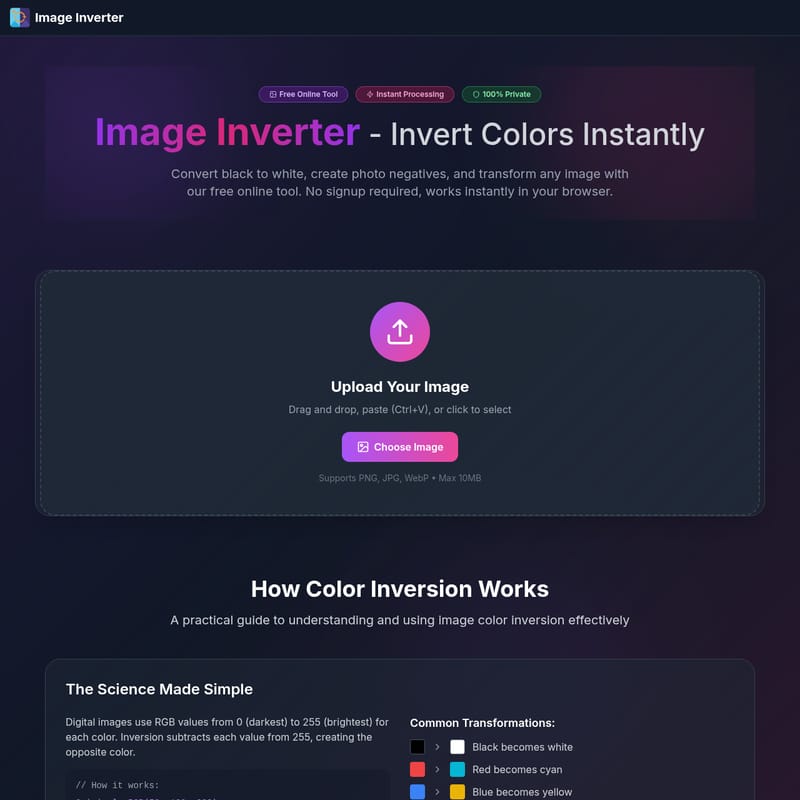
Image Inverter Product Information
Image Inverter: The Ultimate Free Tool to Invert Colors Instantly
In the world of digital design and photography, the ability to invert image colors is a fundamental requirement. Whether you need to create a photo negative, convert black to white, or generate unique artistic effects, our Image Inverter provides a seamless, professional solution. This free online tool is designed for instant processing, ensuring that you can transform your visuals without any technical hurdles.
What's Image Inverter?
An Image Inverter is a specialized digital tool that flips the color values of a photo to their exact opposites. By using our Image Inverter, you can transform a standard digital image into its negative counterpart. This process involves a simple but effective scientific formula: since digital images use RGB values ranging from 0 (darkest) to 255 (brightest), the Image Inverter subtracts each original value from 255.
For example, an original color with RGB(50, 100, 200) becomes RGB(205, 155, 55) after using the Image Inverter. This means black becomes white, red becomes cyan, and blue becomes yellow. Our Image Inverter is 100% private, processing all data locally in your browser so your images never leave your device.
Key Features of Our Image Inverter
- Instant Color Inversion: Experience zero waiting times. Our Image Inverter transforms colors in milliseconds.
- High-Quality Output: We ensure 100% quality preservation. When you invert image files here, there is no compression or loss in resolution.
- Multiple Format Support: The Image Inverter works perfectly with PNG, JPG, and WebP formats (up to 10MB).
- Browser-Based Privacy: Security is our priority. As a client-side Image Inverter, your files are never uploaded to a server.
- No Signup Required: Start using the Image Inverter immediately without the hassle of creating an account.
- Unlimited Use: You can invert image after image for free, with no daily limits or hidden credits.
How to Use the Image Inverter
Using our Image Inverter is straightforward and requires no previous editing experience. Follow these four simple steps:
- Select Image: Click the upload area, drag and drop your file, or simply paste an image from your clipboard (Ctrl+V) into the Image Inverter.
- Auto Process: The Image Inverter will automatically flip the colors the moment the file is detected.
- Compare Results: View the original and the inverted version side-by-side to ensure the output meets your creative or technical needs.
- Download: Save your new file in its original quality and format, ready for immediate professional or personal use.
Real-World Use Cases for Image Inversion
Design & Branding
Designers frequently use the Image Inverter to create dark mode variants of logos and UI icons. Instead of manually recoloring assets, you can invert image colors to generate high-contrast monochrome versions in seconds.
Photography & Exposure Analysis
Professional photographers use the Image Inverter as an exposure analysis tool. If an inverted photo appears too bright, the original was likely underexposed. This quick check helps in assessing image balance without complex histograms.
Medical & Scientific Research
Inversion is a powerful tool for revealing hidden patterns. Researchers use an Image Inverter to enhance details in X-rays, satellite imagery, and microscopy that might be invisible to the naked eye in their original state.
Creative & Digital Arts
Transform ordinary photos into striking pieces of digital art. The Image Inverter is perfect for social media creators looking to stand out with unique, high-contrast visual effects.
Print & Publishing
Use the Image Inverter for negative proofing. Preview how your digital photos will appear as film negatives before committing to alternative printing processes.
Professional Tips for Best Results
Check Readability: After using the Image Inverter for UI elements, always verify that the contrast ratios meet accessibility standards.
Assess Exposure: Use the inversion technique to spot overexposed areas; these will appear as dark spots in the inverted result.
Generate Palettes: Designers can invert image color palettes to instantly find complementary schemes for new projects.
FAQ: Frequently Asked Questions
What file types work best with the Image Inverter?
Our tool is optimized for PNG, JPG, and WebP. For those who need to invert image files with transparency, PNG is highly recommended as the Image Inverter preserves transparent layers.
Can I invert the same image multiple times?
Yes. If you run an inverted image through the Image Inverter again, it will return to its original color state.
Is batch processing available?
Currently, the tool is optimized for instant, one-by-one processing to ensure the highest speed and 100% quality for every invert image action.
Why do some images look better after using the Image Inverter?
High-contrast images often yield more striking results. Colors that are complementary look naturally balanced when flipped, which is why the Image Inverter is so popular for artistic filters.
Is the Image Inverter safe to use for private documents?
Absolutely. Because the Image Inverter processes everything in your browser, your files are never stored or seen by anyone else. It is 100% private.