Plimo
Plimo provides a centralized interface for AI image and video generation, offering access to models from providers like Google, OpenAI, ByteDance, and Kuaishou alongside pre-configured templates.
What the product does and how it is positioned
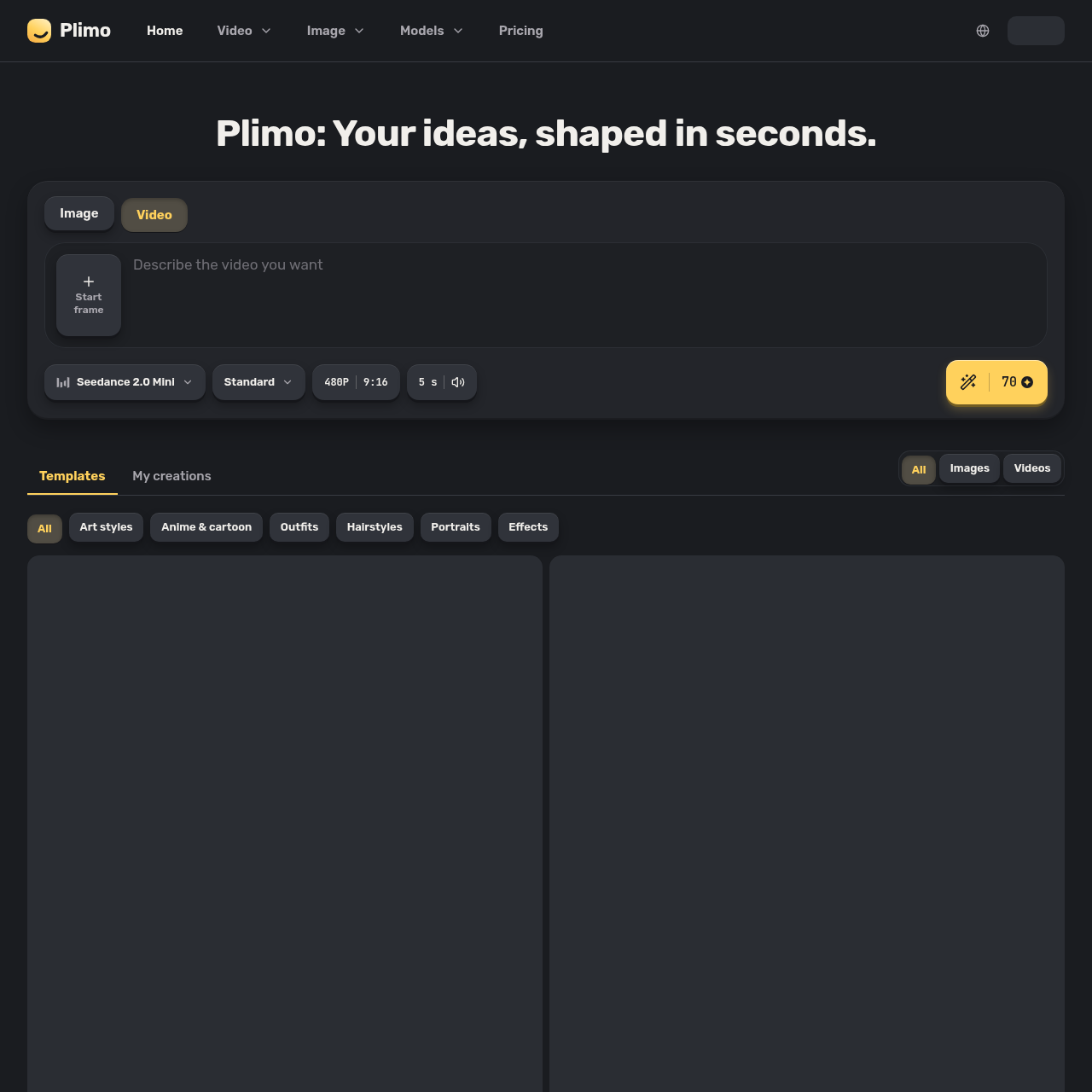
Plimo is an all-in-one home for the newest AI image and video models, made for everyday people rather than prompt experts: anyone who wants something to post for their followers, a surprise for a friend, or just something fun to play with. We bring the best models together and do the hard part for you: clear choices, sensible defaults, and a growing library of templates built around what's trending on social media right now. Pick a template, add your photo, and get a result in one click. Templates cover things like an old family photo that smiles and waves, a hug with a friend who lives far away, a haircut you can see on your own head before you book it, a dancing pet, or a clean product photo for a small shop. If you'd rather write your own prompt, the generator puts image and video models from Google, OpenAI, ByteDance, Kuaishou and others side by side, grouped by company, with the settings each one supports. What makes it different: you see the credit cost on the Generate button before you start, and a failed generation gives every credit back. New accounts get 100 free credits once, with no credit card. Members get more credits each month, results without a watermark and commercial use, with plans from $15 a month or half that billed yearly. Plimo is available in 14 languages.
Plimo is a creative media generator that integrates multiple third-party image and video artificial intelligence models into a single catalog. The interface allows individuals to create still images, illustrations, and short animated video clips from text prompts, source photos, or reference materials.
In addition to direct prompt inputs across various model families, the platform features a template library covering popular categories such as hairstyle modification, virtual outfit fitting, animated portrait movement, and photo editing.

Source-supported ways to use the product
The company presents this as a use case: users upload archival family photographs to the Image to Video tool with short movement prompts to generate subtle facial expressions and gestures.
The company presents this as a use case: individuals upload portrait photos to the AI Hairstyle Changer to evaluate potential haircuts and colors prior to salon appointments.
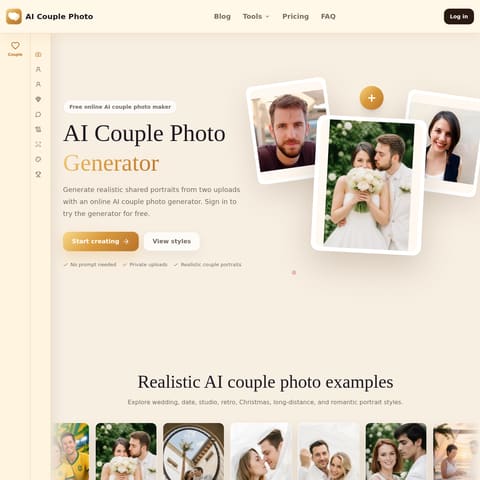
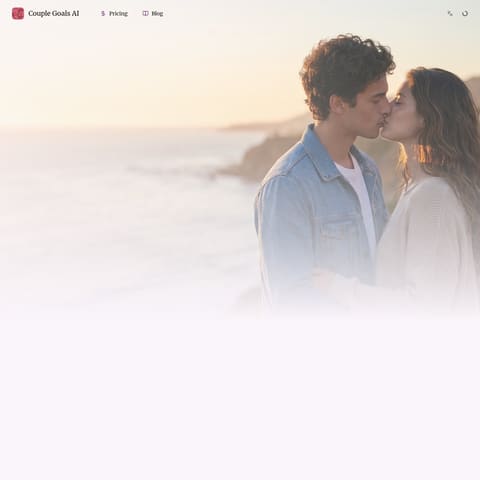
The company presents this as a use case: users combine separate reference photos of individuals to generate unified scenes such as two friends embracing in a park.
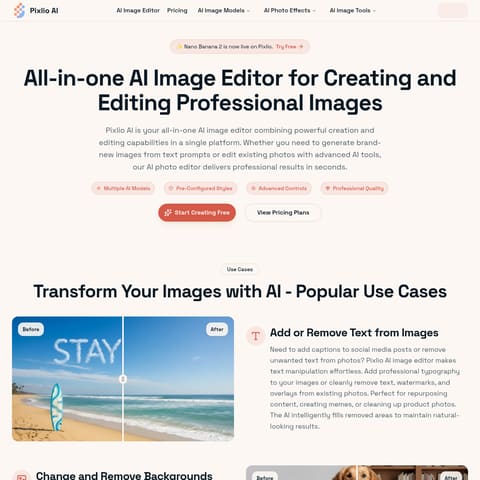
The company presents this as a use case: creators select text-capable models within the AI Image Generator to render party invitations and posters containing legible lettering.
The documented workflow, where available
Toggle the primary generator controls to choose between generating still pictures or animated clips.
Enter a custom written prompt or select a pre-configured template from the catalog, uploading source photos when prompted.
Select an AI model from the available provider options and adjust generation parameters such as resolution and duration.
Execute the generation process to create the asset, which is saved and viewable in the creations gallery below the generator.
Plimo structures its media generation platform around a consolidated interface that houses diverse foundation models. Users can choose among specialized image engines such as GPT Image, FLUX, Nano Banana, Seedream, and Qwen Image, alongside video engines including Kling, Veo, Seedance, Hailuo AI, Grok Imagine, Wan, Vidu, SkyReels, and HappyHorse.
Each integrated engine addresses distinct operational requirements, ranging from text legibility and multi-image object merging to long-duration motion synthesis and automatic soundtrack generation.
Human-maintained commercial information
Pricing can change. Confirm the current plan and billing terms on the official site before purchasing.
Checks to run with your own material and workflow
What was checked and when
Answers based on the source-checked product record
An account is required to upload photos and generate content, although text prompts can be entered prior to signing in. Sign-in is available through Google or an emailed code.
Content generated without a membership includes a small watermark positioned in the bottom-right corner, while membership accounts receive clean results.
Creations are stored for seven days for accounts without a membership, whereas members retain their generated assets for longer periods.
Writing prompts is optional. Users can select pre-made templates that configure prompts and parameters automatically, or write custom text prompts.
Plimo does not train artificial intelligence models on uploaded files or generated results, although third-party model providers follow their own terms.