Human Behavior favicon

Human Behavior

Human Behavior is an automated product monitoring platform that combines DOM-level session replays with AI agents to detect and report software issues.

Code & ITSynchronize technical logs with visual…Automatically group similar exceptions…Deploy unattended agents to analyze…Provide source-mapped stack traces
Human Behavior product interface screenshot
Listed on AIToolly

What Is Human Behavior? Product Overview

What the product does and how it is positioned

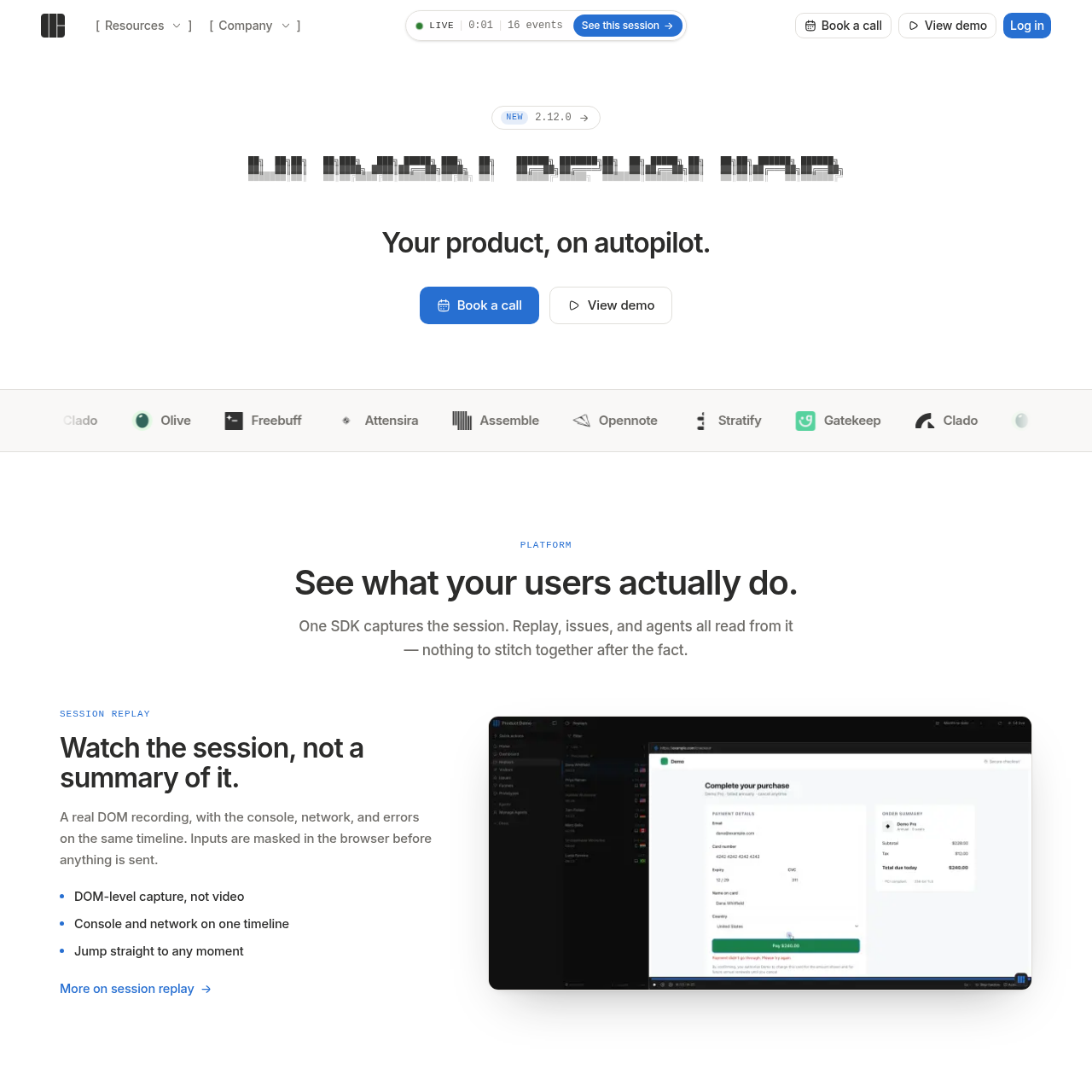
Human Behavior provides a unified platform for session replay and issue tracking using a single SDK. It records user interactions at the DOM level, so that technical data like console logs and network requests are perfectly synchronized with the visual replay.

The platform features autonomous agents designed to monitor user sessions without manual supervision. These agents analyze recordings and technical breadcrumbs to identify pain points, subsequently filing issues and notifying teams through integrated communication channels.

What Can You Use Human Behavior For?

Source-supported ways to use the product

Automated Bug Detection

Agents monitor sessions to catch bugs and send notifications to communication channels before users report them.

Feature Usage Analysis

The platform generates daily summary emails that highlight which features were used and which bugs appeared during sessions.

How to Use Human Behavior

The documented workflow, where available

  1. 1

    SDK Integration

    Install the single SDK into the web application to begin capturing session and technical data.

  2. 2

    Data Capture

    The system automatically records DOM changes, network requests, and console logs while masking sensitive inputs.

  3. 3

    Agent Tasking

    Define monitoring jobs for AI agents to perform scheduled, unattended reviews of user sessions.

  4. 4

    Issue Review

    Analyze grouped exceptions alongside their corresponding session replays and source-mapped stack traces.

  5. 5

    Automated Reporting

    Receive findings via integrated tools or daily summary emails highlighting usage and errors.

Autonomous Monitoring with AI Agents

Human Behavior utilizes AI agents to bridge the gap between data capture and actionable insights. These agents are designed to perform the labor-intensive task of watching session replays and analyzing technical logs. By running on a schedule, they can identify issues that might otherwise go unnoticed by human developers.

When an agent identifies a problem, it does not simply flag it; it cites the specific moment in the recording and provides the relevant technical context. This information is then pushed directly to the team's existing workflow tools, such as Slack, rather than requiring constant monitoring of a central dashboard.

  • Unattended operation allows for continuous session analysis.
  • Agents read stack traces and breadcrumbs to provide context for every finding.
  • Findings are delivered to external communication platforms for immediate visibility.

What to Test Before Choosing Human Behavior

Checks to run with your own material and workflow

  • Verify that the SDK correctly captures DOM-level data instead of standard video recordings.
  • Check that input masking is functioning as intended within the browser before data transmission.
  • Confirm that exceptions are being grouped correctly based on their fingerprints.
  • Review the accuracy of the daily summary emails in reflecting feature usage and bug reports.

Human Behavior Sources and Last Checked

What was checked and when

Last checked
Category
Code & IT

Human Behavior Frequently Asked Questions

Answers based on the source-checked product record

How does the session replay technology work?

It uses DOM-level capture to record actual page elements and changes, synchronizing them with console and network logs on one timeline.

Is user data protected during recording?

Yes, sensitive inputs are masked directly in the browser before any data is sent to the platform's servers.

What information is included in an issue report?

Reports include fingerprinted exception groups, breadcrumbs, source-mapped stack traces, and a link to the specific session replay.

What is the role of the AI agents?

Agents autonomously review sessions and recordings to find issues, then file reports and notify the team through external tools like Slack.

What does the daily summary email contain?

The daily summary email provides an overview of which features were used and which bugs appeared during the monitored sessions.

Explore other recently added tools in the same category.