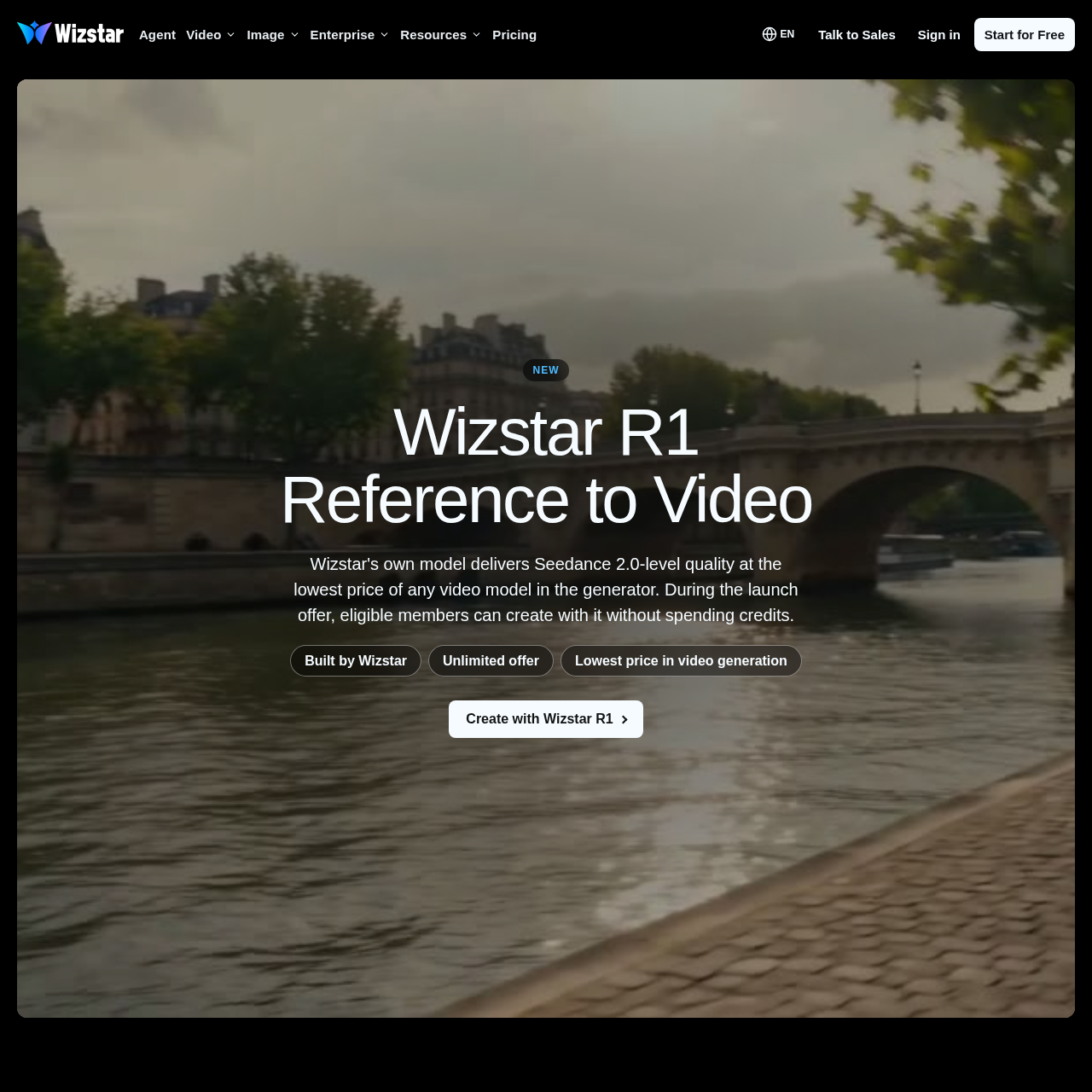
Wizstar R1 turns reference images and a text prompt into short 720p videos, with native audio and a choice of vertical or horizontal framing.
VideoUse separate images to reference a…Generate one to four videos per…Multiple image referencesText direction
Estimated monthly visits
158K
Data period:
Listed on AIToolly
What Is Wizstar R1? Product Overview
What the product does and how it is positioned
Wizstar developed R1 as a reference-to-video model for its AI video generator. Reference images guide what appears in the shot, while the text prompt describes what happens and how the camera frames it.
The generator defaults to one 15-second vertical clip. It offers horizontal framing, durations as short as five seconds, and up to four clips per generation.
What Can You Use Wizstar R1 For?
Source-supported ways to use the product
Product showcases
Product photos can serve as references for showcase, lifestyle, or presenter clips. Product details are worth reviewing in each take.
Animated character shots
Reference images can guide the look of a stylized character or 3D scene while a prompt describes the character's movement and camera direction.
Single-shot social shorts
A short vertical clip can depict a single story beat or a playful scene with an animal character.
How to Use Wizstar R1
The documented workflow, where available
1
Add reference images
The user uploads one to nine JPEG, PNG, or WEBP images of the subject, scene, or style.
2
Describe the shot
The user writes a text prompt that specifies the action and can identify which image represents each subject or part of the scene.
3
Generate and review
The user generates the clip and reviews the result for details such as product appearance, physical motion, and character consistency.
How references and prompts work together
Several images can guide different parts of one shot. A character image can establish the subject's appearance, a product photo can show the item, and a location image can guide the setting. The prompt can identify each reference and describe how the shot unfolds.
Wizstar recommends placing essential details early in the prompt because very long prompts may be followed only in part.
For complex stories, Wizstar recommends generating several short shots individually.
What to Test Before Choosing Wizstar R1
Checks to run with your own material and workflow
Confirm that 720p resolution and either 9:16 or 16:9 framing fit the intended publishing format.
Verify that the reference images are in JPEG, PNG, or WEBP format and that each shot needs no more than nine images.
Review generated samples for product details and physical motion if the intended shots involve actions such as pouring or unboxing.