Photo to Video AI favicon

Photo to Video AI

Photo to Video AI converts still photos into animated short videos using multiple third-party generation models with customizable aspect ratios and motion prompts.

VideoAnimating static image uploads into…Adjusting model-specific durations,…Selecting between public and private…Multi-Model IntegrationAI image to videophoto to video AIimage animationAI video generatoranimate photos onlineproduct photo to videoportrait animationtext-guided video
Photo to Video AI product interface screenshot
Listed on AIToolly

What Is Photo to Video AI? Product Overview

What the product does and how it is positioned

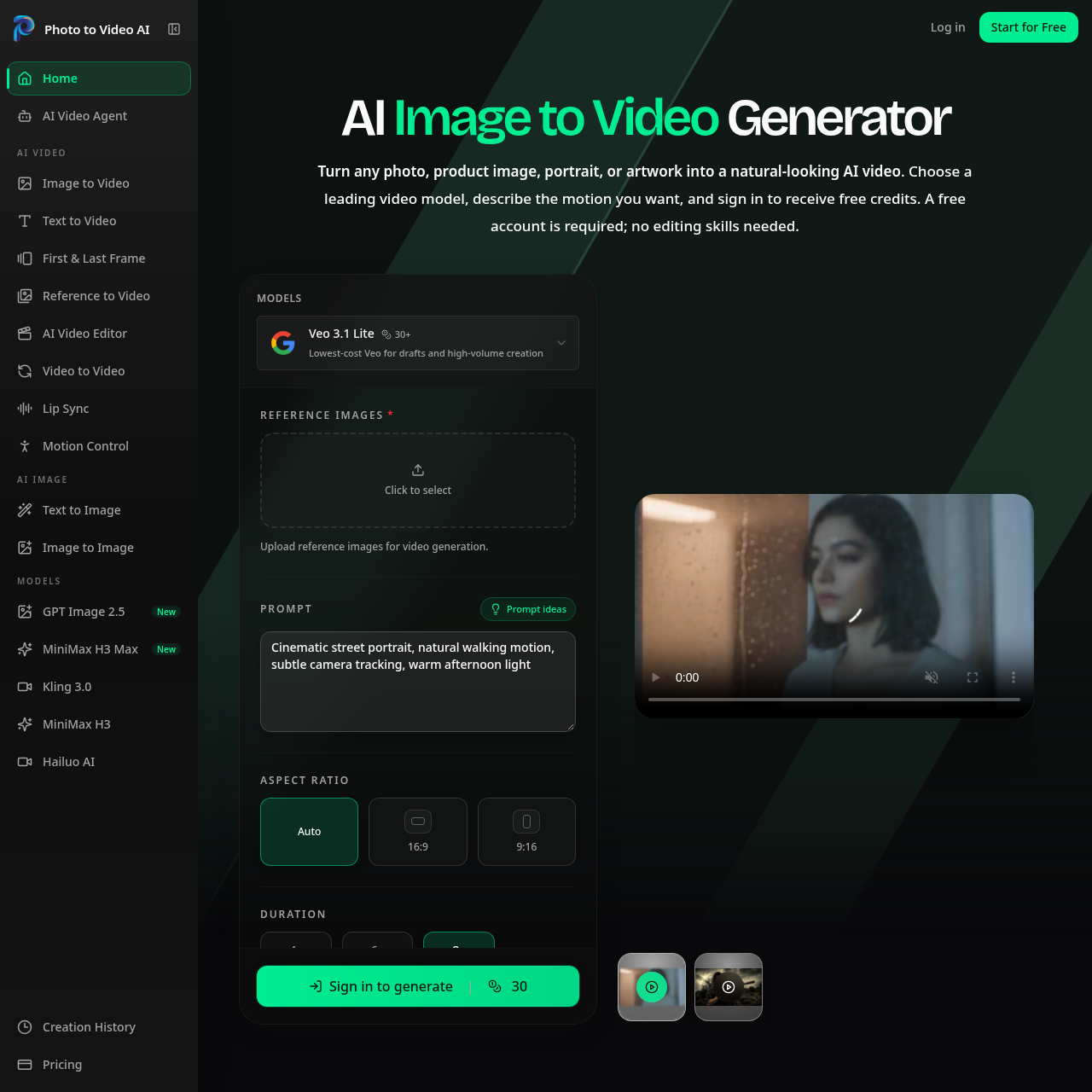
Photo to Video AI is an online generation application designed to animate static imagery into video clips. The system uses the uploaded image as a visual anchor to maintain facial, product, and compositional integrity while adding motion.

Users can direct the output through optional text descriptions covering subject movement, camera angles, and atmospheric tone. The platform integrates a selection of models from providers such as Google, Kling AI, ByteDance, and Alibaba, supporting aspect ratios for multiple digital channels.

What Can You Use Photo to Video AI For?

Source-supported ways to use the product

E-Commerce Product Visuals

Animating still catalog photography into dynamic video assets such as rotations, zoom-ins, or ambient motion for product listings and advertisements.

Social Media Content Creation

Generating vertical 9:16 video clips from existing image libraries for publishing on TikTok, Instagram Reels, and YouTube Shorts.

Portrait and Avatar Animation

Adding gentle facial movements, head shifts, and lighting adjustments to personal portraits or selfies for profile media.

How to Use Photo to Video AI

The documented workflow, where available

  1. 1

    Upload Image

    Upload an image in JPG, PNG, or WEBP format to serve as the visual anchor for generation.

  2. 2

    Define Motion

    Enter an optional text prompt describing subject or camera movement, or allow the selected model to infer motion automatically.

  3. 3

    Configure and Export

    Select model-supported parameters such as aspect ratio, duration, and resolution, then generate and download the resulting MP4 video.

Model Selection and Motion Controls

The platform aggregates several external image-to-video generation engines, including Google Veo 3.1, Kling AI, ByteDance Seedance, and Alibaba Wan 2.6. Switching models enables users to select differing motion aesthetics, generation speeds, and supported output parameters.

Motion behavior can be guided through descriptive text inputs that specify subject activity, camera angles, and ambient conditions. Alternatively, omitting the prompt delegates motion inference directly to the selected neural network based on the source image composition.

  • Supports aspect ratio configurations including 16:9 and 9:16.
  • Preserves visual elements such as lighting, color, and subject contours from the input image.
  • Allows model selection across external systems including Veo, Kling, Seedance, Wan, and MiniMax.

Photo to Video AI Pricing

Human-maintained commercial information

subscriptionfreemium
  • USD 15.9/month

Pricing can change. Confirm the current plan and billing terms on the official site before purchasing.

What to Test Before Choosing Photo to Video AI

Checks to run with your own material and workflow

  • Confirm that the chosen video model supports the desired resolution, duration, and aspect ratio combination before initiating generation.
  • Verify that the source image features clear lighting and composition to help minimize visual distortion during animation.
  • Check whether public or private visibility is selected prior to running the generation process.

Photo to Video AI Sources and Last Checked

What was checked and when

Last checked
Category
Video

Photo to Video AI Frequently Asked Questions

Answers based on the source-checked product record

What input file formats are supported for image-to-video generation?

The platform accepts image uploads in JPG, PNG, and WEBP formats to act as the visual reference.

Is a text prompt required to animate an image?

Prompts are optional; if left blank, the selected AI model infers motion directly from the image.

Which third-party AI video models are integrated into the platform?

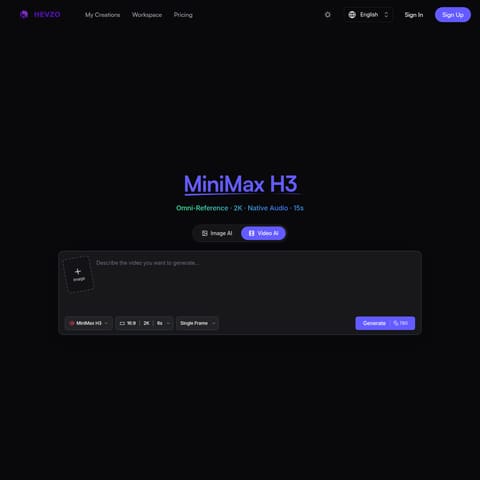
Available models include Google Veo 3.1, Kling AI 2.6 and 3.0, ByteDance Seedance, Alibaba Wan 2.6, MiniMax H3, and Hailuo AI.

What video file format and aspect ratios does the service export?

The service exports MP4 videos with aspect ratio options that include 16:9, 9:16, and an automatic setting.

Is account creation necessary to use the generator?

Yes, creating an account and signing in is required to generate videos using the platform.

Explore other recently added tools in the same category.