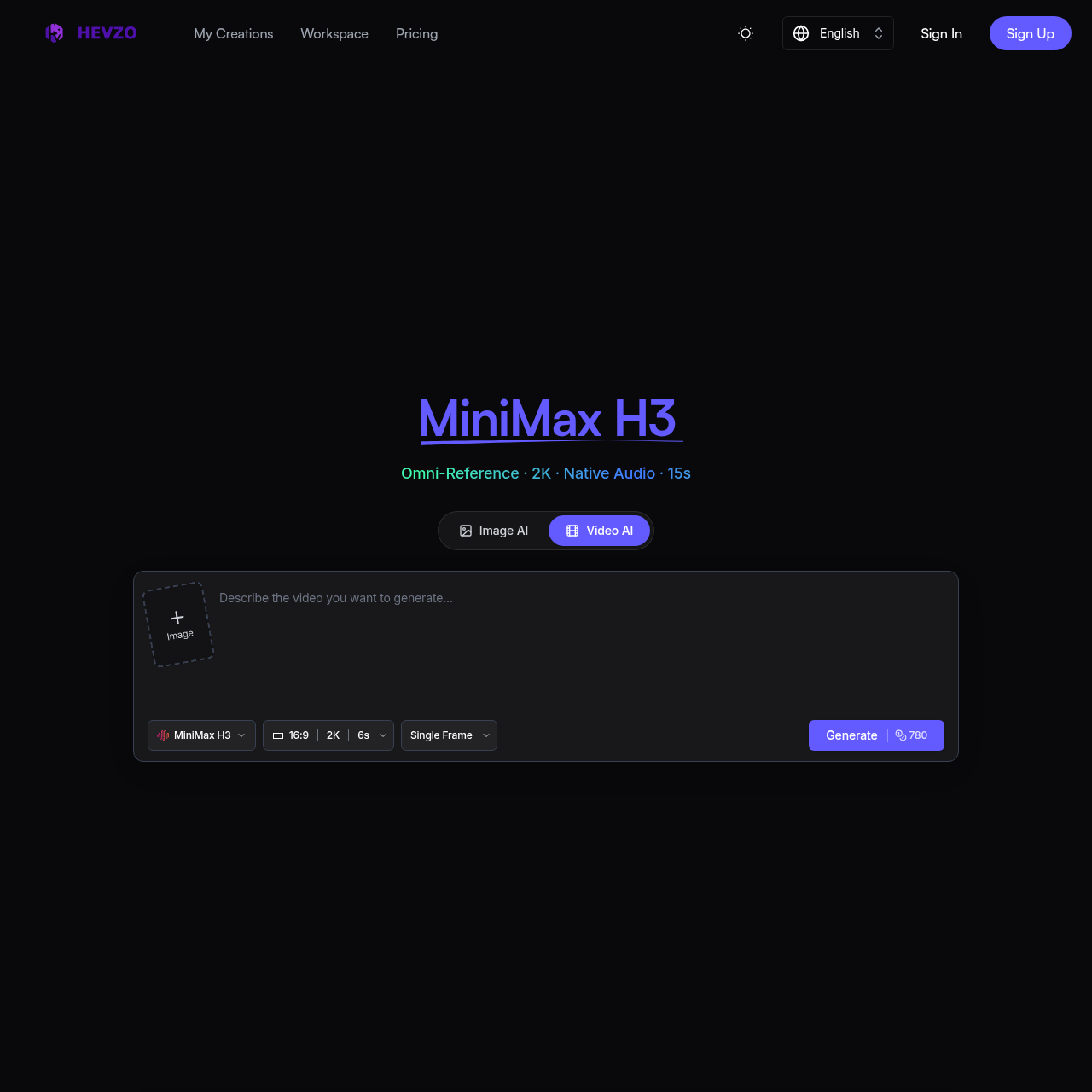
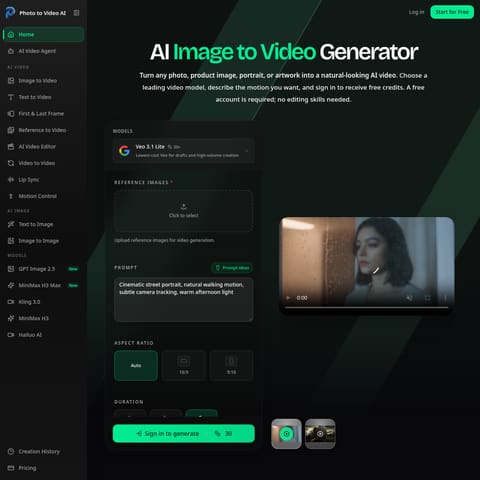
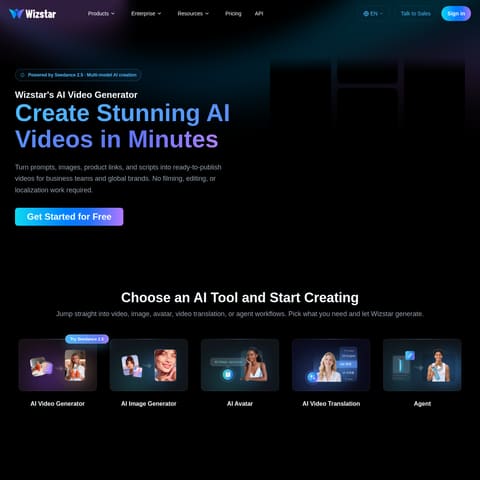
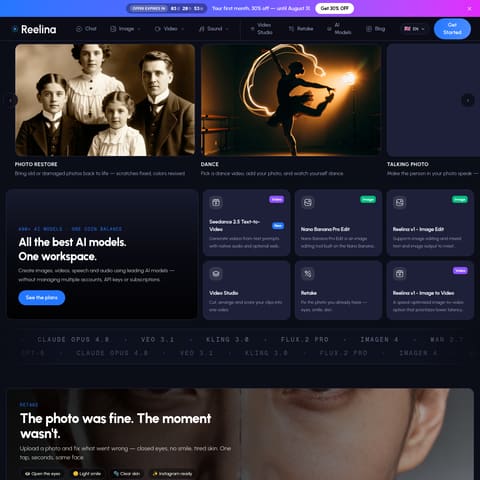
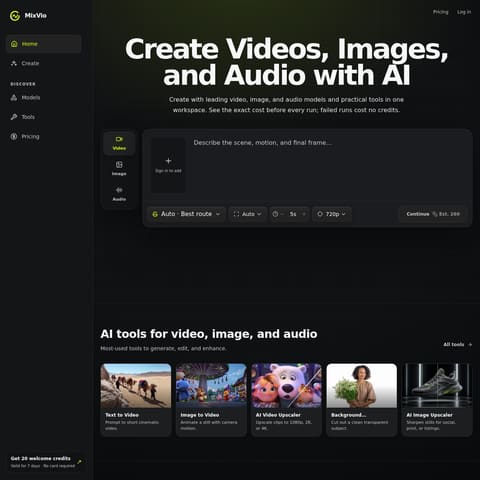
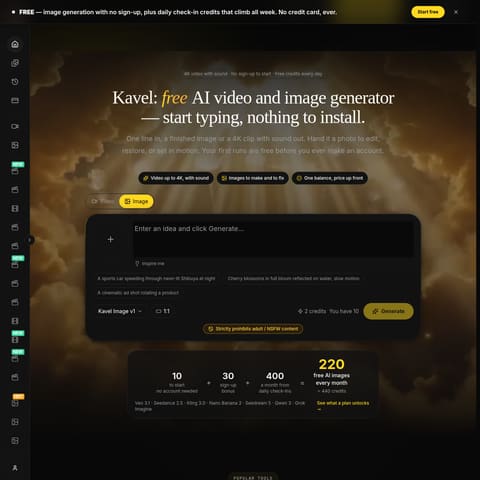
Hevzo is a browser-based creative platform that generates images and videos using integrated AI models such as MiniMax H3. It supports multimodal inputs, customizable aspect ratios, resolutions up to 2K, and native stereo audio generation directly in the workspace.
1.Product Overview
Discover the definitive all-in-one AI image and video generation platform—the only tool you'll ever need. We combine top-trending AI models with a versatile toolkit to deliver an unparalleled creative experience.
2.Key Features
- Image & Video Generation: Create stunning, original content from scratch powered by AI
- Image & Video Editing: Enhance, retouch, and refine media with professional AI tools
- Image & Video Effects: Unleash creativity with powerful AI effects
- Free Credits: Free credits for new users + daily free credits
- Free Storage: Free, permanent, and unlimited storage to save your images and videos
3. Use Case
- Create stunning AI-generated images and videos instantly for your projects
- Enhance, restyle, or reimagine your media for branding, content creation, or personal projects
- Unleash creativity with powerful AI effects
4. Target Audience
- For creators who need quick, AI-generated images and videos for content, marketing, and design
- For professionals seeking AI-powered tools to edit, enhance, and transform visuals
- For artists and innovators exploring AI to create unique, high-quality visuals effortlessly
Hevzo is a web-based media creation suite designed to produce AI-generated videos and images without local software installation. The application integrates multiple video models, notably MiniMax H3, Seedance, and Veo, enabling users to direct visual scenes through text prompts and visual reference files.
Through its browser workspace, Hevzo provides controls for aspect ratios, clip lengths up to 15 seconds, and resolutions up to 2K. The platform also synthesizes synchronized stereo audio for generated video and automatically saves created visual assets into online storage.
What Can You Use Hevzo For?
Source-supported ways to use the product
E-Commerce Product Visuals
Converting still product packshots into animated showcase clips or motion advertisements for online storefronts.
Social Media Video Production
Transforming static graphics, posters, and banners into short animated clips formatted for vertical and horizontal feeds.
Brand Asset Animation
Animating existing brand artwork, logos, and mascots into motion sequences for video intros and outros.
Concept Art Pre-visualization
Turning character sheets, storyboards, and environment concept art into moving animatic scenes prior to production.
Game Cinematics and Teasers
Creating video teasers, looping promos, and motion reveals from static game key art and character designs.
How to Use Hevzo
The documented workflow, where available
1
Configure Generation Settings
Input a text prompt up to 5,000 characters, upload reference media if needed, and select desired aspect ratio, resolution, duration, and generation mode.
2
Submit Generation Request
Trigger the generation process to render the media through the chosen AI model pipeline.
3
View and Manage Output
Inspect the generated video or image result and access it directly from the integrated cloud storage library.
Video Generation Controls and Multimodal Inputs
Hevzo structures its media workflow around multimodal inputs, enabling users to combine text instructions up to 5,000 characters with visual references. The interface provides distinct generation modes, such as single-frame synthesis, start-and-end frame progression, and reference-guided rendering to control camera movement and character continuity.
Visual parameters are configurable across standard aspect ratios including 16:9, 9:16, 1:1, 4:3, and 3:4, alongside output resolution settings for 768P and 2K. Models like MiniMax H3 also incorporate native two-channel stereo audio generation, matching environmental sound and depth to the animated scene across clips up to 15 seconds long.
Outputs video at 768P and 2K resolutions
Supports 1:1, 4:3, 3:4, 16:9, and 9:16 aspect ratios
Offers Single Frame, Start & End, and Reference generation modes
Answers based on the source-checked product record
What is MiniMax H3 on Hevzo?+
MiniMax H3 is an integrated AI video generation model capable of multimodal processing from text and image prompts, supporting 2K output, native stereo audio, and video durations up to 15 seconds.
Which aspect ratios does the video generator support?+
The video generator provides five selectable aspect ratios: 1:1, 4:3, 3:4, 16:9, and 9:16, allowing output formatting for landscape, portrait, and square layouts.
Does Hevzo require local software installation?+
No local installation or configuration is required; the platform operates directly within standard web browsers.
Where are generated images and videos saved?+
Generated visual assets are automatically saved to cloud storage within the user workspace, where they can be accessed and managed.
How does Hevzo handle payment security?+
Payment transactions are processed via Stripe, which encrypts credit card details and transmits them directly to Stripe servers without storing payment data on Hevzo servers.
More Video AI tools
Explore other recently added tools in the same category.