Velo 2.0
Velo: AI-Powered Agentic Screen Recording for Professional Video Messages
Velo is a cutting-edge agentic screen recording platform that uses AI to transform raw footage into polished video messages, featuring voice cloning, browser agents, and automatic document generation.
2026-05-07
9.0K
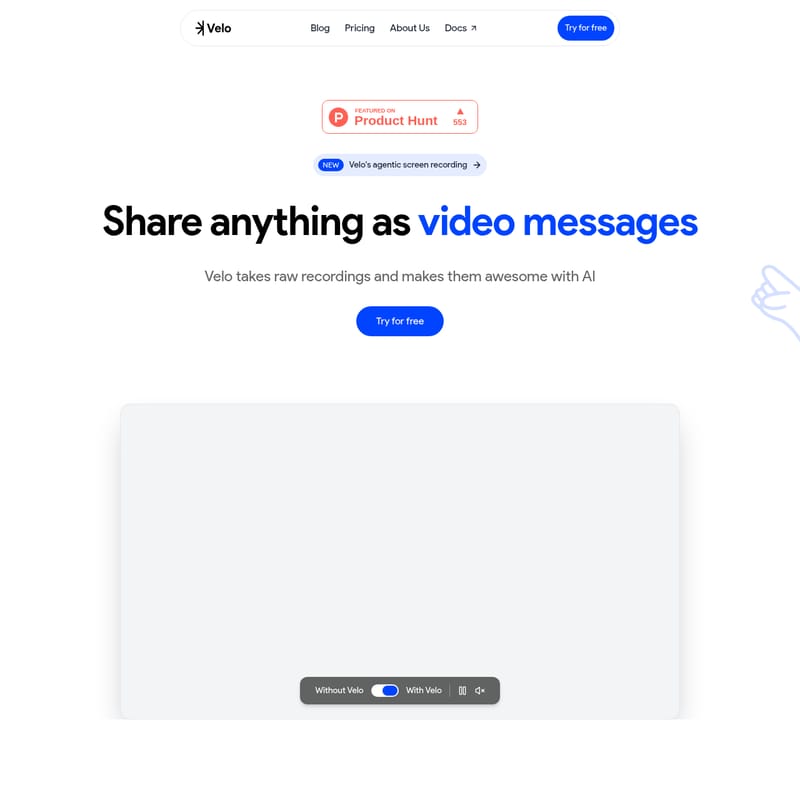
Velo 2.0 Product Information
Velo: The Future of Agentic Screen Recording and AI Video Messages
In the modern digital workspace, the way we communicate is undergoing a significant transformation. Traditional screen recording often requires multiple takes, tedious editing, and a high level of manual effort. Velo enters this space as a revolutionary solution, offering the world’s first agentic screen recording experience. By taking raw recordings and making them awesome with AI, Velo enables users to share anything as professional video messages without the stress of being perfect on camera.
What's Velo?
Velo is an AI-powered browser agent and video messaging tool designed to automate the process of creating high-quality screen recordings. Unlike standard recording software, Velo runs inside your browser, acting as an intelligent agent that listens to your instructions, reads your clicks, and converts your actions into a structured, polished video message.
As described by Gokul Krishna A, an Automation Technical Lead, Velo represents a broader shift from manual recording and editing to generating structured video content through AI workflows. It is designed for those who have wasted hours re-recording the same five-minute message. With Velo, the system restructures the content into a final, professional video, ensuring that your communication is clear, concise, and engaging every time.
Core Features of Velo
Velo is packed with advanced features that differentiate it from traditional tools like Loom or Vidyard. These features are designed to save time and enhance the quality of every video message you send.
Agentic Browser Recording
The standout feature of Velo is its browser agent. Instead of you doing all the work, Velo runs inside your browser and follows your lead. It captures your workflow while you focus on the task at hand. This means you don't have to worry about every single mouse movement or vocal stutter during the recording phase.
Free Voice Cloning Technology
With Velo, you only need to clone your voice once. Once your voice profile is set, every Velo video message you create sounds like you are narrating it personally, even if you weren't speaking during the actual recording. This ensures a consistent brand voice across all your communications.
Velo Chrome Extension
While Velo excels in the browser, the Velo extension allows you to record anywhere. By launching the Chrome extension, you can capture your entire desktop and express your ideas effortlessly across any application or workflow. This flexibility makes it an essential tool for cross-platform demonstrations.
Real-Time Video Generation
Velo operates with a sophisticated three-step real-time process:
- Recording: Capturing screen and audio data.
- Processing: Computing the AI enhancements in real time.
- Ready in Real Time: Delivering a processed and polished video instantly.
Instant Video-to-Document Conversion
Every video created with Velo comes with a companion document. With a single click, Velo turns your finished video into a clean, structured written document, making it easy to provide summaries or written guides alongside your visual content.
Advanced AI Editor and Customization
Velo offers the only video messaging tool you’ll ever need for high-end production value. The easy-to-use editor includes:
- Cursor Styles: Change the cursor style and size to highlight important actions.
- Personas: Choose different personas to match the tone of your message.
- Brand Kit: Integrate your own brand kit for consistent visual identity.
- Script Rewriting: Rewrite scripts with context to ensure your message is perfect.
- Shareable Links: Instantly share your creations with stakeholders.
Use Case: How Different Teams Use Velo
Velo is a versatile platform designed for everyone from solo creators to enterprise teams. Here is how various departments leverage Velo agentic screen recording:
Velo for Sales
Sales professionals can send polished video pitches to prospects without the need for twelve takes. Velo ensures that every pitch is professional, helping to close deals faster with personalized video messages.
Velo for Product Teams
Product Managers use Velo to walk through new features and share updates that their teams actually watch. It bridges the gap between technical development and internal communication.
Velo for Support
Support teams can build onboarding guides and training videos without needing a full production team. Velo makes it easy to create clear, step-by-step tutorials for customers.
Velo for Creators
Creators on platforms like YouTube and X use Velo to make product reviews and tutorials. The AI-driven editing allows for a high-quality output with minimal manual effort.
Velo for Marketing
Marketing teams can create launch videos, walkthroughs, and product content in minutes. Velo’s brand kit integration ensures that all marketing videos remain on-brand.
Velo for Educators
Educators can record professional courses, lectures, and walkthroughs from day one, providing students with high-quality visual aids that are easy to follow.
How to Use Velo
Using Velo is intuitive and designed for speed. Based on the platform's workflow, here is how you can start creating:
- Launch the Agent: Open Velo within your browser or launch the Velo Chrome extension for desktop-wide recording.
- Instruct and Record: Provide instructions or simply perform your workflow. The browser agent listens and reads your clicks as you go.
- AI Enhancement: Let Velo's AI process the raw recording. It will apply animations, smooth out transitions, and apply your cloned voice narration.
- Edit and Customize: Use the Velo editor to change cursor styles, apply your brand kit, or rewrite the script for better context.
- Share: Generate a shareable link or convert your video into a structured document with a single click.
FAQ
Q: How does the agentic screen recording differ from traditional recording? A: Traditional recording captures exactly what happens on your screen, including mistakes. Velo’s agentic recording listens to your clicks and instructions to generate a structured, polished video, effectively "building" the video rather than just filming it.
Q: Is the voice cloning feature free? A: Yes, Velo allows you to clone your voice once for free, and it will narrate every video message you create, ensuring you sound professional without needing to record audio every time.
Q: Can I use Velo outside of my browser? A: Yes, by using the Velo extension, you can capture your entire desktop workflow, not just what happens inside the browser.
Q: What kind of editing can I do in Velo? A: Velo features an easy-to-use editor where you can change cursor sizes, switch personas, apply your brand kit, and even rewrite scripts with AI context for a more professional finish.
Q: How fast is the video processing? A: Velo computes in real time. Your video is processed and delivered instantly, allowing you to share your message immediately after recording.
"Velo is the only video messaging tool you’ll need... the process is straightforward, and the initial result is already good." — Bengeekly, Founder @ ProdShot.