Screen Studio 4.0 favicon

Screen Studio 4.0

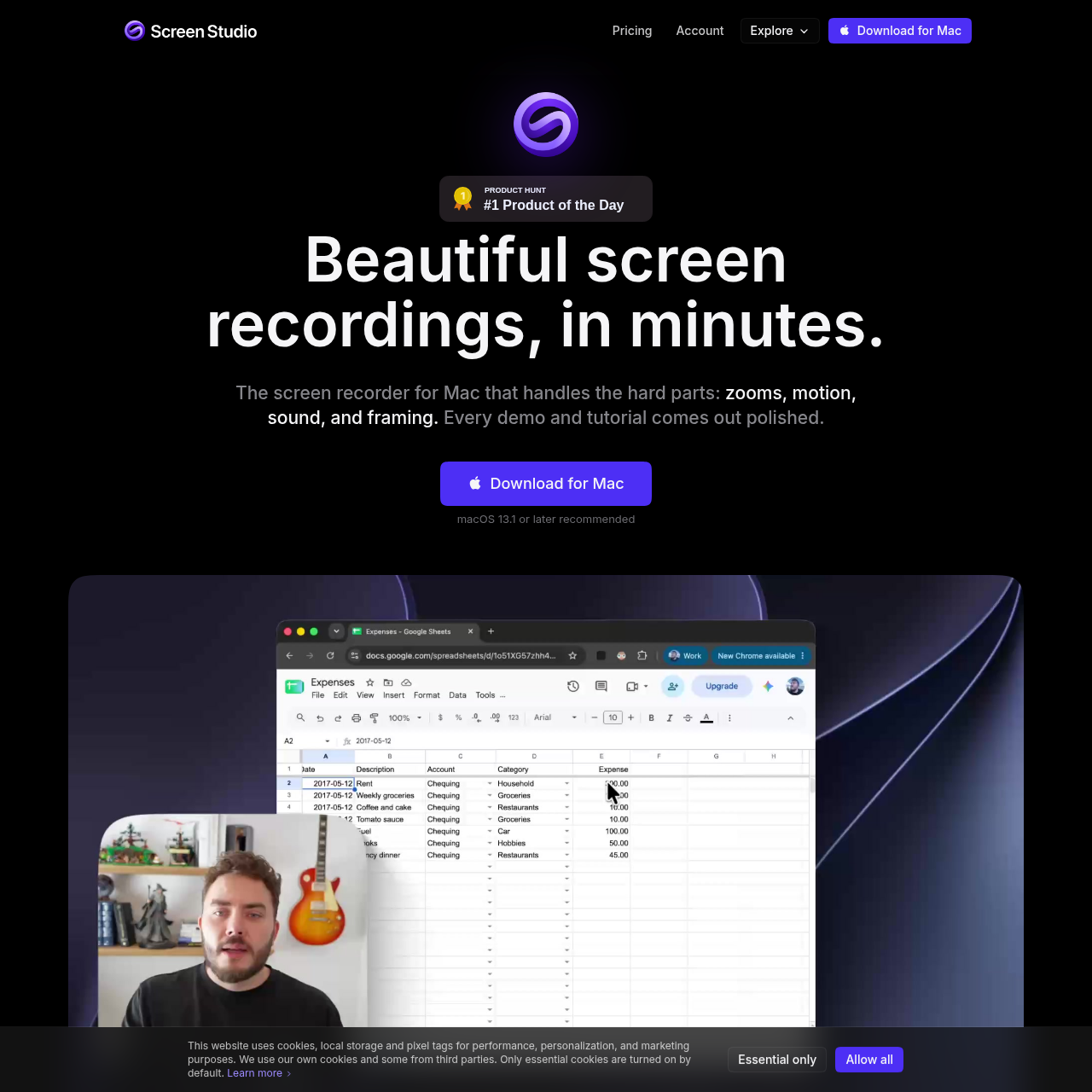
Screen Studio 4.0 is a macOS screen recording and editing application designed to produce polished software demos, tutorials, and social clips through automated zooms, cursor smoothing, layout adjustments, and local audio and video processing.

VideoSeparates mouse movement data from…Performs real-time 6.5x…Applies optics-based motion blur to…Removes webcam backgrounds and centers…
Screen Studio 4.0 product interface screenshot
Estimated monthly visits
265K
Data period:
Listed on AIToolly

What Is Screen Studio 4.0? Product Overview

What the product does and how it is positioned

Screen Studio 4.0 is a screen recording tool built specifically for macOS. Utilizing native system capture technologies like Apple ScreenCaptureKit, it records entire displays, individual windows, custom regions, or connected iOS and iPadOS devices over USB along with camera, microphone, and system audio.

The application captures mouse trajectory data separately from screen pixels, enabling post-recording cursor smoothing, restyling, and automatic camera zooms. It also integrates transcript-based video editing, device mockups, noise reduction, and local on-device transcription while offering optional cloud sharing.

What Can You Use Screen Studio 4.0 For?

Source-supported ways to use the product

Software Product Walkthroughs and Demos

Product teams capture desktop interfaces or connected mobile devices, applying automated zooms to click events and masking confidential credentials.

Course and Tutorial Production

Educators produce instructional videos using camera cutouts, text-based transcript editing to trim pauses, and local noise reduction to clarify spoken audio.

Social Media Video Publishing

Content creators reformat screen captures into vertical or square videos, previewing mobile interface overlays for platforms like TikTok and Instagram.

Local Processing and Cursor Telemetry Architecture

Screen Studio separates the capture of cursor movement data from screen video recording. Rather than embedding mouse movements directly into the video pixel stream, the software records precise coordinate telemetry and synchronizes it with the video. This separation allows users to alter cursor size, swap to high-resolution system cursors, apply smoothing algorithms, generate click ripple animations, and calculate automatic zoom trajectories after the recording session concludes.

The application is built on macOS native technologies, using ScreenCaptureKit for capture and Apple silicon media engines for export encoding. Features including noise suppression, face tracking, background camera cutouts, super-resolution upscaling, and speech-to-text transcription execute locally on the host Mac, reserving cloud connectivity for optional sharing and text-to-speech tools.

  • Mouse coordinates are recorded independently from video frames to permit non-destructive cursor editing.
  • On-device models handle camera background removal, face framing, and speech transcription without remote transmission.
  • Integration with Apple ScreenCaptureKit and hardware encoders maintains system responsiveness during multi-stream capture.

What to Test Before Choosing Screen Studio 4.0

Checks to run with your own material and workflow

  • Confirm that target devices run macOS Ventura 13.1 or higher to meet recommended system specifications.
  • Verify that on-device hardware delivers adequate performance for local transcription, upscaling, and real-time noise reduction.
  • Check that the 30-minute duration limit for shareable web links accommodates your video publishing requirements.
  • Review whether mobile capture requirements can be satisfied via USB connection to an iPhone or iPad.

Screen Studio 4.0 Sources and Last Checked

What was checked and when

Official source
https://screen.studio/
Last checked
Category
Video

Screen Studio 4.0 Frequently Asked Questions

Answers based on the source-checked product record

Does Screen Studio support Windows?

Screen Studio does not support Windows, and the developer has stated there are no near-future plans to add Windows support. The software operates exclusively on macOS.

How does cursor recording work in Screen Studio?

Screen Studio records display visuals while omitting the cursor from the pixel stream, capturing mouse movement data separately. It then re-renders the cursor in the final video, enabling post-recording smoothing, styling, and click effects.

What macOS version is recommended to run Screen Studio?

The software recommends macOS Ventura 13.1 or higher for optimal operation, utilizing native macOS frameworks such as ScreenCaptureKit.

How does Screen Studio handle recording privacy and data storage?

Screen Studio operates on a local-first model where recordings, project files, transcription, and audio processing remain on the local Mac. Cloud uploads occur only when the user explicitly triggers features like shareable links, shared projects, or AI voiceover.

What video resolutions and formats can be exported?

Videos can be exported locally as MP4 files in 720p, 1080p, or 4K resolution at up to 60 frames per second, as animated GIFs up to 1080p, or uploaded as 1080p web links for recordings up to 30 minutes.

Explore other recently added tools in the same category.