Strawberry 1.0 favicon

Strawberry 1.0

Strawberry 1.0 is a desktop browser with native AI companions that automate research, meeting transcription, and web application workflows directly inside open tabs.

ProductivityTranscribing meetings and generating…Extracting information across web…Automating recurring browser workflows…Importing existing bookmarks,…
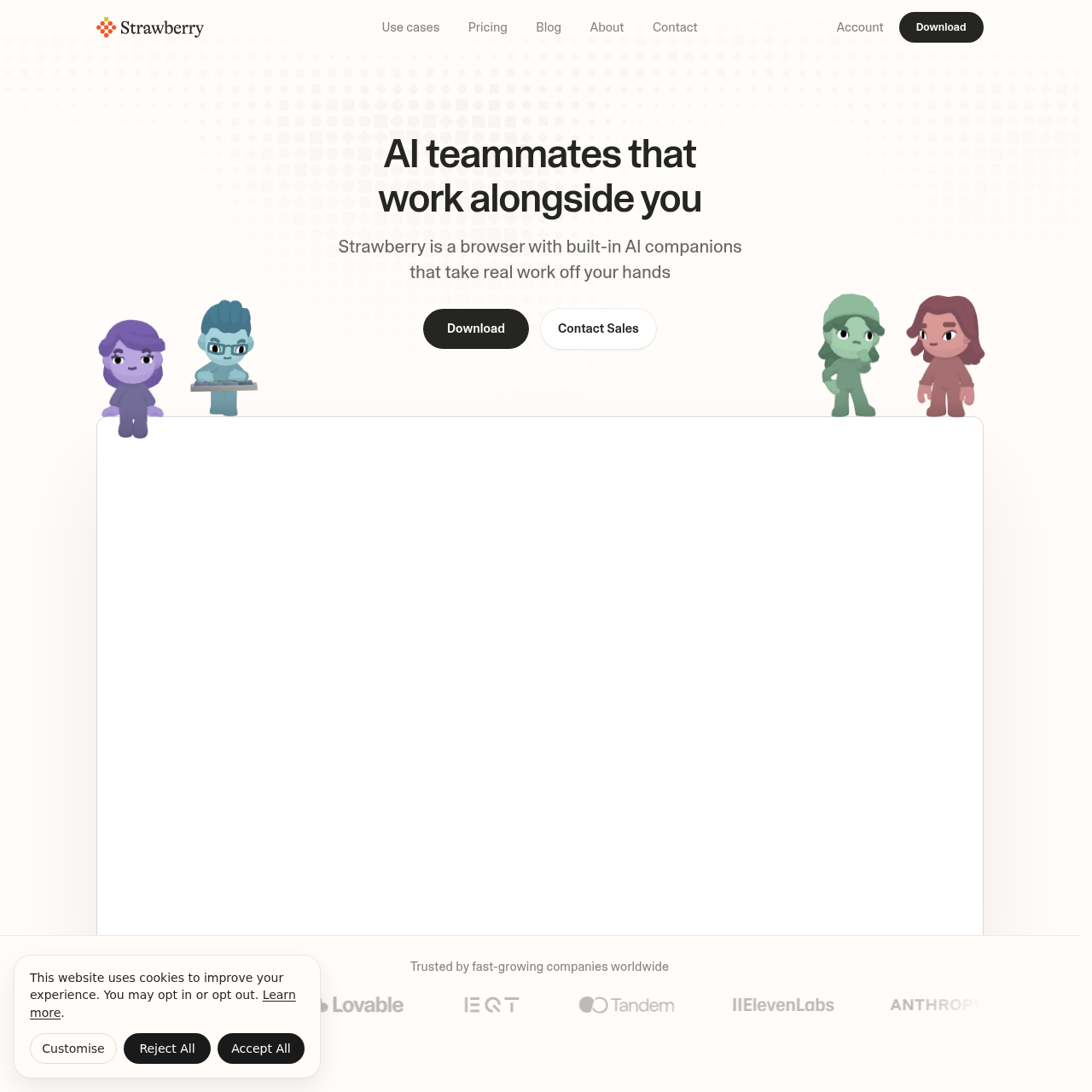
Strawberry 1.0 product interface screenshot
Estimated monthly visits
167K
Data period:
Listed on AIToolly

What Is Strawberry 1.0? Product Overview

What the product does and how it is positioned

Strawberry 1.0 positions the desktop web browser as an active AI workspace. Rather than relying entirely on external chatbot panels or API connectors, the platform runs companions directly across standard browser sessions to interact with websites, authenticated tools, and web-based applications.

The environment integrates recurring routine automation, visual artifact creation, and meeting note extraction without requiring third-party bot attendees. Security controls allow users to define action permissions per application while storing sensitive data like passwords locally on the host machine.

What Can You Use Strawberry 1.0 For?

Source-supported ways to use the product

Automated Lead and Talent Sourcing

Teams research candidate profiles or prospective business leads across professional networks and automatically append structured entries into spreadsheets or CRMs.

Bot-Free Meeting Summarization

Professionals transcribe calls across video conferencing platforms to automatically capture action items, draft proposals, and generate follow-up communications.

Visual Reporting and Asset Generation

Users compile information from public websites and authenticated web dashboards into presentation slide decks, posters, and infographics.

How to Use Strawberry 1.0

The documented workflow, where available

  1. 1

    Install the Desktop Application

    Download and install the Strawberry desktop browser on a supported macOS or Windows device.

  2. 2

    Migrate Browser Data

    Import existing bookmarks, saved passwords, and extensions from a previous browser such as Google Chrome.

  3. 3

    Configure and Deploy AI Companions

    Select an official specialized companion or build a custom assistant to run scheduled tasks, navigate browser tabs, and execute workflows.

In-Browser Execution and Companion Permissions

Unlike standard standalone AI chat interfaces, Strawberry operates within the web browsing surface itself. This architectural approach allows AI companions to observe open tabs, navigate live web pages behind login walls, and manipulate web applications such as spreadsheets and customer relationship managers directly.

To mitigate security risks associated with autonomous browser actions, the platform incorporates granular permission controls. Users can specify what companions are allowed to perform autonomously and what tasks require explicit user confirmation on an app-by-app and action-by-action basis.

  • Direct tab interaction enabling cross-website research and data entry
  • Per-action authorization settings that enforce human-in-the-loop oversight
  • Local encryption keeping authentication credentials and passwords on the local device

What to Test Before Choosing Strawberry 1.0

Checks to run with your own material and workflow

  • Confirm that required internal tools and extension workflows function smoothly inside Strawberry on macOS or Windows.
  • Verify whether companion automation permissions can be restricted appropriately for sensitive web applications.
  • Check that the native meeting transcription feature works reliably across the organization's preferred video conferencing software.
  • Review the local storage and credential encryption architecture against internal compliance policies.

Strawberry 1.0 Sources and Last Checked

What was checked and when

Last checked
Category
Productivity

Strawberry 1.0 Frequently Asked Questions

Answers based on the source-checked product record

What platforms are supported by Strawberry?

Strawberry is available as a desktop browser application for macOS and Windows operating systems.

Does Strawberry require a bot to transcribe meetings?

No, Strawberry transcribes meetings, records notes, and extracts follow-up tasks across video conferencing tools without adding an external meeting bot.

How does Strawberry differ from standalone chatbot interfaces?

Because it functions as a browser, Strawberry has contextual access to open tabs and web apps, enabling companions to perform multi-step actions across websites on the user's behalf.

Which search engines can be used within Strawberry?

Strawberry allows users to choose among several major search engines, with Google Search configured as the default search engine.

How does Strawberry handle stored passwords and browsing data?

Passwords, browsing history, and cookies are kept locally on the device; passwords are encrypted locally and are not shared with the vendor or model providers.

Explore other recently added tools in the same category.