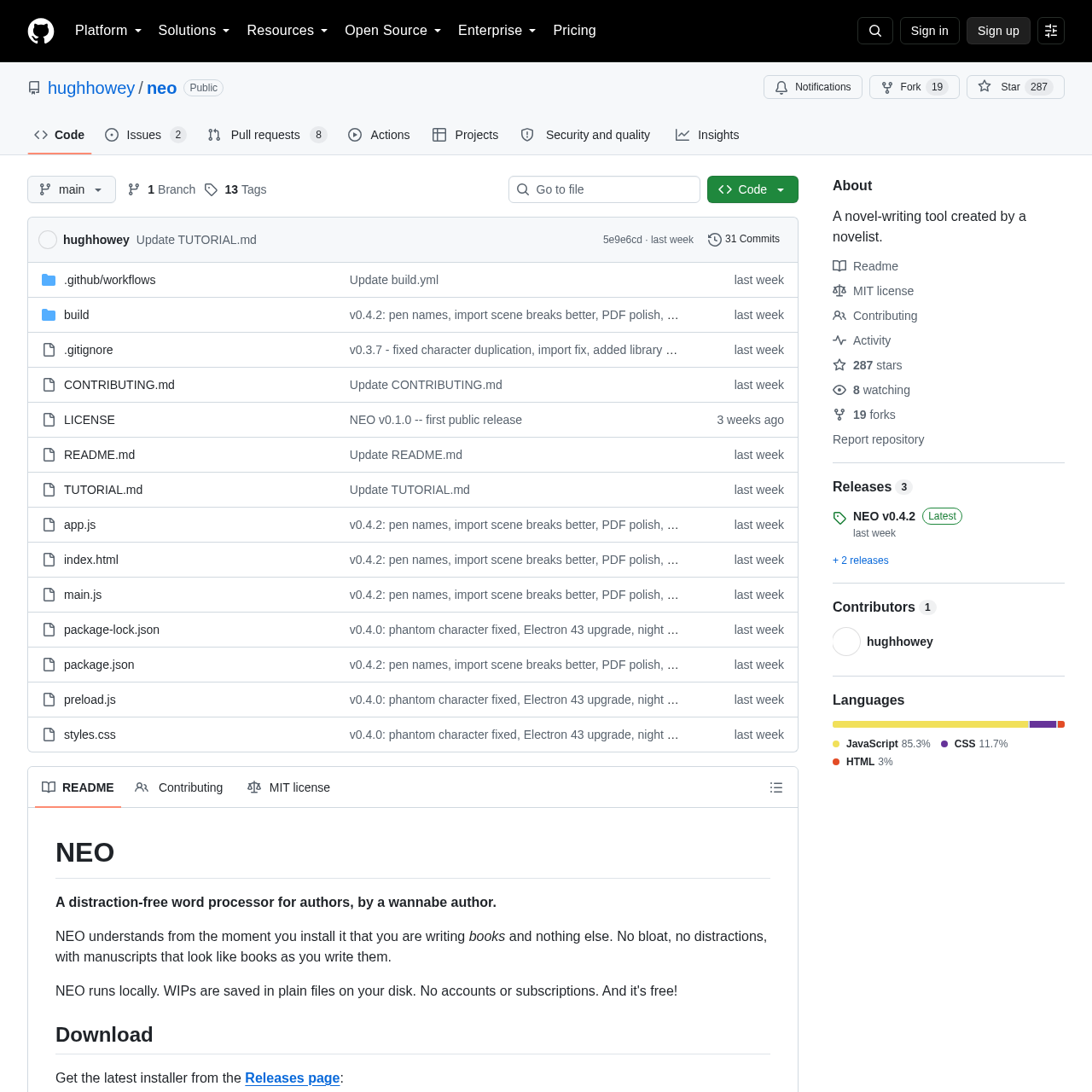
A minimalist, local-first word processor designed specifically for novelists to write without distractions, featuring a virtual bookshelf for project management.
Writing AssistantAutomatic chapter renumberingContinuous autosaveDaily zip backupsAutomatic scene break detection during…
Estimated monthly visits
615.2M
Data period:
Listed on AIToolly
What Is Neo? Product Overview
What the product does and how it is positioned
Neo is an Electron-based writing application that prioritizes a clean interface and local data ownership for authors.
The tool organizes projects visually on a virtual bookshelf, replacing traditional file lists with book covers and progress indicators.
What Can You Use Neo For?
Source-supported ways to use the product
Novel Drafting
Authors can focus on long-form writing with automated formatting and distraction-free modes.
Project Organization
Writers can manage multiple manuscripts using a visual bookshelf interface with custom shelves and status tracking.
How to Use Neo
The documented workflow, where available
1
Project Setup
Create a new book and optionally add cover art to the virtual bookshelf.
2
Drafting
Use keyboard shortcuts to create chapters and sections while the app handles formatting like drop caps and curly quotes.
3
Revision Management
Move cut passages to the Darlings tab for safekeeping and potential restoration later.
4
Progress Tracking
Monitor daily word goals and overall manuscript completion via visual progress bars.
5
Exporting
Generate final files in formats like EPUB 3 or Word for distribution or further editing.
Local-First Architecture
Neo stores all data locally on the user's machine within a dedicated library folder. Each book is maintained in its own directory, with chapters saved as readable HTML files and metadata stored in JSON format.
Data stored in ~/Documents/NEO Library
Chapters saved as standard HTML files
Metadata preserved in JSON format
What to Test Before Choosing Neo
Checks to run with your own material and workflow
Verify that the application correctly detects chapter breaks when importing existing .docx or .md files.
Confirm that the Darlings feature successfully restores deleted text to its original position in the manuscript.