DocsAlot Visual Editor favicon

DocsAlot Visual Editor

DocsAlot Visual Editor provides a hybrid authoring environment where teams can create technical documentation using a visual interface that remains fully synced with underlying Markdown and AI-readable formats.

Writing AssistantManagement of working drafts separate…Organization of documentation into…Automatic generation of…Version history tracking
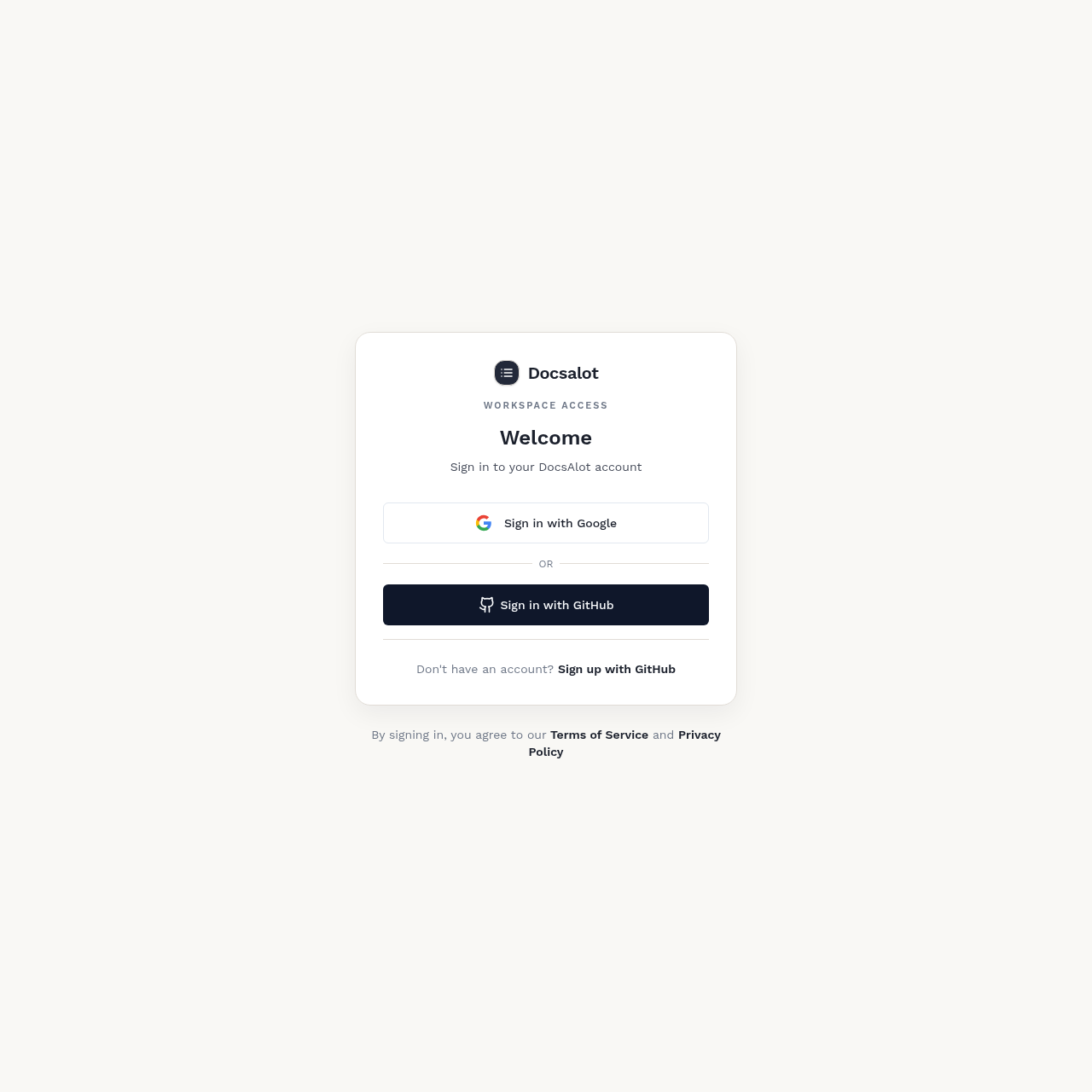
DocsAlot Visual Editor product interface screenshot
Estimated monthly visits
16K
Data period:
Listed on AIToolly

What Is DocsAlot Visual Editor? Product Overview

What the product does and how it is positioned

DocsAlot Visual Editor is a specialized authoring tool designed for developers and SaaS teams to build documentation that serves both human readers and AI agents. It focuses on a typing-centric workflow that generates professional layouts without requiring complex manual formatting.

The platform bridges the gap between traditional Markdown-based documentation and visual CMS tools by allowing users to switch between modes without breaking code structure. It integrates directly with existing documentation stacks to produce hosted help centers and machine-readable discovery files.

What Can You Use DocsAlot Visual Editor For?

Source-supported ways to use the product

Technical Product Documentation

Engineering teams use the editor to author and organize complex technical guides, API references, and tutorials for human end-users.

AI-Ready Content Generation

Developers create structured documentation that is automatically optimized for AI agents and machine-readable discovery protocols.

How to Use DocsAlot Visual Editor

The documented workflow, where available

  1. 1

    Source Connection

    Connect existing documentation sources such as GitHub repositories or help-center articles to the platform.

  2. 2

    Content Authoring

    Write and format documentation using either the visual block editor or the Markdown source mode.

  3. 3

    Structural Organization

    Arrange pages into logical sections and groups using the sidebar interface and manage URL slugs.

  4. 4

    Draft Review

    Save changes as a working draft to allow for internal review before the content is finalized.

  5. 5

    Versioned Publishing

    Deliberately save a version to update the hosted documentation site and all associated AI-readable outputs.

Dual-Mode Authoring and Structural Integrity

The core technical challenge addressed by the DocsAlot Visual Editor is the preservation of Markdown integrity within a visual editing environment. Unlike standard visual editors that may strip out technical metadata, this editor is built to maintain frontmatter, code blocks, and complex tables when moving between visual and source modes.

This bidirectional synchronization is designed so that developers can work in raw Markdown when necessary, while non-technical contributors can use the visual interface without risking the corruption of the underlying documentation-as-code structure.

  • Preservation of MDX-specific syntax during visual edits
  • Sidebar-driven management of page hierarchy and navigation

What to Test Before Choosing DocsAlot Visual Editor

Checks to run with your own material and workflow

  • Confirm that switching from visual to Markdown mode preserves all frontmatter and custom MDX components.
  • Verify that the editor supports the insertion and rendering of reusable documentation components.
  • Check the functionality of the version history to ensure previous drafts can be accessed or restored.
  • Review the sidebar interface for its ability to manage complex nested page structures.

DocsAlot Visual Editor Sources and Last Checked

What was checked and when

Last checked

DocsAlot Visual Editor Frequently Asked Questions

Answers based on the source-checked product record

Does the editor support Markdown and MDX?

Yes, the editor includes a dedicated Markdown mode that exposes the underlying MDX source for direct editing by the user.

Is AI assistance required to use the editor?

No, while AI-assisted edits are available as a feature, the editor is designed primarily for manual typing and authoring.

How are documentation changes published?

Changes are saved as working drafts and only become public when a user deliberately saves a new version of the document.

What machine-readable formats does it generate?

The platform automatically generates llms.txt, skill.md, and content compatible with the Model Context Protocol (MCP) standards.

Can I organize my documentation into sections?

Yes, the editor provides a sidebar interface to create groups, sections, and manage the overall structure of the documentation.

Explore other recently added tools in the same category.