Hub favicon

Hub

Hub is a self-hosted dispatcher for parallel Claude Code or Codex sessions that brings user decisions into a browser or Telegram.

Code & ITAn agent session can read the steps and…Agents on a server installation can…Parallel agent sessionsTask execution in separate Git worktrees
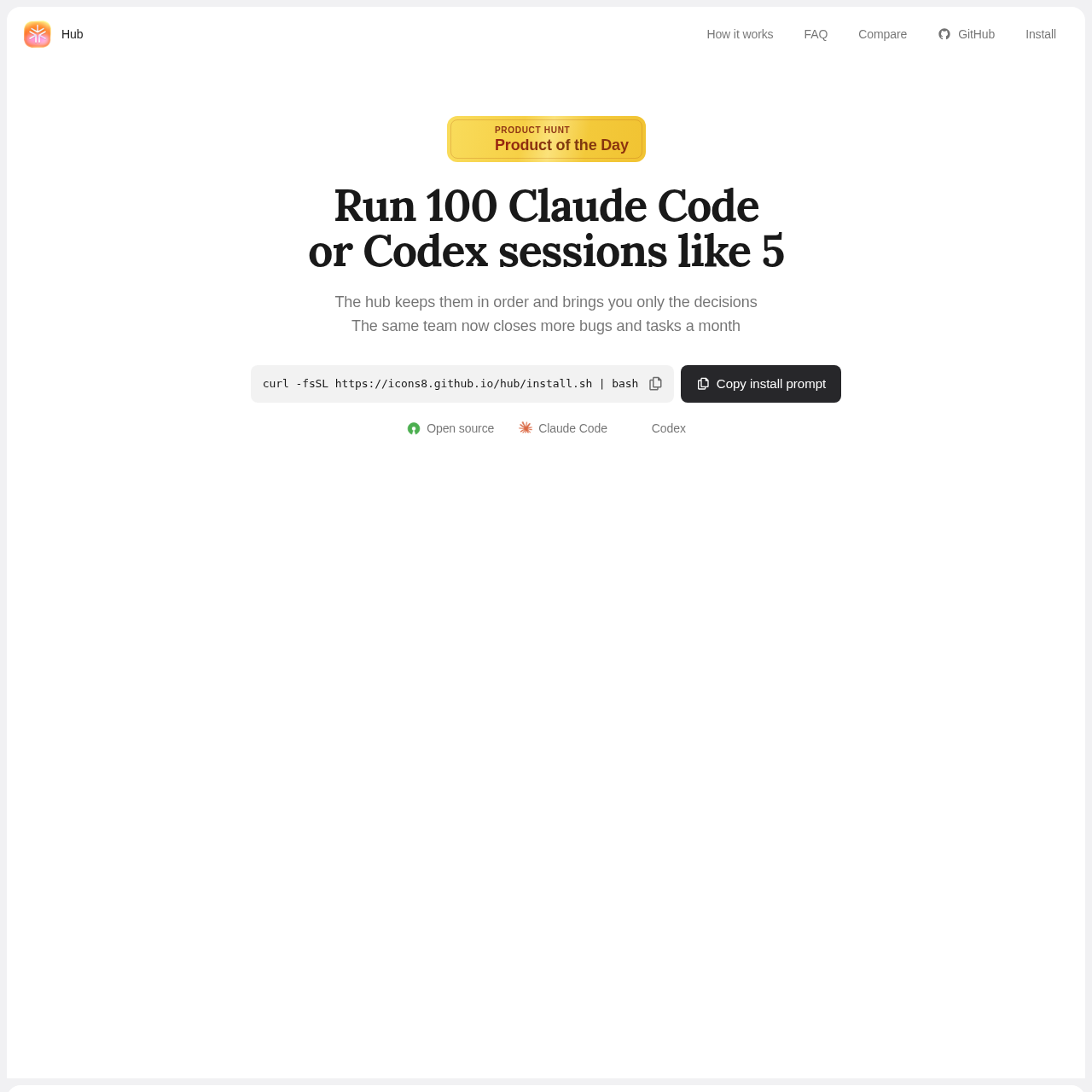
Hub product interface screenshot
Listed on AIToolly

What Is Hub? Product Overview

What the product does and how it is positioned

Hub uses a coordinator to bring relevant agents into a task. Agents own areas of work, and executors handle individual tasks in separate Git worktrees.

Hub runs on a laptop or server. With a server installation, agent sessions can continue while the user's laptop is closed, and the user can answer questions from a phone.

What Can You Use Hub For?

Source-supported ways to use the product

Run multiple repository tasks in parallel

A development team can assign separate tasks to executors working in individual Git worktrees and respond to decisions as they arise.

Coordinate a legacy backend rewrite

The official case study reports that an Icons8 team used Hub to coordinate AI agents while replacing a legacy backend with a new monorepo.

How to Use Hub

The documented workflow, where available

  1. 1

    Install Hub

    The user installs Hub on a laptop or server. The installer sets up Hub in the user's folder, starts it, and opens its browser page.

  2. 2

    Submit a task

    The user describes a task in plain language through a browser or Telegram. Hub starts with Claude Code, and the user can switch to Codex by signing in to Codex on the Hub page.

  3. 3

    Coordinate and execute the work

    The coordinator brings in relevant agents to work together. Each executor takes one task in its own Git worktree, while the core delivers messages and records events.

  4. 4

    Respond to decisions

    When Hub asks for a decision, the user can respond in a browser or Telegram and the session continues.

How Hub keeps sessions running

The Hub core delivers messages, keeps sessions alive, and records events. A message sent to a busy session stays queued until that session can handle it.

When a session recovers, Hub restores its conversation. Other sessions can read its steps and results without interrupting it.

What to Test Before Choosing Hub

Checks to run with your own material and workflow

  • Confirm that the intended host meets Hub's documented operating system requirements.
  • Review whether running Claude Code or Codex sessions with permission prompts disabled fits the intended repository environment.
  • Verify that sending session text to OpenAI when using Codex fits the team's data handling requirements.

Hub Sources and Last Checked

What was checked and when

Official source
https://usehub.dev/
Last checked
Category
Code & IT

Hub Frequently Asked Questions

Answers based on the source-checked product record

Where does Hub run?

Hub is self-hosted on a laptop or server. The documented operating systems are macOS 13.5 or later, Linux, and Windows 10 or 11.

Which coding agents does Hub support?

Hub supports Claude Code and Codex. It starts with Claude Code, and users can switch to Codex by signing in to Codex on the Hub page.

Can Hub be used without Telegram?

Yes. Users can submit tasks and respond to decision prompts through the browser interface.

What happens to session text when Hub uses Codex?

When Hub runs sessions through Codex, the text of those sessions is sent to OpenAI.

Can agents keep working when the laptop is closed?

Yes. If Hub is installed on a server, its agents can continue working while the user's laptop is closed.

Explore other recently added tools in the same category.