Gologin Cloud Browser favicon

Gologin Cloud Browser

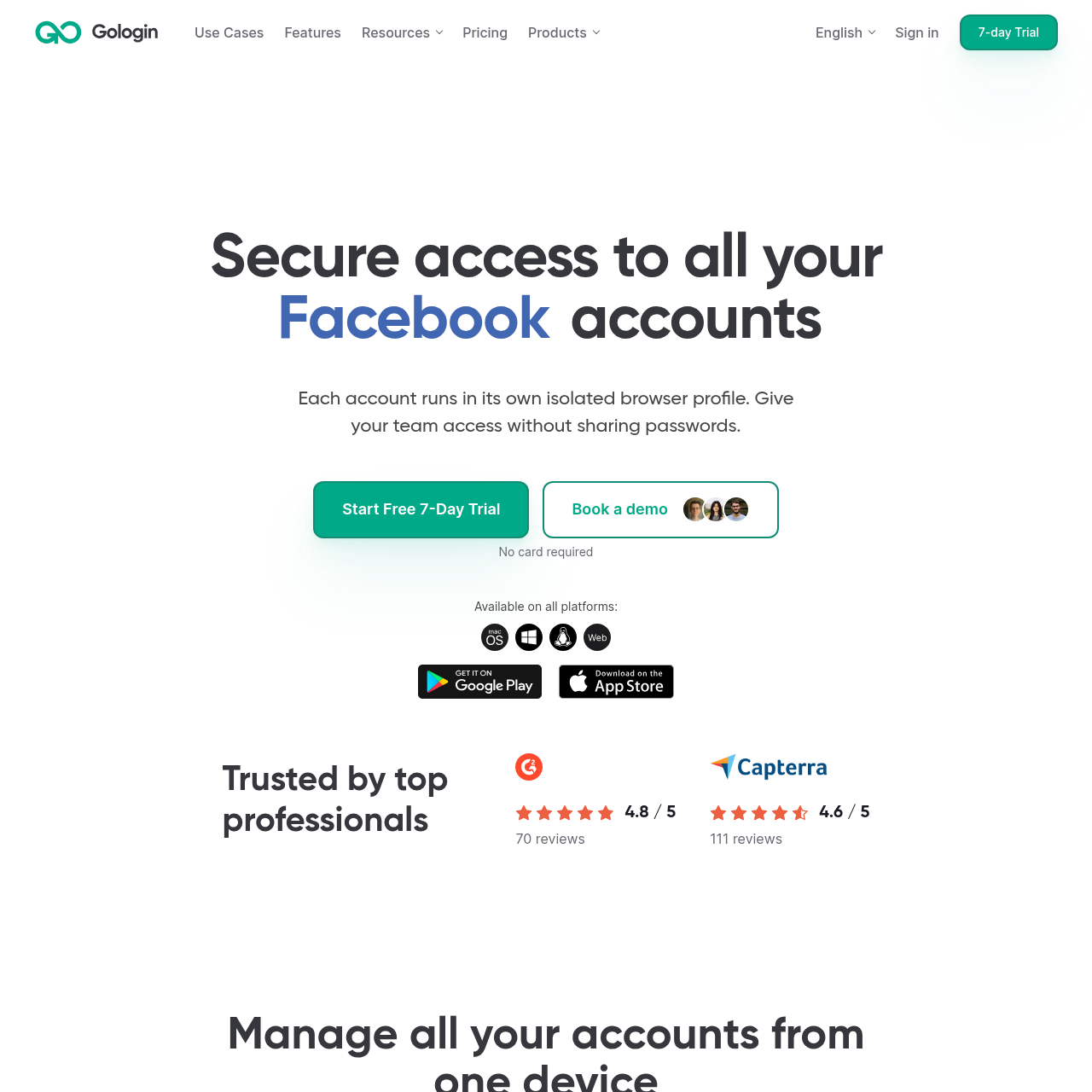
Gologin Cloud Browser provides isolated anti-detect browser profiles, allowing teams to manage multiple online accounts across distinct device fingerprints, proxy locations, and access tiers from a single device.

Code & ITManaging multiple distinct online…Assigning specific geographic locations…Delegating browser profile sessions to…Executing automated browsing workflows…
Gologin Cloud Browser product interface screenshot
Estimated monthly visits
540K
Data period:
Listed on AIToolly

What Is Gologin Cloud Browser? Product Overview

What the product does and how it is positioned

Gologin Cloud Browser is an account management and anti-detect browsing solution designed to run multiple accounts simultaneously on one device. Each profile functions in an isolated environment with independent cookies, storage data, network settings, and 53 automatically configured fingerprint parameters.

The platform facilitates collaborative workflows by allowing administrators to share browser profiles with team members without exposing raw credentials. It also supports automated operations through Selenium, Puppeteer, and an API supporting up to 1,200 requests per minute.

What Can You Use Gologin Cloud Browser For?

Source-supported ways to use the product

Social Media and Client Account Management

Agencies and marketing teams operate multiple client accounts across networks like Facebook, TikTok, and LinkedIn without sharing account passwords or crossing cookie data.

Multi-Storefront E-Commerce

Online retailers and merchants manage distinct seller accounts across platforms such as Amazon, eBay, and Etsy in isolated browser environments.

Automated Testing and Web Scraping

Developers and QA engineers execute web scraping scripts and automated tests across separate desktop or mobile profiles using Puppeteer, Selenium, and the developer API.

Profile Isolation and Fingerprint Control

Gologin isolates each browser profile by separating local storage, cookie jars, proxy pathways, and system parameters. Rather than sharing a single unified fingerprint like standard desktop browsers, the software automatically configures 53 distinct hardware and software parameters per profile, including operating environment and geographic location.

This architecture allows users to maintain isolated browser identities on a single device, simulating separate physical machines to help reduce tracking mechanisms from linking multiple user sessions.

  • Configures 53 distinct device and software fingerprint parameters per profile automatically.
  • Isolates cookies, cache, local storage, and location settings between all active sessions.
  • Supports custom proxy integration alongside built-in proxy locations spanning more than 100 countries.

What to Test Before Choosing Gologin Cloud Browser

Checks to run with your own material and workflow

  • Confirm that the target operating system, such as Windows, macOS, Linux, or Android, is supported for all intended team members.
  • Verify that required automation workflows are compatible with the supported Puppeteer, Selenium, or 1,200 RPM API interfaces.
  • Check that proxy connection options and available country locations align with the geographical requirements of the target websites.
  • Review organizational permission structures to ensure profile sharing meets internal data governance and credential-handling standards.

Gologin Cloud Browser Sources and Last Checked

What was checked and when

Official source
https://gologin.com/
Last checked
Category
Code & IT

Gologin Cloud Browser Frequently Asked Questions

Answers based on the source-checked product record

What is Gologin Cloud Browser?

Gologin is a browser designed to manage multiple accounts securely by running each account in an isolated profile with its own fingerprint, cookies, and network location from a single device.

How does Gologin isolate individual browser profiles?

Each profile maintains independent storage, cookies, and location configurations, while the system automatically manages 53 distinct fingerprint parameters so that data is not shared between profiles.

How does team profile sharing function in Gologin?

Account owners can share profiles directly with team members and specify access levels, allowing colleagues to work within the active browser session without needing to view or enter account passwords.

What automation options and developer tools are available?

Gologin integrates directly with Puppeteer and Selenium for browser automation and provides a high-performance REST API supporting up to 1,200 requests per minute with sandbox environment access.

What security and encryption protocols protect user profile data?

Profile data and account sessions are secured using AES-256 encryption, hosted on firewall-protected AWS and Google Cloud infrastructure, and restricted strictly to authorized profile collaborators.

Explore other recently added tools in the same category.