AI Video Background Remover
RemoveBGVideo: The AI-Powered #1 Online Video Background Remover for Professional Creators
RemoveBGVideo is a cutting-edge, AI-powered tool designed to remove background from video instantly without the need for a green screen. Supporting formats like MP4, MOV, and WebM, it allows creators to remove bg video with professional 4K quality. Whether you need a transparent WebM for overlays or want to change video background to a custom image, RemoveBGVideo provides a seamless, browser-based solution. With features like GPU-accelerated processing, batch uploads, and free previews, it serves as the premier alternative to discontinued services like Unscreen. Trusted by influencers and businesses, it simplifies video background removal for YouTube, TikTok, and Instagram, offering a pay-as-you-go model that is both affordable and efficient.
2026-04-03
24.0K
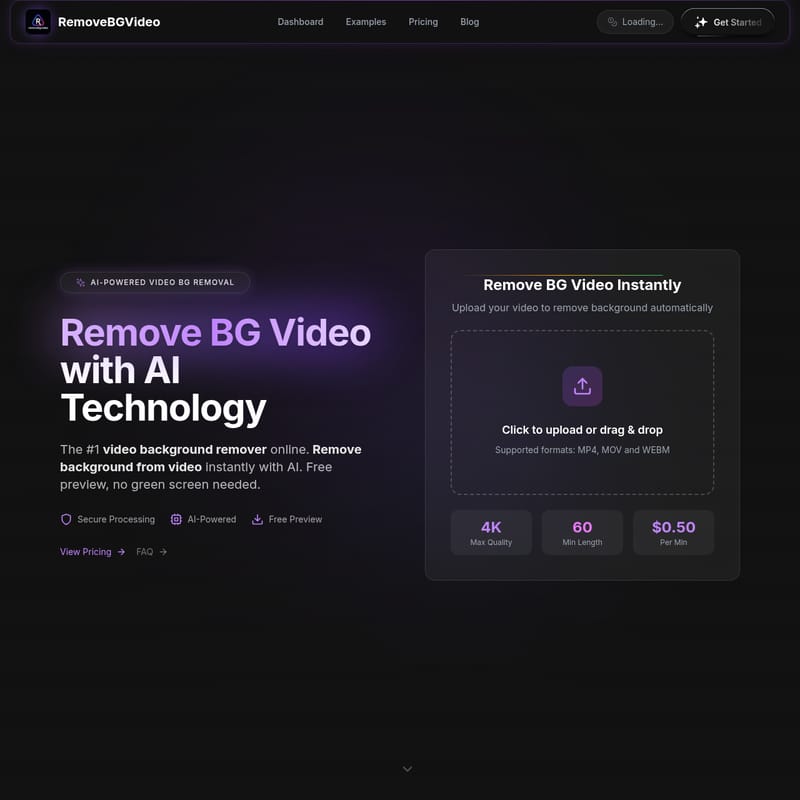
AI Video Background Remover Product Information
RemoveBGVideo: The Ultimate AI-Powered Video Background Remover
In the modern era of digital content creation, the ability to remove bg video elements with precision is a game-changer. RemoveBGVideo stands as the #1 video background remover online, leveraging advanced AI technology to provide instant, professional results. Whether you are a YouTuber, a social media influencer, or a corporate video editor, this tool allows you to remove background from video without the cumbersome requirement of a green screen or expensive studio setups.
What's RemoveBGVideo?
RemoveBGVideo is a specialized online platform designed to remove bg video sequences using high-performance Artificial Intelligence. Unlike traditional editing software that requires manual masking or rotoscoping, RemoveBGVideo automates the process. It identifies the subject—whether it is a person, a pet, or a product—and separates it from the environment with pixel-perfect accuracy.
As a 100% online tool, it requires no software downloads. It is specifically built to help users remove video background instantly, supporting high-resolution exports up to 4K. With the recent shutdown of Unscreen on December 1, 2025, RemoveBGVideo has emerged as the most reliable and feature-rich successor for creators worldwide who need to remove background from video quickly and affordably.
Key Features of the Video Background Remover
AI-Powered Precision
Our advanced AI automatically detects subjects and removes video backgrounds with incredible detail. This AI bg remover video technology ensures that hair, movement, and complex edges are handled smoothly, providing a professional look every time you remove bg video.
No Green Screen Needed
Gone are the days of setting up expensive lighting and lime-green fabrics. Our video green screen remover technology works with any footage, whether shot in a messy bedroom, outdoors, or in a busy office. You can remove bg from video regardless of the original environment.
4K HD Quality Support
While many tools limit resolution, RemoveBGVideo maintains the original integrity of your footage. You can export your results in full HD and up to 4K quality, ensuring your mp4 background remover projects are ready for the big screen.
Multiple Export Formats
After you remove background from video, you have flexible export options to suit your workflow:
- Transparent WebM (Ideal for web overlays)
- MOV with Alpha (ProRes support for professional editing)
- PNG Sequences and GIF/WebP for animations
- Standard MP4 with custom backgrounds
Lightning-Fast Processing
Powered by cutting-edge GPU technology, our video bg remover processes most content in under 5 minutes. It is optimized for speed, allowing you to remove bg video in minutes rather than hours.
How to Use RemoveBGVideo
Removing the background from your content is a straightforward three-step process:
- Upload Your Video: Drag and drop your file (MP4, MOV, or WebM) onto the dashboard. We support files up to 500MB and 60 minutes in length.
- AI Processing: The video background remover will automatically analyze your footage and separate the subject from the background. You can view a free video background remover preview to check the quality.
- Customize and Download: Once you remove video background, choose a solid color, a custom image, or keep it transparent. Select your preferred format and download the final result.
Use Cases for Video Background Removal
- Content Creators: Influencers on TikTok, YouTube, and Instagram use the background remover from video to place themselves in virtual studios or aesthetic environments.
- E-commerce and Product Design: Jewelry and nail designers can remove bg video to showcase their products against clean, minimalist backgrounds.
- Corporate Communications: Use the video bg remover to place executives in front of branded backgrounds for training videos and announcements.
- Personal Branding: Create professional intro videos for real estate or consulting without renting expensive studio space.
- Creative Animation: Remove bg video to GIF or PNG sequences to create assets for games or websites.
Frequently Asked Questions
Is the video background remover free?
We offer a free video background remover preview on every video you upload. This allows you to test the AI quality before committing to a purchase. Full HD exports start at a competitive rate of $0.50 per minute.
Do I need a green screen to remove background from video?
Absolutely not. Our video green screen remover technology is designed to work with any natural background. The AI handles the separation automatically.
What video formats are supported?
Our mp4 background remover supports MP4, MOV, and WebM. After you remove bg video, you can export in various formats including transparent WebM for overlays.
How long does it take to remove video background?
Thanks to GPU acceleration, most videos under 5 minutes are processed within 1 to 2 minutes. Our video bg remover is built for high-speed performance.
Can I change the video background after removal?
Yes! After you remove video background, you can use our video background change feature to upload custom images, select solid colors, or maintain a transparent alpha channel.
Is there an API available?
API access is coming soon! This will allow businesses to integrate our remove bg video technology directly into their own applications and workflows.
Migration Notice for Unscreen Users: Since Unscreen shut down on December 1, 2025, RemoveBGVideo offers the same AI intelligence with better pricing, more export formats, and support for longer videos (up to 60 minutes).