Voiskey favicon

Voiskey

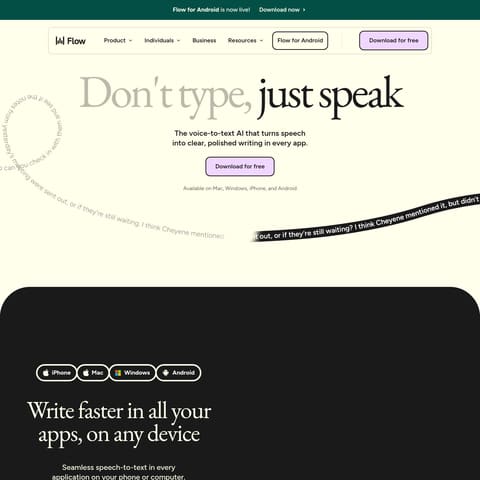
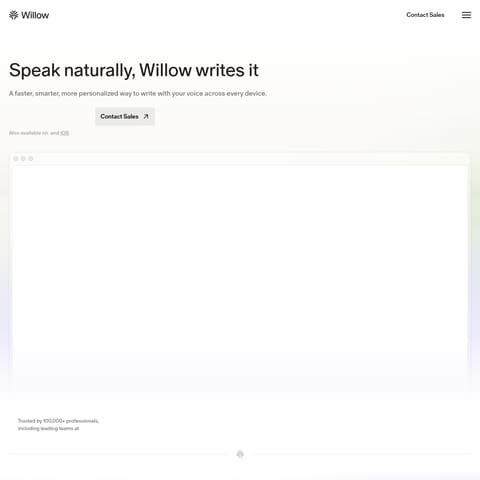
Voiskey is an AI voice typing application that converts natural speech into formatted, ready-to-send text across desktop and mobile operating systems.

Writing AssistantConverting natural, unscripted speech…Translating spoken language into…Generating technical AI prompts with…Adapting formatting and tone
Voiskey product interface screenshot
Estimated monthly visits
9K
Data period:
Listed on AIToolly

What Is Voiskey? Product Overview

What the product does and how it is positioned

Voiskey is an AI-powered voice typing application designed to convert natural conversational speech into structured and polished written communication across desktop and mobile devices.

Rather than providing verbatim transcription, the tool detects intent, filters out fillers and speech stumbles, tailors tone and formatting, and supports translation into over 100 languages.

What Can You Use Voiskey For?

Source-supported ways to use the product

Drafting emails and messaging

Users speak unpolished thoughts to generate structured emails, direct messages, and chat replies.

Software engineering prompts and docs

Developers speak technical requirements to create AI prompts, commit messages, and design documents.

Meeting notes and action tracking

Professionals use voice input to capture decisions, action items, follow-ups, and team handoffs.

Natural Speech Processing and Contextual Adaptation

Voiskey focuses on capturing user intent rather than producing literal speech-to-text transcriptions. When users speak naturally, the application automatically handles disfluencies such as filler words, mid-sentence adjustments, and grammatical mistakes.

Beyond removing speech errors, the tool adapts outputs according to context. It automatically shapes vocabulary, tone, and formatting, while adapting to personal names, specialized jargon, and distinct spelling preferences over time.

  • Removes conversational fillers, false starts, and grammar slips automatically
  • Adapts text formatting, tone, and word choice to fit the user's intent
  • Learns user-specific vocabulary, personal names, and technical terminology
  • Translates spoken input into written text across more than 100 languages

What to Test Before Choosing Voiskey

Checks to run with your own material and workflow

  • Confirm that Voiskey supports your required desktop or mobile operating systems across macOS, Windows, iOS, and Android.
  • Verify that the system accurately learns and retains your organization's specific technical terms, names, and spelling preferences.
  • Check the translation accuracy and formatting of the output for your primary languages among the 100+ supported languages.

Voiskey Sources and Last Checked

What was checked and when

Last checked

Voiskey Frequently Asked Questions

Answers based on the source-checked product record

Which operating systems are supported by Voiskey?

Voiskey is officially available on macOS, Windows, iOS, and Android devices.

How does Voiskey handle natural speech mistakes and filler words?

The application identifies speaker intent and automatically filters out fillers, stumbles, grammar slips, and mid-sentence corrections.

Can Voiskey translate voice input into other languages?

Yes, users can speak in their own language and Voiskey converts the audio into written text across more than 100 languages.

How does Voiskey assist with writing prompts for AI tools?

Users can verbally describe what they want to build or change, and Voiskey converts the description into structured prompts with files, paths, and commands.

Does Voiskey adapt to personal writing styles and terminology?

Yes, Voiskey learns personal names, domain jargon, and spelling preferences to match individual writing styles over time.

Explore other recently added tools in the same category.