Rill Browser
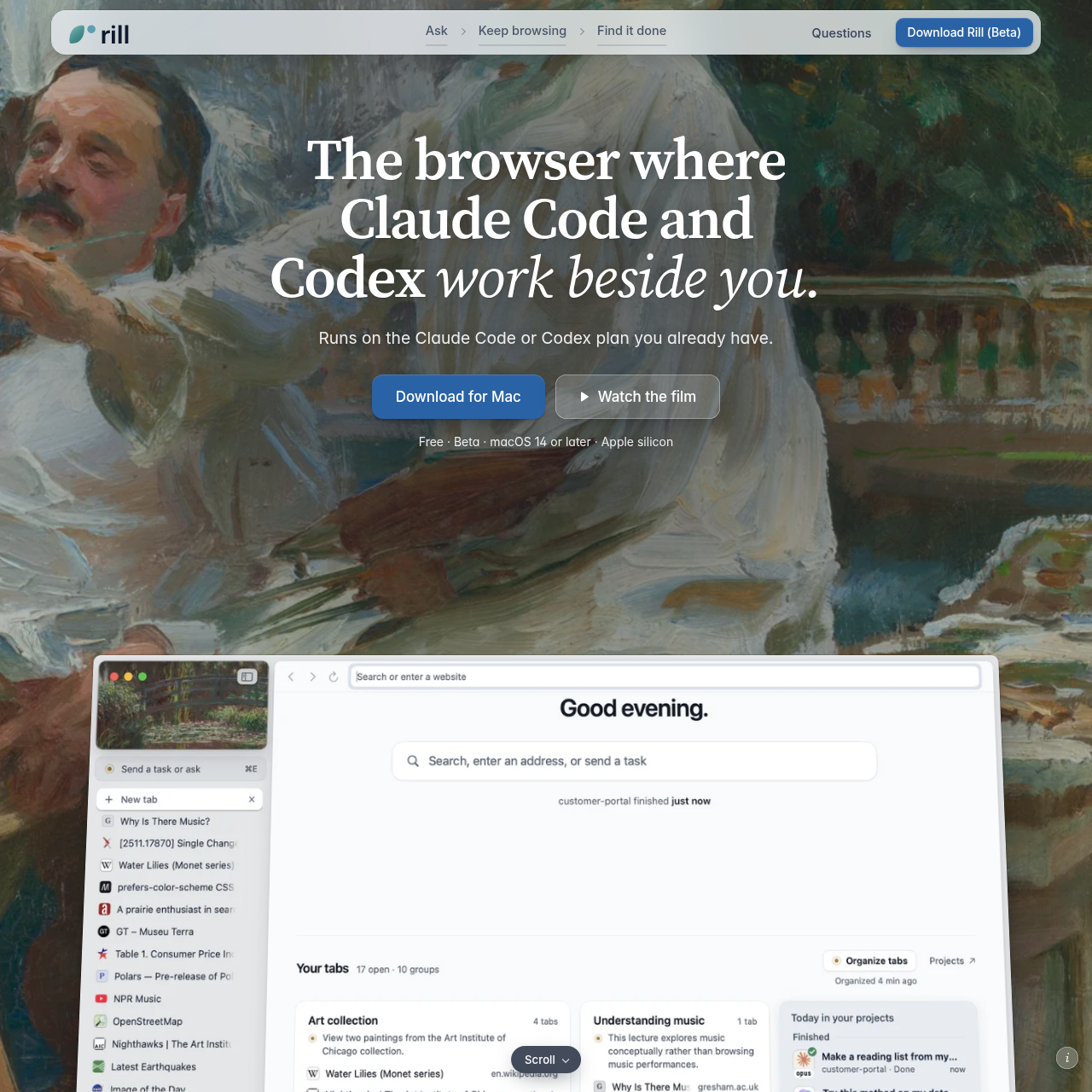
Rill Browser is an Apple silicon Mac browser that integrates Claude Code and Codex directly into browsing sessions for context-aware project routing and automated web tasks.
What the product does and how it is positioned
Rill Browser is a desktop browser designed for macOS systems running on Apple silicon, combining standard browsing functionality with developer agent integrations.
The application interfaces with locally configured Claude Code and Codex CLI tools, allowing users to dispatch tasks directly from web pages and inspect automated project activity alongside browsing history.
Source-supported ways to use the product
Send reference documentation, data tables, or code release notes directly into corresponding local development projects from any webpage.
Select up to six opened browser tabs to create a side-by-side comparative table that quotes specific details from each site.
The documented workflow, where available
Download Rill Browser and place the application package into the macOS Applications directory.
Sign in to locally installed Claude Code, Codex CLI, or both using guided setup prompts.
Trigger the agent prompt with the Command-E keyboard shortcut on any page to dispatch tasks into identified projects.
Rill Browser embeds command-line coding assistants directly into everyday web browsing. Instead of requiring users to copy context into an external terminal, the browser uses a keyboard shortcut to trigger prompts that automatically map to active coding directories based on existing CLI history.
For general web automation and multi-source analysis, agents can navigate pages independently in isolated browser tabs without inheriting personal user credentials. Users can also select multiple open tabs to extract relevant citations into unified comparative summaries.
Checks to run with your own material and workflow
What was checked and when
Answers based on the source-checked product record
Rill Browser requires an Apple silicon Mac running macOS 14 or later to install and run the application.
Agent functionality requires Claude Code version 2.1.261 or later, or Codex CLI version 0.144.4 or later.
Yes, Rill Browser functions as a standard web browser even if no Claude Code or Codex agent is connected.
Passwords are saved in the macOS Keychain secured by Touch ID, while history entries are kept as local files on the Mac.
No, automated booking tasks carry actions forward only up to the payment step, leaving checkout completion to the user.