OpenBot
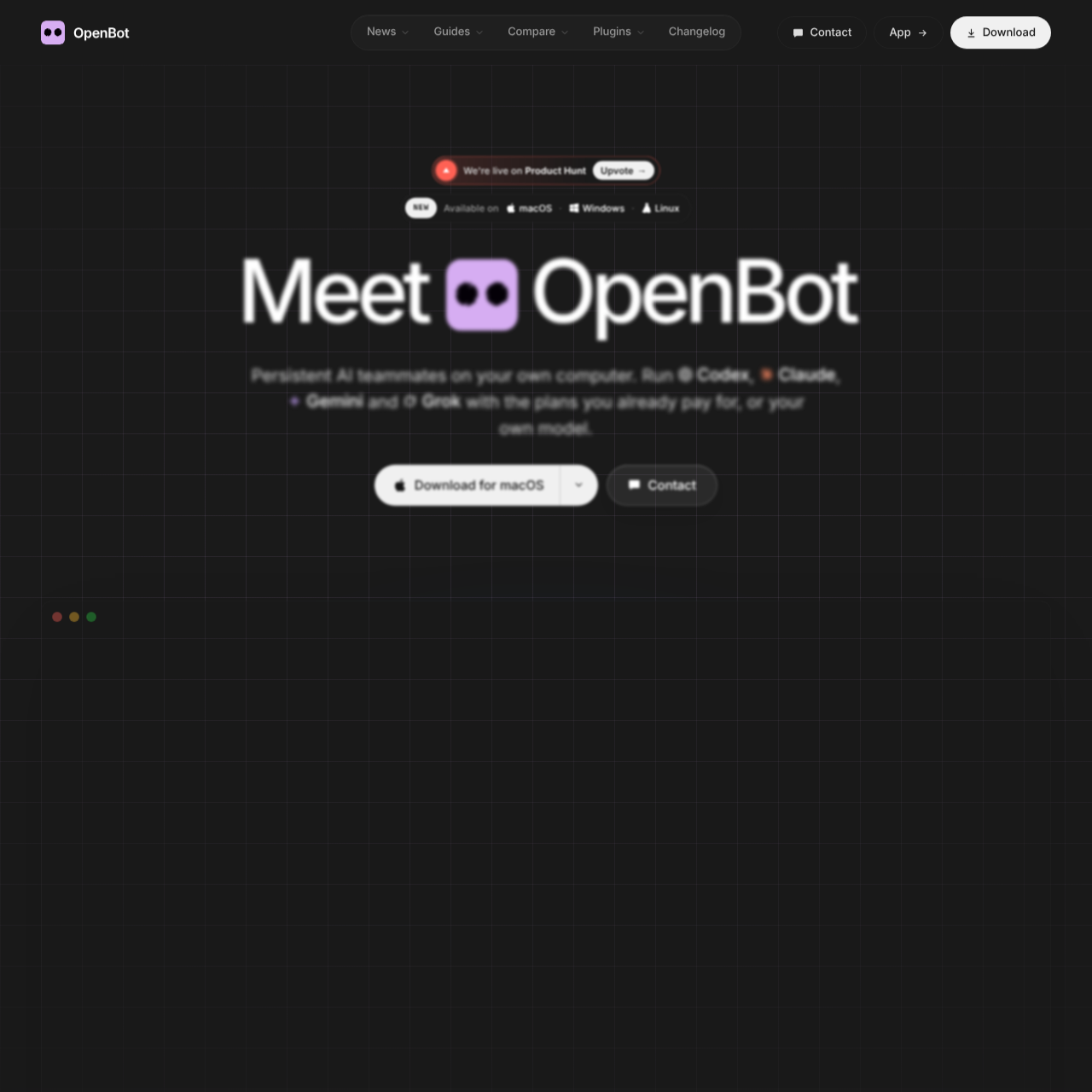
OpenBot is a desktop application that runs multi-agent AI workspaces locally, allowing agents to collaborate, control a built-in browser, and connect across diverse model providers.
What the product does and how it is positioned
OpenBot is a desktop application designed to run teams of persistent AI agents directly on a user's computer. Each agent operates with an assigned name, custom instructions, and a distinct workspace, enabling multiple agents to communicate, transfer tasks, and share files.
The application interfaces with major AI model providers, OpenAI-compatible APIs, and local runtimes such as Ollama and LM Studio. All workspaces, conversational histories, files, and browser sessions remain on the host machine rather than external product servers.
Source-supported ways to use the product
Specialized agents coordinate within a shared channel to diagnose errors, write code fixes, review pull requests, and close repository issues.
Agents navigate websites through an integrated browser while inspecting pages, modifying local files, and running system commands.
The documented workflow, where available
Configure an external AI provider account, an OpenAI-compatible endpoint, or a local runtime such as Ollama or LM Studio.
Describe the desired agent role with a single prompt, inspect its generated instructions, and save the configuration.
Submit work prompts directly to an agent or place requests into a manageable queue while existing operations finish.
OpenBot manages autonomous agents by providing each entity with an isolated workspace, custom instructions, and a shared channel interface. Agents can communicate directly with one another, transfer operational responsibility, and share project files to complete multi-step objectives.
All core data assets, including conversations, project files, and browser records, remain on the local machine. Agents maintain their conversation context and workspace state even after the desktop application is restarted or the underlying AI model provider is reassigned.
Checks to run with your own material and workflow
What was checked and when
Answers based on the source-checked product record
Workspaces, conversations, file attachments, and browser data stay stored on the local computer running OpenBot rather than remote application servers.
OpenBot supports Codex, Claude Code, Gemini, Grok, OpenCode, Cursor, and Cline, as well as OpenAI-compatible endpoints and local models in Ollama or LM Studio.
OpenBot runs on macOS 13 or newer on Apple silicon or Intel, Windows 10 or newer on x64, and Linux on x64 or arm64 distributed as an AppImage.
Agents can open, read, and control web pages autonomously using a browser that is built directly into the OpenBot desktop application.
An agent retains its workspace and ongoing conversation history when switched to a different model provider or after restarting the app.