Loqua
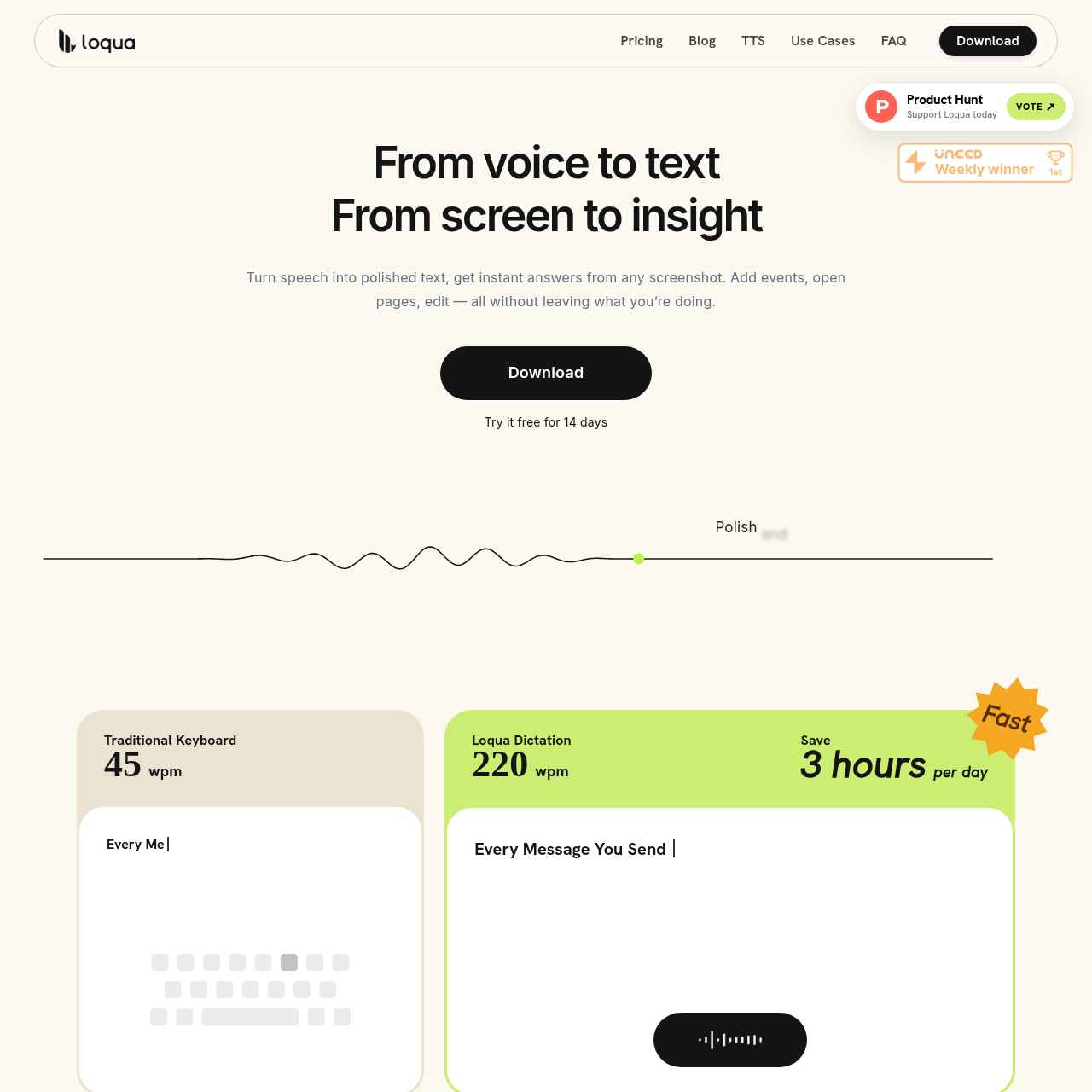
Loqua is a desktop voice-typing and workflow assistant for macOS and Windows that transcribes speech, cleans up phrasing, analyzes screen captures, and triggers system actions via global shortcuts.
What the product does and how it is positioned
Loqua is a desktop productivity application designed for macOS and Windows that converts spoken input into formatted text across any active text field using a global shortcut. The software cleans up speech in real time by eliminating filler words, trimming repetitive language, and generating structured elements such as headings and bulleted lists.
Beyond standard voice typing, Loqua integrates visual screen analysis and system commands. Users can capture screen regions to receive spoken or written summaries and analyses, highlight text for in-place voice rewriting, execute desktop tasks such as launching applications or setting reminders, and listen to selected text through an AI text-to-speech mode.
Source-supported ways to use the product
Users speak drafts, emails, and documentation directly into active applications while the system automatically formats headings, removes filler words, and rewrites highlighted sections upon request.
Users capture tables, charts, or interface elements on screen and ask questions aloud to receive instant summaries, translations, or analyses without switching away from their active workspace.
Users invoke global shortcuts to execute voice-driven system actions such as opening applications, setting reminders, searching routes, placing phone calls, and dispatching text messages.
The documented workflow, where available
Trigger the assigned shortcut and select a table, chart, or any visual element on the screen.
Speak the question or instruction regarding the captured screen content.
Review the resulting analysis, translation, or summary directly without leaving the current application.
Loqua operates as a global overlay across desktop environments on macOS and Windows, inserting transcribed text directly at the cursor location in apps like code editors, messaging tools, and word processors. The transcription engine processes speech dynamically, removing verbal pauses, hesitation words, and duplicate phrasing without manual post-editing.
In addition to dictation, the tool incorporates screen analysis by letting users capture arbitrary portions of their screen and issue voice queries against the image data. The system interprets the visual context alongside the spoken query to provide summaries, data interpretations, or translations directly within the existing workflow.
Checks to run with your own material and workflow
What was checked and when
Answers based on the source-checked product record
Loqua is explicitly built for macOS and Windows desktop environments, operating globally across applications.
Loqua removes filler words, eliminates verbal repetitions, refines phrasing in real time, and organizes spoken content into lists and hierarchical headings.
Yes, Loqua supports spoken translation into native phrasing across nearly 100 languages directly during input.
Capture to Ask allows users to select any region of their screen, speak a question, and receive an instant analysis, translation, or summary without switching apps.
Voice commands activated by shortcut can set reminders, open applications, search travel routes, make calls, and send text messages.