Kai
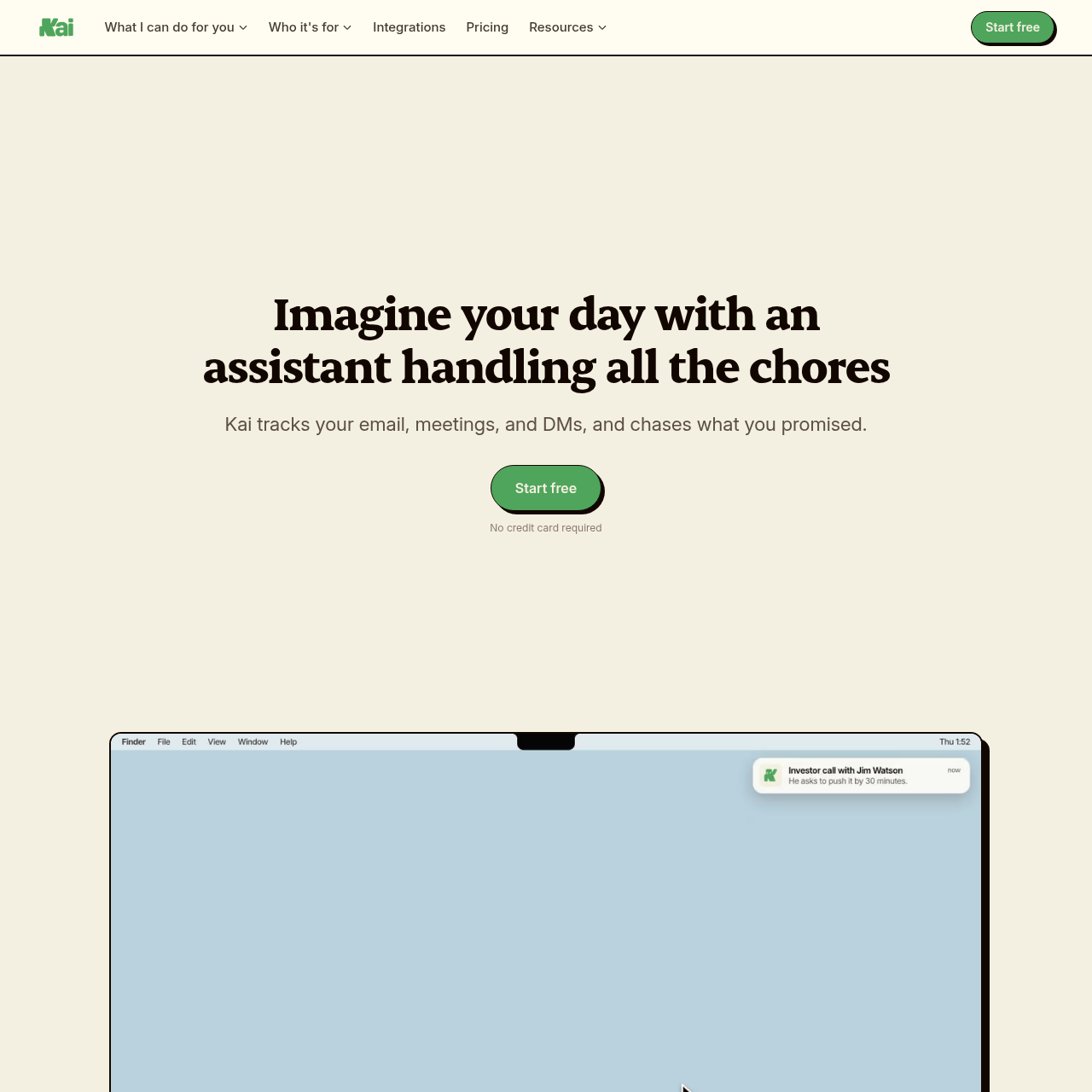
Kai is an autonomous productivity assistant by Morgen that triages emails, summarizes meetings without bots, and organizes tasks across Google and Microsoft accounts.
What the product does and how it is positioned
Kai is an embedded productivity assistant developed by Morgen AG that integrates directly with Google and Microsoft email and calendar accounts. Rather than functioning as a standalone chatbot that requires continuous prompting, Kai operates continuously in the background to monitor incoming correspondence, transcribe virtual meetings, and flag commitments.
The application unifies action items and communications into a centralized triage workspace. Meeting summaries, drafted email replies, and detected tasks require manual user review before anything is dispatched, keeping the user in full control of all outbound communication and calendar adjustments.
Source-supported ways to use the product
Review pre-meeting briefs, record calls without bots, and convert agreed outcomes into linked action items.
Sort incoming messages by urgency and review pre-drafted responses before approving them to send.
Share a consolidated booking link that calculates true availability across all connected personal and work calendars.
Connect Claude or ChatGPT via Model Context Protocol to query current schedule and task data without manual copy-pasting.
The documented workflow, where available
Connect Google and Microsoft email and calendar accounts to allow Kai to build context regarding contacts, preferences, and projects.
Kai monitors inbound emails, joins virtual meetings locally without a bot, and identifies commitments and schedule clashes.
Open the triage workspace to inspect categorized emails, adjust suggested replies, and approve action items or calendar blocks before execution.
Kai relies on a proactive background architecture that processes email, meetings, and calendar events without manual initiation, but enforces a strict human-in-the-loop triage step before executing any changes.
Incoming messages are categorized into actionable buckets such as Needs Reply, FYI, Waiting Reply, and Done. Replies and calendar modifications are drafted automatically, but no email is dispatched and no calendar block is created without explicit user confirmation.
Checks to run with your own material and workflow
What was checked and when
Answers based on the source-checked product record
No, Kai captures audio and generates live transcripts directly from your local device on Zoom, Google Meet, and Microsoft Teams calls without a bot joining.
No, Kai does not send emails automatically. It prepares response drafts in your voice, which remain in a triage workspace until you review, edit, or approve them.
Kai does not sync with external task tools such as Todoist or TickTick. It maintains its own unified task list linked directly to source emails and meetings.
Kai supports the Model Context Protocol (MCP), enabling external assistants like Claude and ChatGPT to read live schedules and tasks without manual copy-pasting.
Kai is available across Web, Mac, iPhone, and Android platforms, connecting with Google and Microsoft accounts.