Walkie
Walkie by B150: The High-Speed AI Dictation Tool with Local and Fast Modes
Walkie by B150 is a powerful, system-wide AI dictation tool and a 100% free alternative to Wispr Flow. It allows users to type at the speed of talk, reaching up to 220 WPM—four times faster than traditional typing. Walkie offers two unique workflows: Local Mode for 100% on-device, offline transcription that ensures maximum privacy, and Fast Mode for cloud-based transcription that automatically removes filler words, fixes grammar, and formats text in one step. Supporting over 100 languages via Whisper models and featuring compatibility with any application—including Slack, Notion, VS Code, and Gmail—Walkie streamlines workflows for developers, writers, and managers. With features like custom snippets, voice commands to open apps, and smart dictionaries, Walkie transforms natural speech into clean, professional text instantly.
2026-04-08
4.0K
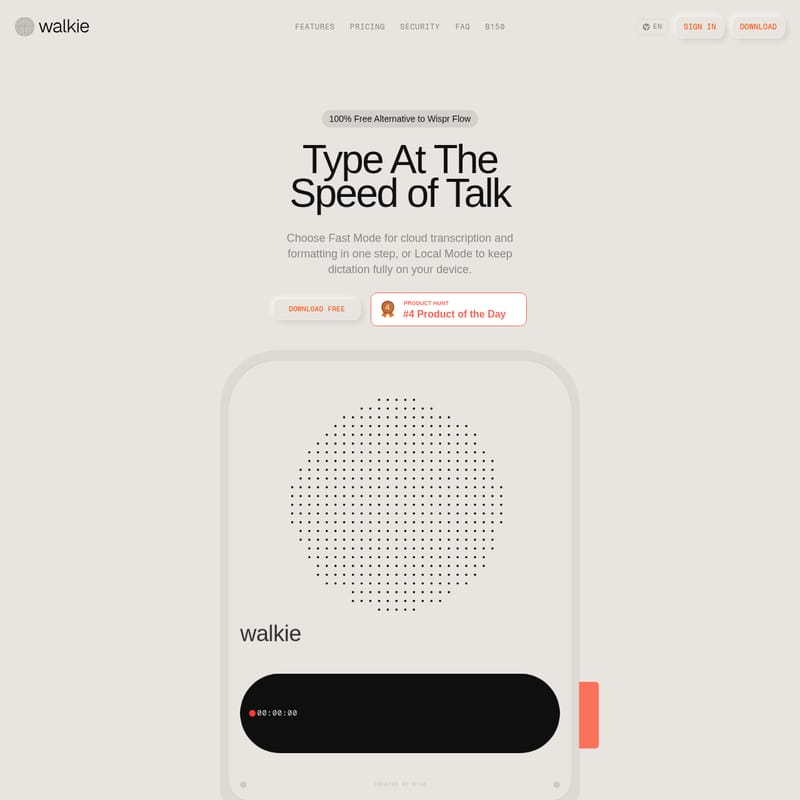
Walkie Product Information
Walkie: Type at the Speed of Talk with AI-Powered Dictation
In the modern digital workspace, speed and accuracy are paramount. Walkie, created by B150, is a revolutionary speech-to-text tool designed to let you type at the speed of talk. Offering a 100% free alternative to Wispr Flow, Walkie enables users to dictate text at approximately 220 WPM, which is four times faster than the average typing speed of 45 WPM. Whether you are coding in VS Code, drafting an email in Gmail, or organizing projects in Notion, Walkie works system-wide to turn your voice into polished text.
What's Walkie?
Walkie is a high-performance dictation application available for macOS (Apple Silicon) and Windows 10+. It serves as a bridge between your thoughts and your digital screen, allowing you to bypass the keyboard entirely. Unlike standard dictation tools, Walkie provides the flexibility of two distinct operating modes: Local Mode and Fast Mode.
With Local Mode, transcription happens entirely on your device, ensuring 100% privacy and offline functionality. Fast Mode utilizes cloud-based intelligence to transcribe, remove filler words, and format text simultaneously. It is built to work in every app with a text field, making it the ultimate productivity companion for anyone looking to optimize their workflow.
Key Features of Walkie
Walkie is packed with advanced features designed for efficiency, accuracy, and user control:
Dual Transcription Modes
- Local Mode: Keep your dictation fully on your device. It works offline (even in airplane mode) and offers unlimited transcription for free. This is ideal for sensitive data or users with strict privacy requirements.
- Fast Mode: A cloud-powered solution that transcribes and formats in one step. It automatically strips filler words like "um" and "uh" and fixes grammar in real-time.
AI Intelligence and Auto-Editing
- Filler Removal: Walkie achieves a 94% filler removal rate, ensuring your text is clean and professional.
- Smart Dictionary: The app learns as you go. You can manually add industry terms, names, or unique spellings, and Walkie will remember them for future dictations.
- Text Styling: Choose your tone. Whether you need a formal email with proper punctuation or a casual message in lowercase, Walkie adapts the output to your voice.
Voice Commands and Snippets
- Smart Commands: Control your computer by saying phrases like "open cursor," "open gmail," or "open notes."
- Snippets: Define trigger phrases that expand into full text. For example, saying "my email" can instantly type out your full email address.
Technical Capabilities
- 100+ Languages: Supports a vast array of languages including English, Chinese, German, Spanish, French, and many more via Whisper models.
- AI Model Selection: Choose from over 7 speech recognition models, including OpenAI Whisper (Small to Large), NVIDIA Parakeet, and Breeze ASR.
- Hardware Acceleration: Optimized with Metal, Vulkan, and OpenBLAS acceleration for high-speed performance.
How to Use Walkie
Getting started with Walkie is straightforward and requires no complex API configurations:
- Download: Grab the free installer for macOS or Windows.
- Install: Run the installer and select your preferred speech model when prompted.
- Start Talking: Simply hold your designated hotkey (e.g., the
fnkey), speak naturally, and release the key. Your text will appear instantly in the active application.
Use Cases
Walkie is built to fit into any professional or creative workflow:
Engineering and Development
In VS Code or Cursor, developers use Walkie to write comments, execute terminal commands, and draft commit messages. It integrates perfectly with GitHub, Linear, and Warp to keep your hands on the task and off the keyboard.
Writing and Documentation
Content creators use Walkie to draft first versions of stories on Medium or Substack. It is excellent for capturing quick thoughts in Apple Notes or building expansive knowledge bases in Obsidian and Notion.
Project Management and Communication
Stay on top of tasks in Jira, Trello, or Monday by dictating task descriptions and updates. Communicate faster in Slack, Microsoft Teams, or WhatsApp without losing your authentic tone.
Privacy and Security
Walkie prioritizes your data. The Local Mode ensures that audio never leaves your machine, making it HIPAA-ready and perfect for high-security environments. Even in Fast Mode, Walkie follows a zero data retention policy for transcription and formatting, providing a secure alternative to traditional cloud-only voice tools.
Pricing
- Walkie Free: $0/forever. Includes unlimited Local Mode, 4,000 Fast Mode words per week, and access to 7+ speech models.
- Walkie Pro: $6/month (billed annually). Includes everything in Free plus unlimited Fast Mode, Smart Commands, and early access to upcoming features like MCP connections and a cloud history sync.
FAQ
Is Walkie really free? Yes. Unlimited Local Mode is completely free. Free users also receive a weekly allowance of 4,000 words for Fast Mode.
Does Walkie work offline? Yes, Local Mode works fully offline once you have downloaded your preferred AI model.
What platforms are supported? Walkie supports macOS (Apple Silicon) and Windows 10 or newer.
Can it fix my grammar? Yes. In Fast Mode, Walkie uses AI to strip filler words, correct grammar, and structure your text so it reads cleanly the first time.