Inbox Zero
Inbox Zero is an email client for Gmail and Outlook that provides keyboard navigation, customizable split inbox views, internal team commenting, and automated AI reply drafts.
What the product does and how it is positioned
Inbox Zero is an email application designed for Gmail, Google Workspace, and Outlook accounts. It emphasizes keyboard navigation, providing single-key shortcuts and a Command-K palette to organize and triage correspondence across multiple accounts without relying on mouse input.
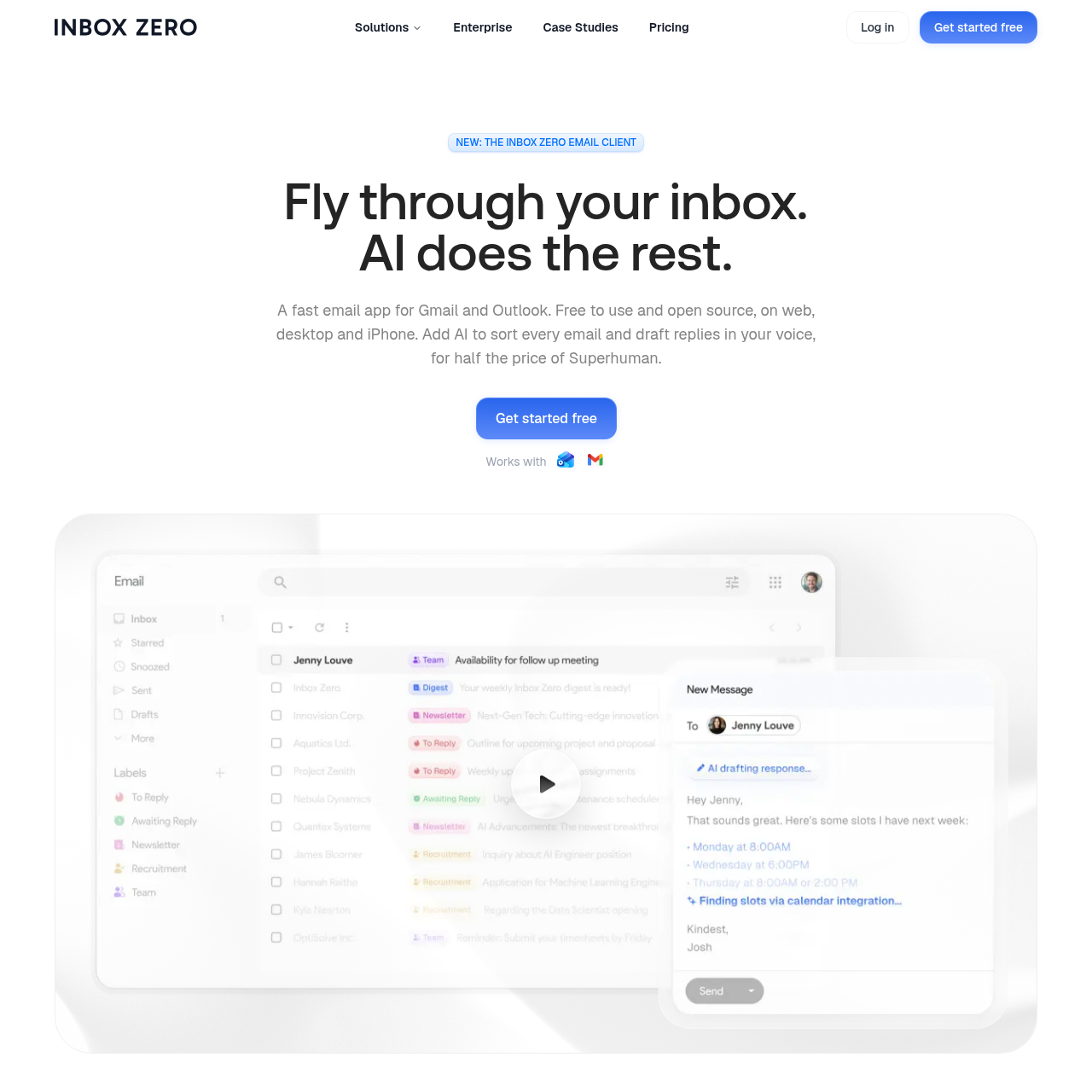
The service incorporates artificial intelligence to automatically assign labels and sort emails into dedicated splits, such as newsletters, calendar updates, and actionable messages. For items requiring follow-up, it produces contextual reply drafts modeled on past correspondence and calendar events.
Source-supported ways to use the product
Professionals manage large volumes of messages using keyboard navigation and automated splits to clear inboxes without manually sorting every incoming email.
Users review, adjust, and dispatch pre-generated drafts for actionable messages that reference past email interactions and schedule availability.
Colleagues discuss incoming messages and assign tasks through side-by-side comments and mentions without forwarding emails.
Inbox Zero organizes incoming messages by applying labels on arrival and organizing the inbox into segmented tabs such as To Reply, Newsletter, and Calendar. Users can define new split categories by describing the criteria in plain English rather than configuring manual rule sets.
When an email is identified as requiring a response, the platform prepares a draft prior to the user opening the message. Drafts are constructed using the user's writing style along with context drawn from prior email threads and calendar events, allowing users to edit, send, or schedule the message.
Checks to run with your own material and workflow
What was checked and when
Answers based on the source-checked product record
Inbox Zero connects directly to existing Gmail, Google Workspace, and Outlook accounts without requiring data migration, keeping messages housed in the original email service.
The web and desktop versions of Inbox Zero are open source under the AGPL-3.0 license. The native iPhone application is distributed as a separate app and is not open source.
No, automated drafts are generated exclusively for emails that require an action or response, such as those placed in the To Reply tab, leaving receipts and newsletters labeled without drafts.
Inbox Zero is available as a web browser client, desktop applications for Mac and Windows, and a mobile application for iPhone.
Team members can post comments directly beside an email thread and mention colleagues to communicate internally without forwarding messages over email.