voe4 ai
Voe 4: Lightning-Fast AI Video Generator for Professional 4K Text-to-Video and Image-to-Video Creation
Voe 4 is a premier AI video generator powered by the Voe 4.0 Model, designed for lightning-fast text-to-video and image-to-video conversion. Capable of generating high-quality Voe 4 4k outputs in as little as 2 to 5 seconds, Voe 4 empowers creators with character consistency, natural language processing, and motion control. Whether you are a marketer, artist, or business owner, Voe 4 provides a comprehensive suite of tools including an AI video enhancer, background remover, and native audio generation to streamline your creative workflow and produce professional-grade visuals effortlessly.
2026-01-19
1.0K
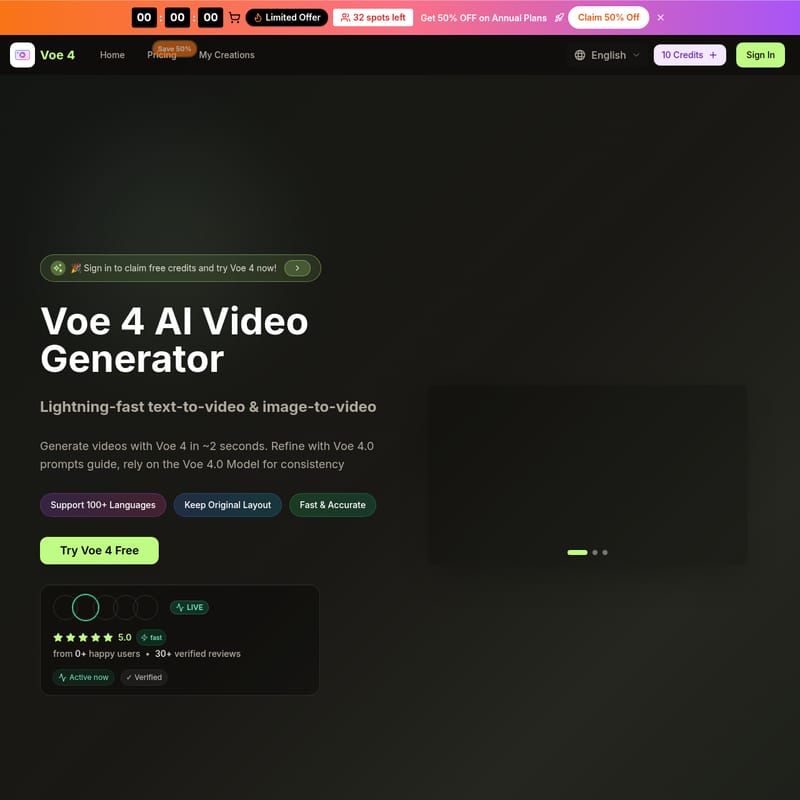
voe4 ai Product Information
Voe 4: The Ultimate Lightning-Fast AI Video Generator
In the rapidly evolving world of digital content, Voe 4 stands out as the #1 AI Video Generator and editor. Powered by the advanced Voe 4.0 Model, this platform offers lightning-fast text-to-video and image-to-video capabilities, allowing users to generate high-quality videos in approximately 2 seconds. Whether you are looking to refine your creative vision with the Voe 4.0 prompts guide or rely on the consistency of the Voe 4.0 Model, Voe 4 is designed to deliver professional results for creators worldwide.
What's Voe 4?
Voe 4 is a comprehensive web-based AI creator and enhancer that specializes in turning simple text descriptions or static images into dynamic, professional-grade videos. By utilizing the Voe 4.0 Model, the platform ensures that every Voe 4.0 AI Video produced maintains high resolution and authentic detail. Voe 4 supports over 100 languages and keeps original layouts intact, making it a versatile tool for global users. From quick mockups to campaign-ready assets, Voe 4 is the go-to solution for those who want to try Voe 4 ai online free and experience the future of video generation.
Features of Voe 4
Voe 4 is packed with powerful features built specifically for the modern creator:
- Lightning-Fast Generation: Experience instant AI video generation with Voe 4, producing results in 2-5 seconds.
- High-Resolution Output: Generate Voe 4 4k and HD high-resolution Voe 4.0 AI Video for professional use.
- Multi-Model Access: Switch between various models like Veo 3, Sora 2, and Wan 2.5 without leaving the platform.
- Character Consistency: Maintain a steady look for characters across different scenes effortlessly with the Voe 4.0 Model.
- Native Audio Generation: Create videos with synced dialogue, ambience, and effects directly within Voe 4.
- Motion & Scene Control: Dial in specific camera moves, transitions, and timing for intentional narrative beats.
- Commercial Usage Rights: All subscription plans include a commercial license, allowing you to use Voe 4 outputs for business and ads.
- Advanced AI Editing: Features include an AI video enhancer, AI video background remover, and smart prompt expansion.
Use Case for Voe 4
Voe 4 is highly flexible and caters to a wide range of professional and creative scenarios:
- Social Media Content: Creators use Voe 4 to visualize creative concepts and produce engaging videos for social platforms instantly.
- Marketing and Advertising: Marketers rely on Voe 4 to build campaign videos faster, ensuring professional quality every time.
- E-commerce: Business owners use the tool to create product videos, turning static images into Voe 4.0 AI Video in seconds.
- Storytelling and Narrative: Independent artists use the motion control and character consistency features to develop deep story sequences.
- Corporate Projects: Agencies use Voe 4 for client work, benefiting from the fast iteration and commercial usage rights.
How to Use Voe 4
Generating professional-grade content with Voe 4 is straightforward. Follow these steps to maximize the potential of the Voe 4.0 Model:
Step 1: Choose Your Tool
Start by selecting the Voe 4 video or image generator. The integrated system provides all the tools needed for 4K artwork and video in one place.
Step 2: Input Your Prompt or Image
Upload a photo you wish to transform or type a text description. For the best results, follow the Voe 4.0 prompts guide to describe mood, lighting, and flow.
Step 3: Configure Settings
Select your desired aspect ratio (16:9, 9:16, etc.), video quality (720p or 1080p), and duration (5 or 10 seconds).
Step 4: Generate and Refine
Click "Generate with Voe 4" to produce your content in seconds. Use the advanced editing features to fine-tune details and perfect the final Voe 4.0 AI Video.
FAQ About Voe 4
What is Voe 4? Voe 4 is a leading AI Video Generator powered by Voe 4. It creates results in roughly 2 seconds, offering a Voe 4.0 prompts guide for refinements and exporting up to Voe 4 4k quality.
How long does it take Voe 4 to generate a video? It takes between 2-5 seconds for instant generation, while more complex Voe 4 4k AI videos may take 15-30 seconds depending on the difficulty.
Can I try Voe 4 for free? Yes, you can try Voe 4 ai online free by signing in to claim free credits. Free users receive initial credits to explore the Voe 4.0 Model.
Is there a limit to generation? Voe 4 operates on a credit basis. Basic, Professional, and Enterprise plans offer different monthly credit allocations ranging from 1,000 to 6,000 credits per month.
Does Voe 4 support mobile devices? Yes, Voe 4 is a browser-based creator that works perfectly on smartphone browsers, allowing you to create Voe 4.0 AI Video on the go.
Ready to experience the power of the Voe 4.0 Model? Join over 100,000 creators and start building your Voe 4 4k results today with Voe 4!