
Tucky favicon

Tucky

Tucky is a macOS application that docks notes to the edge of the screen, providing a local, encrypted workspace with an integrated AI agent for writing, searching, and managing information.

ProductivityGlobal keyboard shortcutsVoice dictation in over 60 languagesLive Markdown supportCheckbox task management
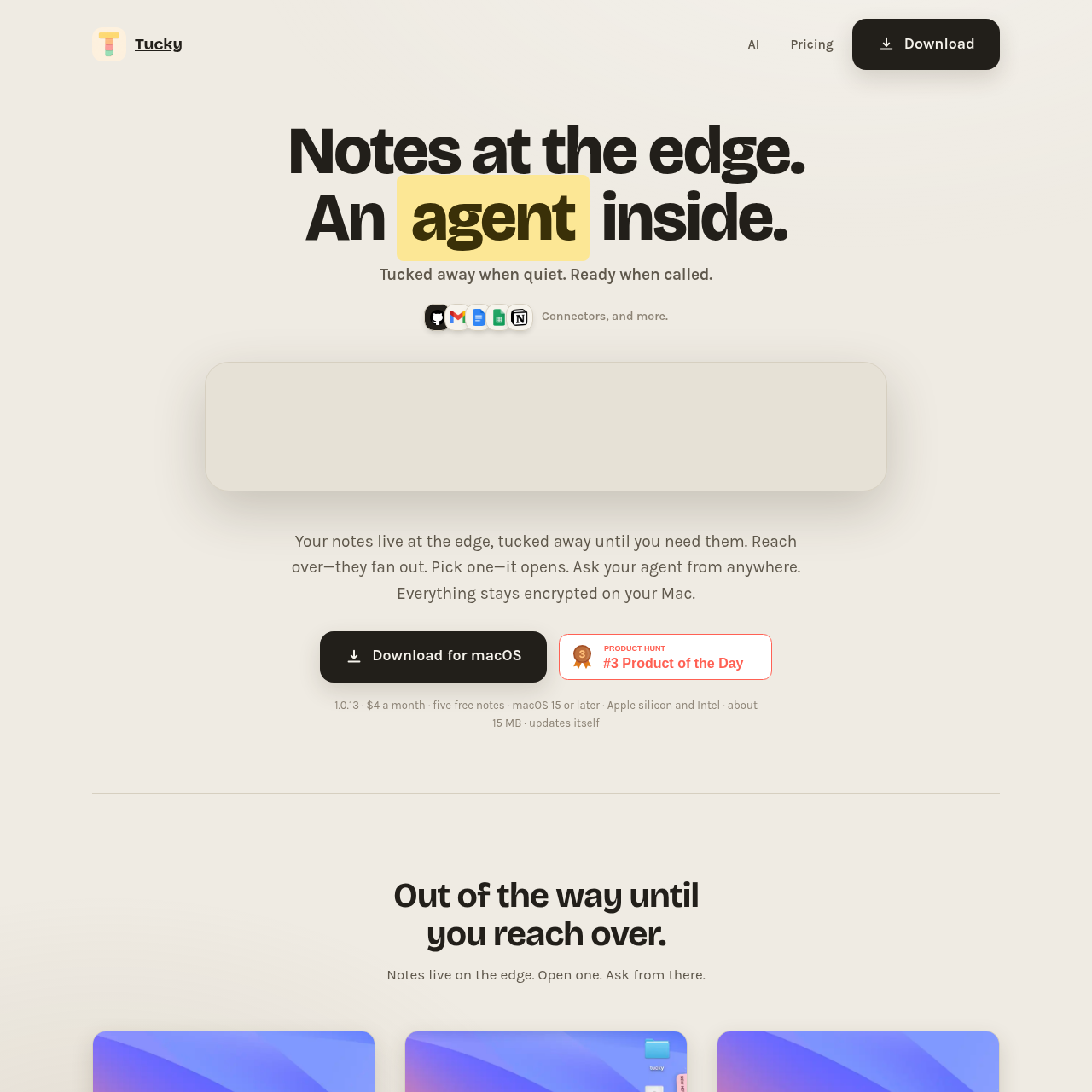
Tucky product interface screenshot
Listed on AIToolly

What Is Tucky? Product Overview

What the product does and how it is positioned

Tucky functions as a note-taking tool designed to stay out of the way until needed. By docking notes to the edge of the screen, it allows users to maintain focus on other applications while keeping their information accessible.

The application includes an AI agent that can be invoked from any app to interact with notes. It emphasizes local privacy by keeping all notes and data encrypted on the user's Mac.

What Can You Use Tucky For?

Source-supported ways to use the product

Contextual AI Assistance

Users can invoke the AI agent via global shortcuts to ask questions, write, or rewrite content based on their notes without switching windows.

Task and Information Management

Users can manage checkbox tasks and organize information using live Markdown support directly within their docked notes.

How to Use Tucky

The documented workflow, where available

  1. 1

    Accessing Notes

    Reach over to the edge of the screen to fan out and open your notes while keeping other applications visible.

  2. 2

    Interacting with AI

    Use global keyboard shortcuts to invoke the AI agent to search, write, or talk to your notes from any application.

AI Integration and Privacy

Tucky integrates AI capabilities directly into the note-taking experience, allowing users to perform tasks such as writing and editing without leaving their current workspace. The AI agent is accessible through global shortcuts, enabling interaction with notes.

A core component of the application is its focus on local data management. All notes are stored and encrypted on the user's Mac, so that information remains local even when utilizing AI features.

  • AI models are contained within the application.
  • Supports voice dictation in over 60 languages.
  • Data remains encrypted on the local disk.

What to Test Before Choosing Tucky

Checks to run with your own material and workflow

  • Confirm that your system is running macOS 15 or later, as this is a requirement for the application.
  • Verify that your specific use case requires local-only storage, as Tucky is designed to keep all notes encrypted on the Mac.

Tucky Sources and Last Checked

What was checked and when

Official source
https://tucky.io/
Last checked
Category
Productivity

Tucky Frequently Asked Questions

Answers based on the source-checked product record

Where are my notes stored in Tucky?

All notes are stored locally on your Mac and are encrypted on the disk to ensure user privacy at all times.

Can I use the AI features in the free version?

No, the free version of Tucky is limited to five notes and does not include AI, voice, or connector capabilities.

Which operating systems are supported?

Tucky is currently available for macOS 15 or later, supporting both Apple silicon and Intel-based Mac computers.

How do I interact with the AI agent?

You can invoke the AI agent from any application by using the designated global keyboard shortcut to search, write, or talk to your notes.

What external services can Tucky connect to?

The Plus subscription tier supports connectors for Gmail, Google Calendar, Google Docs, Google Sheets, GitHub, and Notion.

Explore other recently added tools in the same category.









