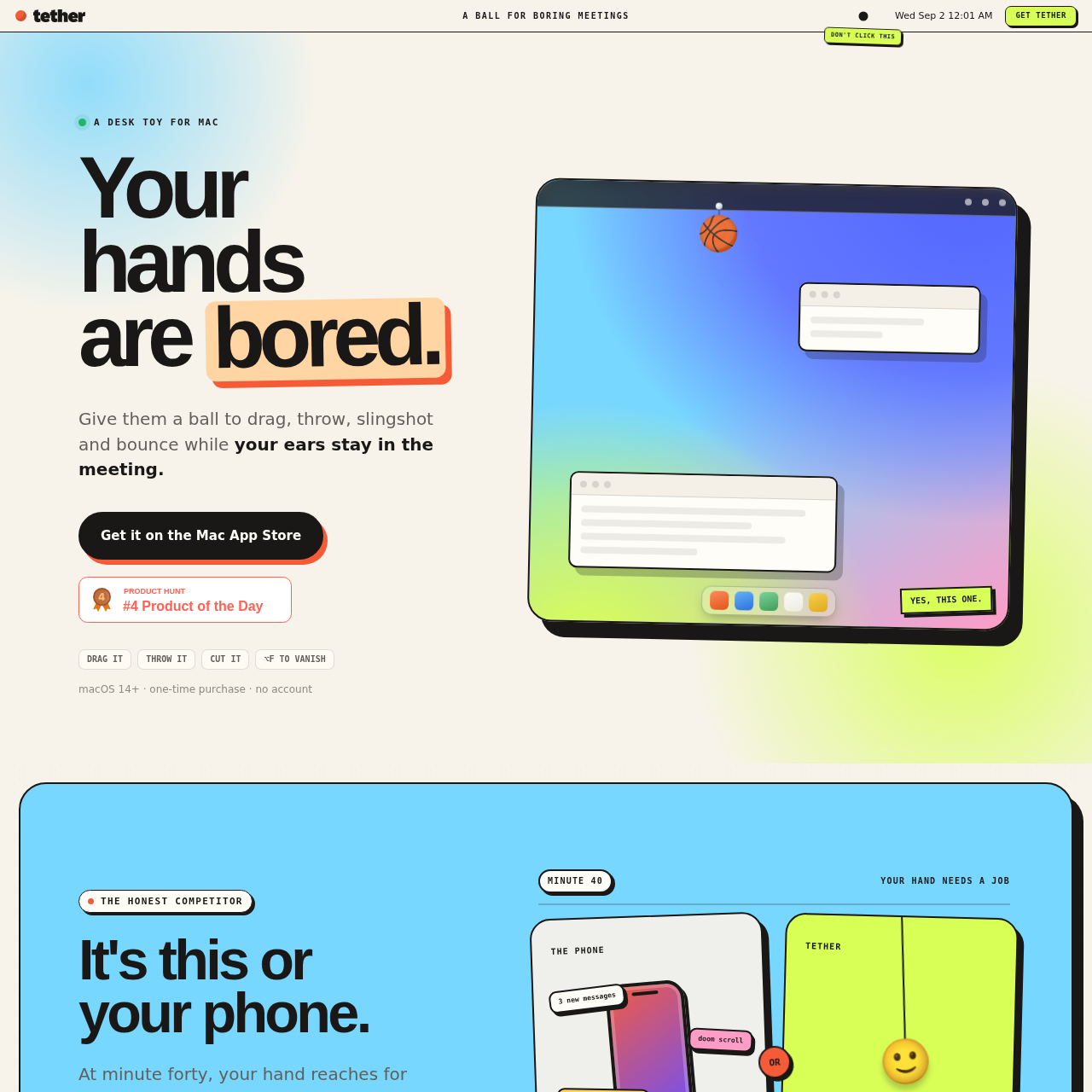
Tether is a desktop toy for macOS designed to provide a physical, interactive distraction during meetings. It features customizable physics-based objects that interact with your open windows, helping users stay focused without the distractions of a phone.
ProductivityAllows users to drag, throw, and bounce…Supports cutting the tether rope to…Includes a magnet modeProvides a keyboard shortcut to…
Listed on AIToolly
What Is Tether? Product Overview
What the product does and how it is positioned
Tether functions as a desktop-based physics toy that allows users to interact with virtual objects like balls while working. It is designed to provide a tactile, non-distracting outlet for restless hands during meetings or long work sessions.
The application integrates with the desktop environment by treating open windows as physical surfaces. Users can customize the behavior of these objects through various physics settings and can instantly toggle the visibility of the interface using a keyboard shortcut.
What Can You Use Tether For?
Source-supported ways to use the product
Meeting Distraction Management
Provides a way to keep hands occupied during long meetings without the attention-diverting nature of checking a smartphone.
Desktop Interaction and Play
Allows users to experiment with gravity and physics by throwing, bouncing, and dragging objects across their active desktop windows.
Physics and Interaction Mechanics
The core of the application relies on a physics engine that simulates gravity and collisions between virtual objects and the user's desktop windows. Users can manipulate these objects using mouse or trackpad gestures, such as dragging, throwing, or using an elastic tether to launch them.
Objects can be set to collide with window edges or roam freely if the tether is cut.
Magnet mode enables objects to follow the cursor automatically.
Users can adjust gravity, bounce, and size to modify the behavior of the objects.
What to Test Before Choosing Tether
Checks to run with your own material and workflow
Confirm that the application is running on macOS 14 or later to ensure compatibility.
Verify that the keyboard shortcut is configured to allow for the instant hiding of the interface during meetings.
Answers based on the source-checked product record
What is Tether?+
Tether is a desktop toy for macOS that provides interactive, physics-based objects to play with on your screen, designed to keep your hands occupied during meetings.
Does the application interfere with my work?+
No, the application is designed to be non-intrusive. It does not steal focus from other apps, clicks pass through it, and it can be hidden instantly with a keyboard shortcut.
Does Tether collect any user data?+
No, the application does not collect data. It requires no account, performs no cloud syncing, and all records remain local to your Mac.
Does the application make any noise?+
Tether is designed to be silent, providing physical satisfaction through visual interaction without generating meeting-room noise.
Is this considered productivity software?+
No, Tether is a desktop toy with no objectives, targets, or productivity-tracking features; it is intended for personal amusement.
More Productivity AI tools
Explore other recently added tools in the same category.