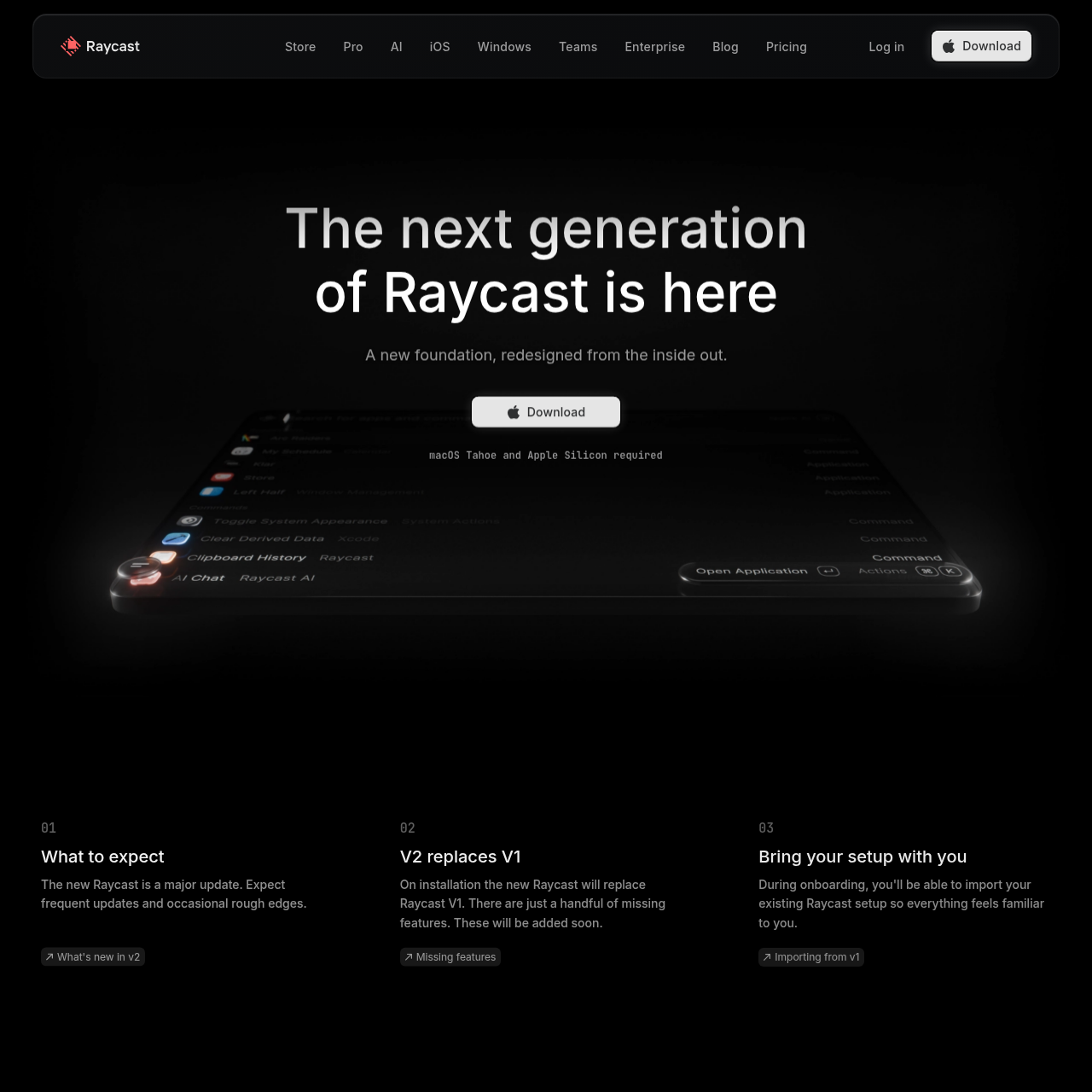
Raycast 2.0
Raycast 2.0 is a rebuilt desktop command launcher for macOS Tahoe and Apple Silicon, introducing root file search, dictation, and updated AI tooling.
What the product does and how it is positioned
Raycast 2.0 is a rebuilt release of the Raycast desktop launcher, redesigned from the inside out to integrate with macOS Tahoe. The release introduces structural updates to system navigation, including locating files directly inside the primary root search and assigning command hotkeys or aliases inline.
In addition to interface refinements, the update introduces native voice dictation and consolidates AI interactions into a centralized chat interface supporting skills, agents, and memory. Raycast 2.0 replaces existing v1 installations while providing automatic and manual migration paths for user settings, shortcuts, and custom extensions.
Source-supported ways to use the product
Users locate documents and system files immediately from the root command bar without navigating to a separate file search command.
Users compose text and issue inputs across desktop workflows using the built-in dictation engine.
Users execute tasks, run agents, and hold contextual conversations within an AI interface equipped with persistent memory and skills.
Raycast 2.0 establishes a new foundation built specifically for Apple Silicon hardware running macOS Tahoe. Installing the new version directly replaces Raycast v1, carrying over configurations while initially omitting a small number of legacy features planned for subsequent updates.
To ease the transition, the launcher includes an automated onboarding migration process alongside fallback manual import commands. The migration transfers configuration options, shortcuts, clipboard history, emoji picker preferences, and developer extensions, while disabling v1 hotkeys to eliminate keyboard shortcut collisions.
Checks to run with your own material and workflow
What was checked and when
Answers based on the source-checked product record
Raycast 2.0 includes a refreshed interface, improved hotkey handling, a revised AI experience with skills and memory, built-in dictation, faster file search directly in root search, quicklinks, and snippet tagging.
Raycast 2.0 requires macOS Tahoe and Apple Silicon hardware. Users on macOS Sequoia or earlier must upgrade their operating system before installing the application.
On installation, Raycast 2.0 replaces Raycast v1. The update launches with a handful of missing features from the previous generation that are scheduled to be added later.
Users can migrate automatically during onboarding or via the Migrate from Raycast v1 command, which moves settings, shortcuts, clipboard history, wrapped data, and the emoji picker. Alternatively, users can perform a manual import using a rayconfig file.
Custom extensions import automatically if Raycast v1 is updated to at least version 1.104.16. Developers can also import them manually using the extension development command line interface.