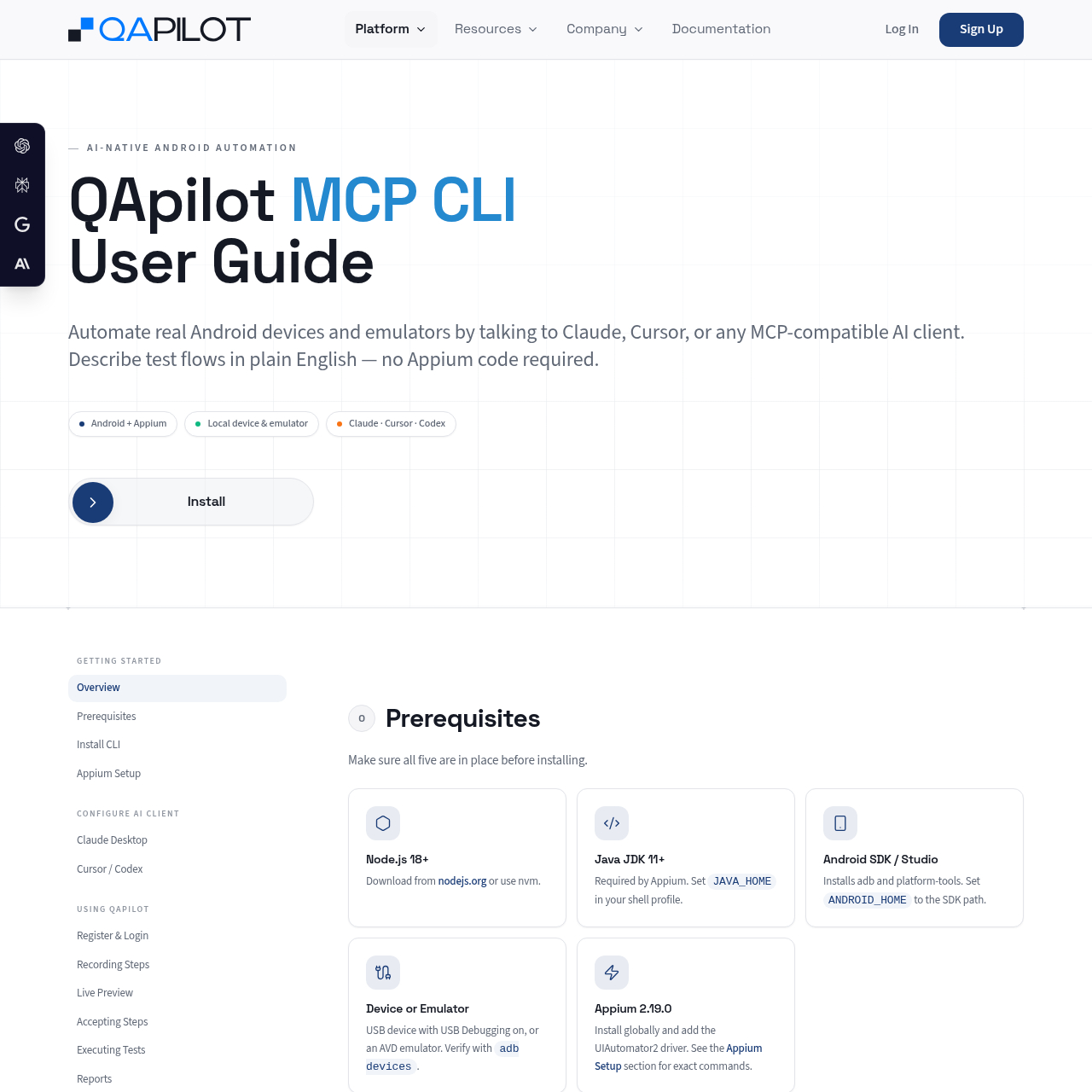
QApilot MCP for Android connects AI coding clients to local Android devices, executing plain-English tests without manual Appium code.
Code & ITConnecting AI clients to local Appium…Launching Android applications by…Executing step-by-step UI actionsReplaying saved test cases by…
Estimated monthly visits
6K
Data period:
Listed on AIToolly
What Is QApilot MCP for Android? Product Overview
What the product does and how it is positioned
QApilot MCP for Android is a Model Context Protocol CLI bridge that enables AI assistants such as Claude Desktop and Cursor to drive mobile application testing. It connects directly to local Appium servers and Android Debug Bridge environments to manipulate physical devices and emulators without requiring users to write manual Appium or UIAutomator scripts.
The tool automates test workflows by translating conversational prompts into structured plans, performing manual actions, streaming real-time execution to a browser preview, and saving verified test paths back to QApilot projects. At the conclusion of testing runs, it outputs structured data, Gherkin specifications, and session metrics.
What Can You Use QApilot MCP for Android For?
Source-supported ways to use the product
Conversational Test Step Authoring
Quality engineers can describe test interactions in natural language, enabling the AI client to construct structured test plans, execute actions on the connected Android device, and capture screenshots.
Batch and Regression Test Replay
Teams can run previously accepted test cases sequentially by ID or bulk-execute full test suites loaded directly from an Excel (.xlsx) spreadsheet against connected emulators.
How to Use QApilot MCP for Android
The documented workflow, where available
1
Environment Preparation
Verify prerequisites including Node.js 18+, Java JDK 11+, Android SDK, and start Appium 2.19.0 with the pinned uiautomator2 driver.
2
Client Configuration
Add the qapilot-mobile-mcp command and arguments to the MCP settings configuration of Claude Desktop, Cursor, or compatible AI clients.
3
Authentication and App Launch
Log into the QApilot workspace and launch the target application by specifying its Android package identifier.
4
Step Execution and Validation
Direct the AI assistant to perform actions, inspect real-time progress via the live preview URL, and accept successful happy-path steps into QApilot.
5
Report Generation
Generate session reports, producing JSON, YAML, and Gherkin files while clearing the execution state for subsequent runs.
MCP Tooling and Session Lifecycle Architecture
The CLI operates as an MCP server communicating over standard input and output streams, exposing dedicated tools for device management, plan construction, action dispatch, and state queries. AI clients leverage tools like mobile_launch_app, mobile_submit_plan, and mobile_execute to manage the Appium session life cycle programmatically.
During active execution, state inspection commands allow clients to query execution status and fetch cached application skills and XPaths. When a run concludes, calling the reporting tool writes test artifacts locally to the Downloads directory and resets the active execution context.
Connects AI assistants to UIAutomator2 driver instances through a standardized tool registry
Maintains cache context for previously resolved application XPaths to optimize repeated actions
Automates session cleanup and artifact generation to help reduce test state cross-contamination
What to Test Before Choosing QApilot MCP for Android
Checks to run with your own material and workflow
Confirm local environment compatibility with Node.js 18+, Java JDK 11+, Android SDK, and pinned Appium 2.19.0.
Verify that adb recognizes the connected target Android emulator or physical device before launching sessions.
Check that the AI client correctly registers the qapilot-mobile-mcp server entry inside its MCP configuration file.
Review generated session reports in the specified local output directory to verify JSON, YAML, and Gherkin artifacts.