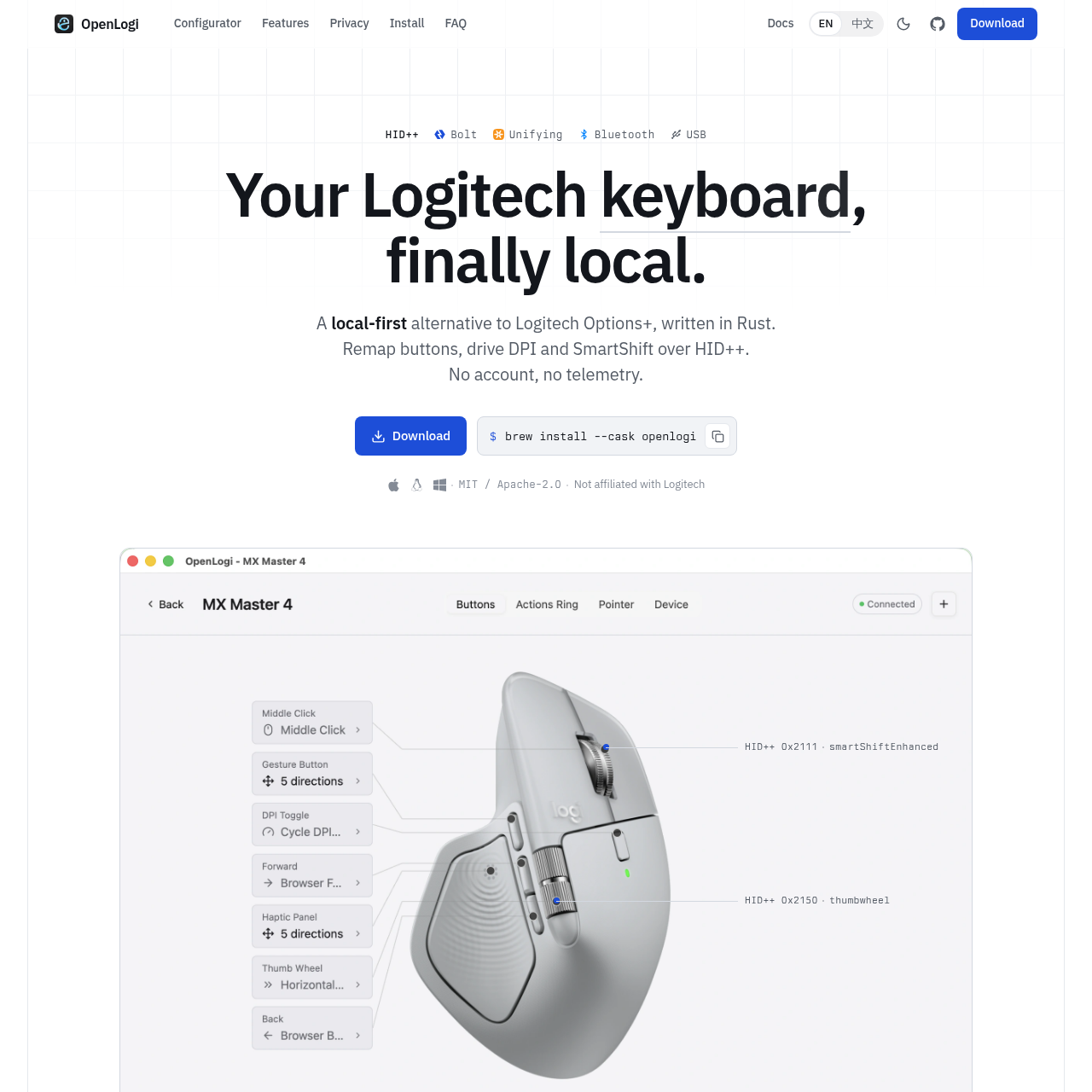
OpenLogi is a local-first, open-source configuration tool for Logitech peripherals, enabling button remapping, DPI control, and SmartShift management via the HID++ protocol without cloud dependencies.
Code & ITRemap physical mouse buttons to…Configure DPI resolution and presetsToggle SmartShift between ratchet and…Monitor battery levels and charge state
Estimated monthly visits
17K
Data period:
Listed on AIToolly
What Is OpenLogi? Product Overview
What the product does and how it is positioned
OpenLogi provides a native alternative to proprietary Logitech management software, focusing on privacy and local control. By communicating directly with hardware over HID++, it allows users to customize their devices without requiring an account or transmitting telemetry data.
The application utilizes a user-owned TOML configuration file to manage settings, supporting a variety of connection methods including Bolt, Unifying, Lightspeed, Bluetooth, and wired USB. It is designed for users seeking a lightweight, transparent interface for their Logitech hardware.
What Can You Use OpenLogi For?
Source-supported ways to use the product
Customizing Mouse Behavior
Users can remap physical buttons to specific actions, such as browser navigation, system shortcuts, or application launchers, tailored to their workflow.
Managing Sensor and Scroll Settings
The tool allows for precise control over pointer resolution and the behavior of the scroll wheel, including automatic switching between ratchet and free-spin modes.
HID++ Protocol Implementation
OpenLogi functions by interacting directly with the HID++ protocol, which serves as the communication layer between the software and the Logitech device. This approach bypasses the need for cloud-based middleware, so that all configuration changes are written directly to the device or the local TOML file.
Direct communication with sensors for DPI adjustments.
Real-time interaction with SmartShift hardware components.
Persistent storage of bindings in user-accessible configuration files.
What to Test Before Choosing OpenLogi
Checks to run with your own material and workflow
Verify that no other Logitech management software, such as Options+ or Solaar, is running to help reduce HID++ access conflicts.
Review the local TOML configuration file to confirm that button bindings and device settings are correctly applied.
Answers based on the source-checked product record
Does OpenLogi require an internet connection?+
No, OpenLogi is a local-first application. It does not require an account, does not transmit telemetry, and functions without an internet connection.
Which Logitech devices are supported?+
The software supports Logitech devices that utilize the HID++ protocol, including those connected via Bolt, Unifying, Lightspeed, Bluetooth, or USB cable.
Can I use OpenLogi alongside Logitech Options+?+
No, you must quit Logitech Options+ before launching OpenLogi, as both applications compete for HID++ access and only one can control the receiver at a time.
Where are my configuration settings stored?+
Your settings and button bindings are stored in a local TOML file on your machine, which you own and can access directly.
Is OpenLogi affiliated with Logitech?+
No, OpenLogi is not affiliated with Logitech International S.A. It is an independent, open-source project under active development.
More Code & IT AI tools
Explore other recently added tools in the same category.