
Omi
Omi is a native macOS application currently available as a downloadable DMG file with community support via Discord.
ProductivityOperates as a standalone desktop…Provides a guided three-step…Native macOS InstallerCommunity Support Integration
Omi is a native macOS application currently available as a downloadable DMG file with community support via Discord.
What the product does and how it is positioned
Omi is a dedicated application developed for users on the macOS platform.
The software is provided as a disk image that facilitates a standard drag-and-drop installation process.
Source-supported ways to use the product
Users can run the application locally on their Mac devices after completing the installation.
The software provides a pathway for users to join a Discord community for troubleshooting and help.
The documented workflow, where available
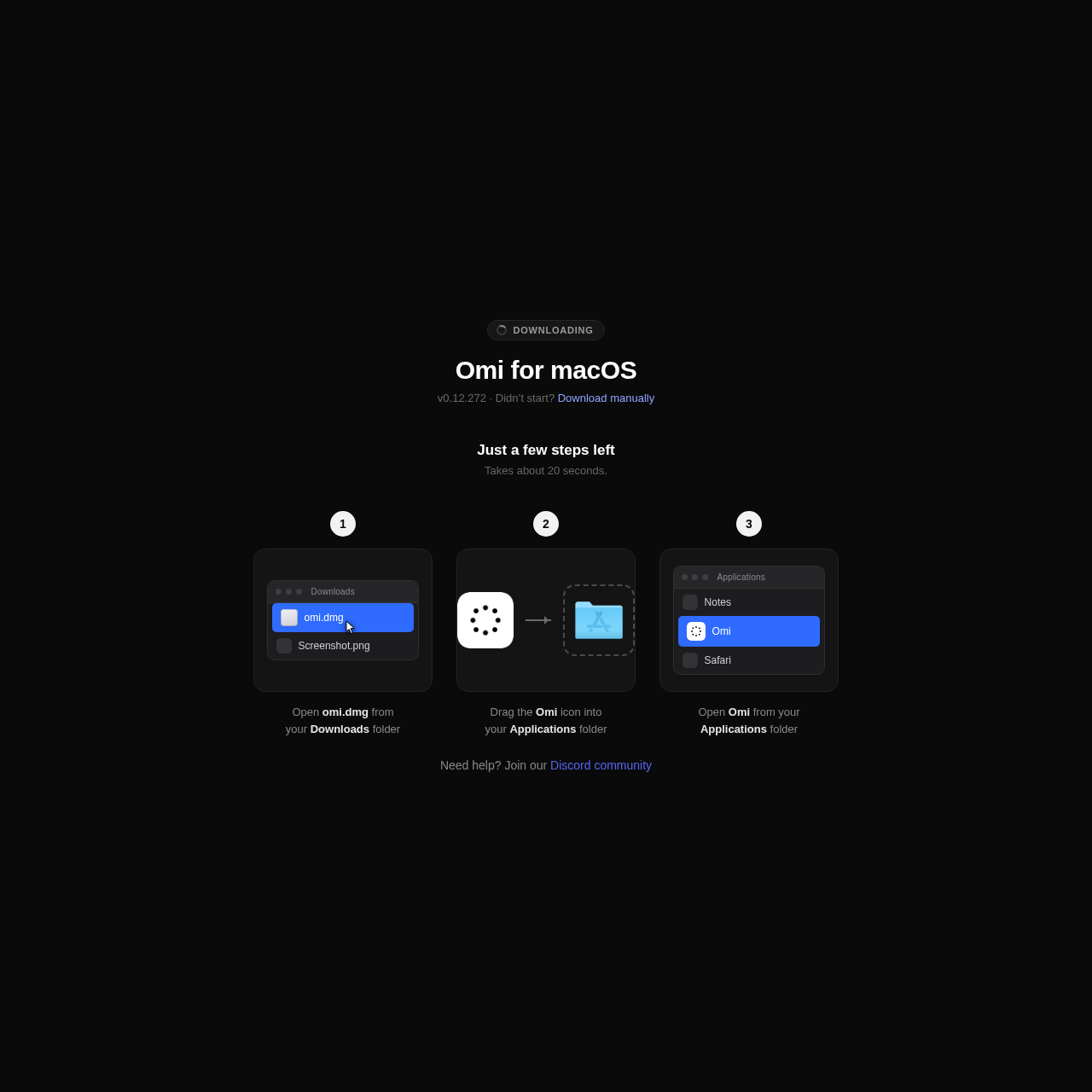
Obtain the omi.dmg file from the official website or use the manual download link.
Open the downloaded disk image and drag the Omi icon into the macOS Applications folder.
Open the Omi application from the system Applications folder to initialize the software.
The installation process for Omi is designed to be familiar to macOS users, utilizing a standard DMG container.
After downloading the file, the user interacts with a visual interface to move the application into the system directory.
Checks to run with your own material and workflow
What was checked and when
Answers based on the source-checked product record
Omi is explicitly designed for macOS and is provided as a DMG installer for that platform.
Users download a DMG file, open it, and drag the application icon into their Applications folder.
Support is available through the official Discord community as linked on the download page.
Based on the official download page, the software is currently at version 0.12.272.
The website includes a specific link to download the DMG file manually if the automatic process does not begin.









