NovaVoice
NovaVoice: The Ultimate AI Voice OS for Desktop Featuring Smart Dictation and App Control
NovaVoice is an innovative Voice OS for desktop designed to replace manual typing with high-speed AI dictation and intelligent app control. Operating at over 200 WPM—four times faster than traditional typing—NovaVoice integrates seamlessly across macOS to provide smart formatting, real-world action execution through Agent Mode, and instant information retrieval via Assistant Mode. Whether you are a professional, a YC founder, or a creative, NovaVoice allows you to dictate emails, execute code commands, and manage cross-app workflows using just your voice. With a focus on privacy and user control, it offers features like a custom Terms Dictionary and Action Approval to ensure every command is executed with your permission.
2026-04-09
8.0K
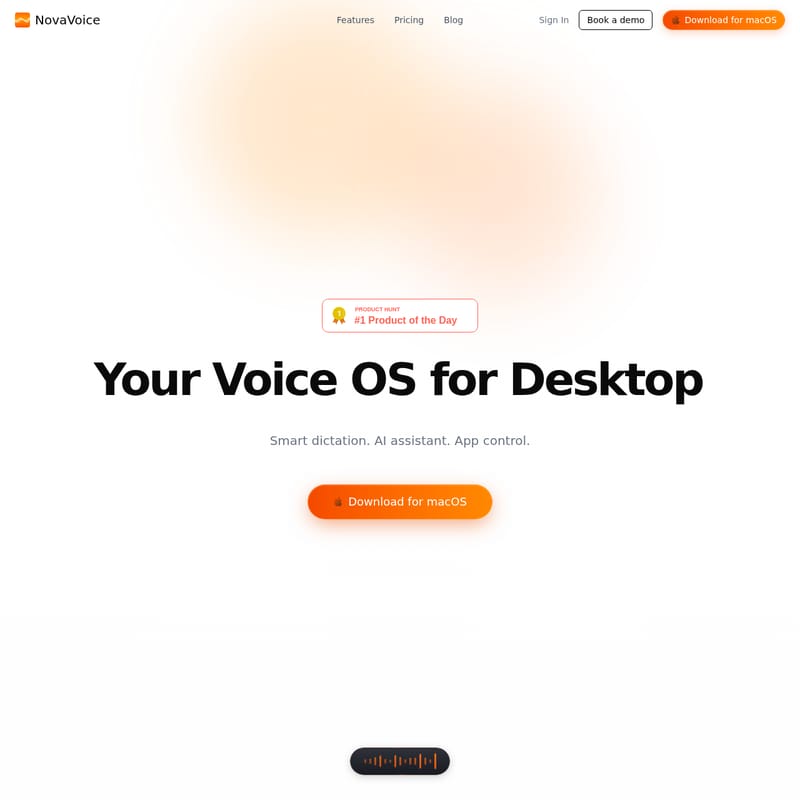
NovaVoice Product Information
NovaVoice: Your Ultimate Voice OS for Desktop Productivity
In the modern digital workspace, efficiency is the currency of success. NovaVoice emerges as a revolutionary Voice OS for desktop, designed to transform how you interact with your computer. By moving beyond traditional typing, NovaVoice offers a comprehensive suite of tools including smart dictation, an AI assistant, and direct app control. Whether you are drafting a complex legal document or sending a quick message on WhatsApp, NovaVoice ensures you do it faster and more effectively than ever before.
What's NovaVoice?
NovaVoice is a cutting-edge productivity copilot that leverages AI technology to serve as your primary interface for desktop operations. It is not just a simple speech-to-text tool; it is a sophisticated system that understands context, follows complex formatting instructions, and interacts with other applications on your behalf. Designed specifically for macOS, NovaVoice allows users to "just talk" while the software handles the heavy lifting of writing, formatting, and executing tasks.
Key Features of NovaVoice
NovaVoice is packed with features designed to eliminate the friction of manual data entry and application switching.
1. New-Era Dictation Mode
Traditional typing averages around 45 WPM (words per minute). NovaVoice shatters this limitation:
- Speed: Achieve 200+ WPM, making it 4× faster than manual typing.
- Accuracy: Advanced AI ensures that your thoughts are captured perfectly without the errors common in built-in system dictation.
2. Instant Formatting Mode
Stop wasting time copying and pasting text into LLMs or grammar tools. With NovaVoice, you can reformat text to any style instantly using a single hotkey.
- Presets: Choose from styles like YC Founder, Professional, or Casual.
- Custom Instructions: Use one-off instructions or saved styles to format your text exactly how you want it.
3. Agent Mode: Voice Across Every App
NovaVoice acts as your agent, performing real actions inside your favorite applications.
- App Integration: Ask NovaVoice to "Ask Maria on WhatsApp" or execute commands within development environments like VS Code.
- Action Approval: Safety is a priority. NovaVoice never executes actions without your permission. You stay in 100% control through the Action Approval interface.
4. Assistant Mode
Eliminate the need to switch to Google or Perplexity. NovaVoice provides an instant AI voice assistant.
- Screen Context: Ask about what is currently on your screen.
- Instant Answers: Get immediate responses to questions about time differences, complex technical architectures like Transformer LLMs, and more.
5. Nova Dictionary & Terms Dictionary
Personalize your experience by teaching NovaVoice your specific vocabulary.
- Contact Shortcuts: "Send this to Tony" automatically resolves to the correct email address.
- Custom Snippets: Insert long strings like loyalty numbers or work addresses in a second by using simple voice commands.
Use Cases for NovaVoice
- Software Developers: Use Agent Mode to navigate files, review panels, and run terminal commands like
npm run devwithout leaving the keyboard. - Business Professionals: Quickly draft professional emails and format them for different stakeholders using Formatting Mode.
- Content Creators: Dictate long-form content at 200+ WPM to maintain creative flow without the bottleneck of typing.
- Teams: Utilize the Team Plan to share formatting preferences and a common dictionary for unified communication.
How to Use NovaVoice
Using NovaVoice is designed to be intuitive and integrated into your existing workflow:
- Download for macOS: Install the application to your desktop.
- Activate via Hotkey: Use a dedicated hotkey to trigger the AI assistant or dictation mode.
- Speak Naturally: Simply talk to NovaVoice. You can dictate text, ask questions, or give instructions for formatting.
- Approve Actions: When NovaVoice suggests an action (like sending an email), click "Approve" to execute it.
- Customize: Add your frequently used terms and addresses to the Terms Dictionary for even faster input.
Pricing Plans
NovaVoice offers flexible plans to suit individual and organizational needs:
- Free ($0/month): Explore the platform with limited AI-powered dictation, formatting, and assistant features.
- Standard ($10/month): Best value for personal use. Includes unlimited dictation, formatting, and action execution. Note: Price locked for life for the first 5,000 users.
- Team ($20/seat/month): Built for power teams with shared styles, a team dictionary, priority support, and centralized billing.
FAQ
Can I try it for free? Yes, NovaVoice offers a Free plan so you can explore the features before deciding to upgrade.
How is my data handled? NovaVoice prioritizes security and control, ensuring no actions are taken without your explicit approval.
What can I use NovaVoice for? You can use it for high-speed dictation, instant text reformatting, executing actions across apps (like messaging or coding), and as an on-screen AI assistant.
Which devices does NovaVoice work on? Currently, NovaVoice is available as a desktop OS solution for macOS.
How can I contact you? You can reach out for support or inquiries, including booking a demo for your team, through the official NovaVoice website.