
Notion: Context for your agents favicon

Notion: Context for your agents

Notion provides an AI-integrated workspace where teams can capture context into a unified system of record, generate cited answers, and deploy agents to automate tasks around the clock.

ProductivityCapturing knowledge into a unified…Generating answers with source citationsAutomating operational tasks…Triaging product feedback
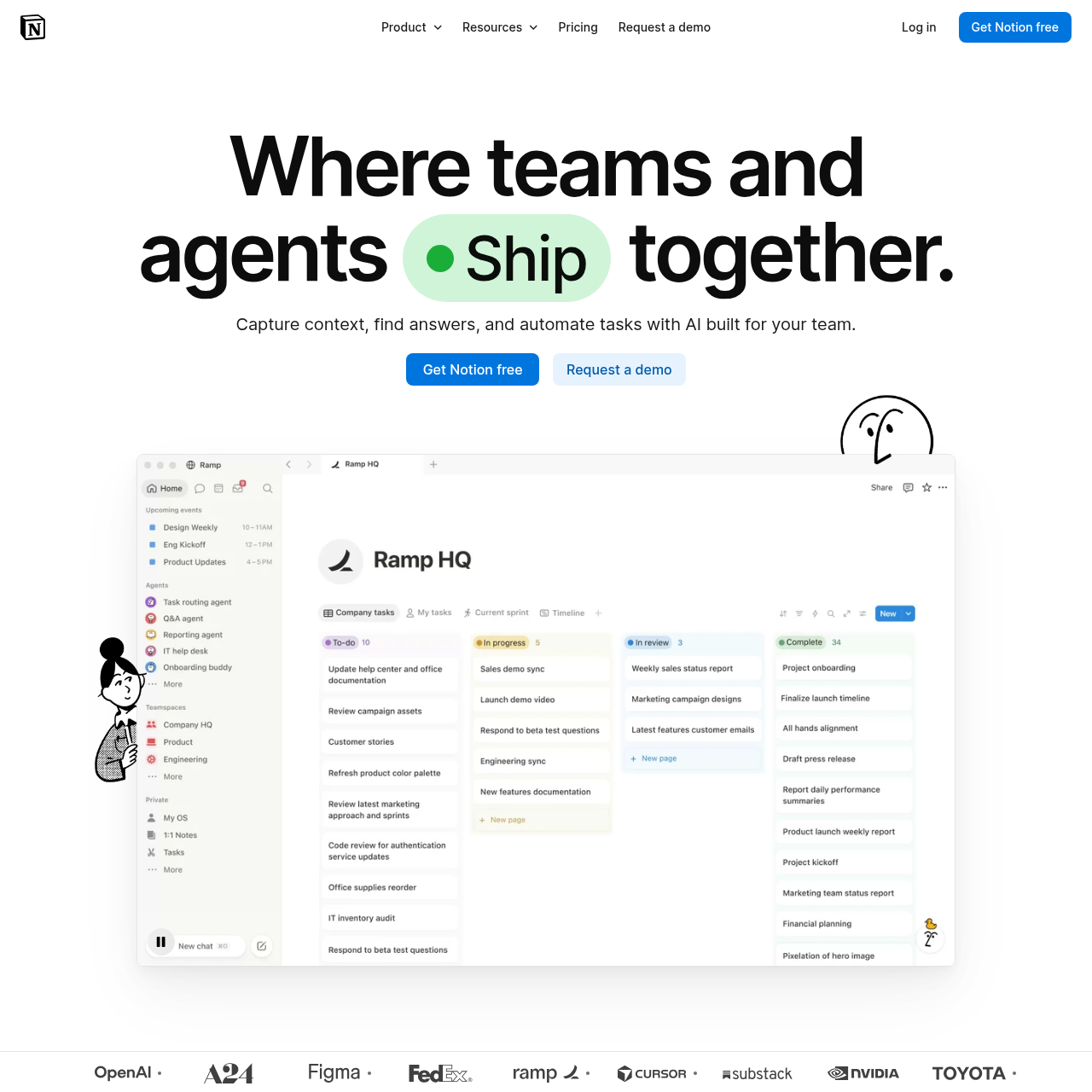
Notion: Context for your agents product interface screenshot
Estimated monthly visits
13.5M
Data period:
Listed on AIToolly

What Is Notion: Context for your agents? Product Overview

What the product does and how it is positioned

Notion functions as a unified workspace that combines team collaboration, knowledge management, and AI agent automation. It enables organizations to capture context in one system of record and retrieve answers accompanied by citations.

The platform also supports custom agents designed to automate recurring operational tasks continuously. Teams can apply Notion to functions such as triaging feedback, answering questions, resolving support tickets, and generating reports.

What Can You Use Notion: Context for your agents For?

Source-supported ways to use the product

Product Feedback Triage

Teams can triage and organize incoming product feedback within the centralized knowledge base.

Support Ticket Resolution

Organizations can resolve customer support tickets directly within Slack using integrated agent workflows.

Weekly Reporting Automation

Teams can configure automated processes to compile and distribute routine weekly operational reports.

Context Capture and Agent-Driven Automation

Notion brings organizational knowledge into a unified system of record, allowing team members to retrieve relevant information with cited answers.

In addition to context retrieval, the platform incorporates agents that automate background operational tasks continuously, including report generation and ticket resolution.

  • Centralized system of record for capturing and organizing knowledge
  • Instant question answering complete with source citations
  • Continuous 24/7 automated task execution via agents
  • Support for building custom developer tools and operational agents

What to Test Before Choosing Notion: Context for your agents

Checks to run with your own material and workflow

  • Verify how the instant answer retrieval surfaces and formats source citations across workspace pages.
  • Confirm that the Slack integration properly receives, processes, and resolves customer support tickets.
  • Check the setup process and configuration controls for building and deploying Custom Agents for automated reporting.

Notion: Context for your agents Sources and Last Checked

What was checked and when

Official source
https://notion.so/
Last checked
Category
Productivity

Notion: Context for your agents Frequently Asked Questions

Answers based on the source-checked product record

How does Notion handle information retrieval and search?

Notion provides instant answers to user questions, accompanied by direct citations referencing source content in the workspace.

Can Notion automate operational workflows around the clock?

Yes, Notion supports automated agents that operate continuously to handle recurring busywork and task execution 24/7.

What external platforms can Notion integrate with for ticket resolution?

The official product features explicitly support resolving customer support tickets directly within the Slack platform.

What are Custom Agents within the Notion platform?

Custom Agents are AI tools created within Notion that perform designated operational tasks and automate work for teams.

What types of operational tasks can teams automate with Notion?

Teams can automate weekly reporting, triage product feedback, respond to security alerts, and create custom developer tools.

Explore other recently added tools in the same category.









