Mantra Timer favicon

Mantra Timer

Mantra Timer is an iOS meditation timer designed for mantra meditation practitioners, offering phase-based session timing, optional post-meditation notes and state tracking, and local or iCloud data synchronization without social feeds or guided audio clutter.

ProductivityDirect launch to the timer interface…Tracking daily meditation streaks and…Configuring custom warm-up and…Scheduling recurring daily practice…
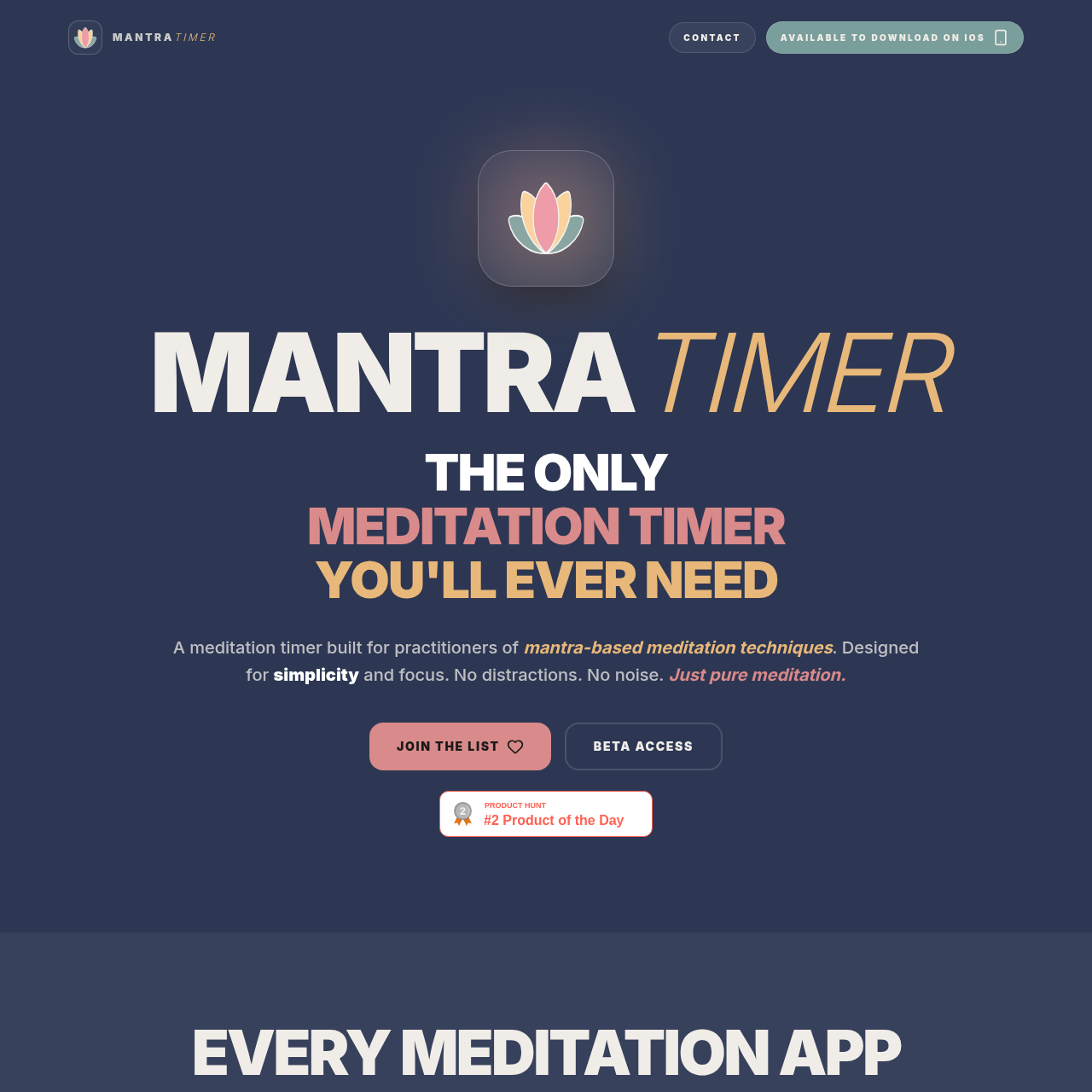
Mantra Timer product interface screenshot
Listed on AIToolly

What Is Mantra Timer? Product Overview

What the product does and how it is positioned

Mantra Timer is an iOS application tailored specifically for mantra-based meditation techniques, prioritizing silence and minimal interface complexity over guided tracks or social elements.

The application opens directly to timer interfaces featuring configurable warm-up and cool-down intervals, audio chimes or vibration alerts, session state ratings, and note logging.

What Can You Use Mantra Timer For?

Source-supported ways to use the product

Mantra Meditation Practice

Practitioners can execute timed sessions using preset twenty-minute or forty-minute timers with built-in warm-up and cool-down phases.

Meditation Tracking and Reflection

Users can record post-session notes and evaluate subjective mental clarity and physical state to review patterns over time.

Timer Configuration and State Tracking

Mantra Timer provides structured intervals that divide sessions into warm-up, primary meditation, and cool-down phases, visualized through a tricolour progress arc. Practitioners can utilize presets configured for twenty or forty minutes of meditation, or configure custom durations accompanied by standard or silent vibration alerts.

Following a completed session, the application provides optional logging tools. Users can rate mental clarity and physical quality to monitor personal trends over time, and write post-meditation notes with text formatting options.

  • Configurable warm-up and cool-down intervals alongside meditation presets
  • Tricolour progress arc displaying session advancement
  • Post-session state tracker for recording physical quality and mental clarity
  • Local data storage with optional private iCloud synchronization

What to Test Before Choosing Mantra Timer

Checks to run with your own material and workflow

  • Verify that the available chime, silent, or vibration alert options match your personal practice environment.
  • Confirm that your device runs iOS to install and run the application.
  • Check whether the warm-up and cool-down interval configurations align with your meditation routine.

Mantra Timer Sources and Last Checked

What was checked and when

Last checked
Category
Productivity

Mantra Timer Frequently Asked Questions

Answers based on the source-checked product record

Which platforms does Mantra Timer support?

Mantra Timer is developed natively for iOS devices. Apple Watch integration is documented as scheduled for 2026.

Does Mantra Timer include guided meditations?

No, Mantra Timer is designed specifically for silent mantra practice and intentionally omits guided audio tracks, mindfulness prompts, and social feeds.

How does the app handle session data and privacy?

Session history can be stored locally on the device for twelve months or synced across personal devices via encrypted iCloud sync, with no ad tracking or proprietary server data collection.

What timer presets are included in the application?

The application includes a standard preset with a thirty-second warm-up, twenty minutes of meditation, and a one-minute cool-down, as well as an extended forty-minute meditation preset.

Can practitioners record reflections after meditating?

Yes, practitioners can optionally rate their mental clarity and physical state after each session and record post-meditation reflection notes.

Explore other recently added tools in the same category.