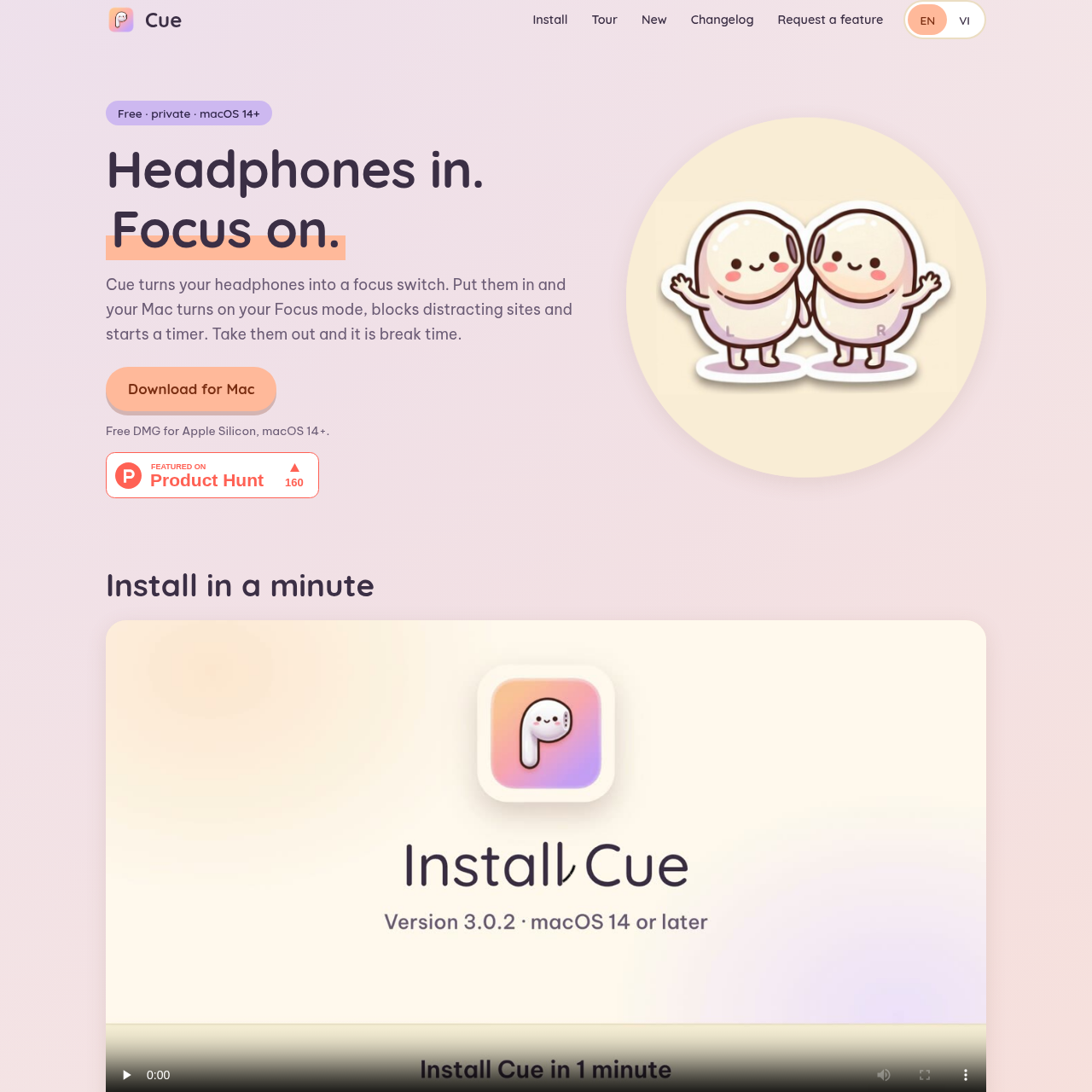
Cue is a macOS productivity application that automates system Focus modes, site blocking, and break timers based on headphone connection and ear-detection status.
ProductivityAutomatically toggles macOS Focus modesBlocks predefined categories and…Presents active timers, playback…Tracks daily focus time against defined…
Listed on AIToolly
What Is Cue? Product Overview
What the product does and how it is positioned
Cue is a utility designed for Apple Silicon Macs running macOS 14 or later that links productivity sessions to headphone usage. When compatible headphones are inserted or connected, the software automatically toggles macOS Focus modes, restricts distracting websites, and requests specified applications to quit.
Taking headphones out initiates a configurable break period following a short grace period. The app embeds session timers, media controls, audio indicators, and animated companion characters into the camera notch without keeping an icon in the Dock.
What Can You Use Cue For?
Source-supported ways to use the product
Automated Focus Activation
Enabling macOS Focus modes and site restrictions immediately upon wearing or plugging in headphones.
Distraction Mitigation
Closing distracting applications and blocking custom or preset social, video, and news websites during work.
Structured Work-Break Cycling
Automating break timers between 5 and 60 minutes whenever headphones are removed for extended intervals.
How to Use Cue
The documented workflow, where available
1
Insert or Connect Headphones
Placing AirPods in ears or connecting other headphones triggers macOS Focus mode, starts the timer, and blocks sites.
2
Remove Headphones for Breaks
Taking headphones off activates a 10-second grace period before stopping Focus mode, unblocking sites, and starting a break timer.
3
Track Progress in Dashboard
Review daily focused hours against targets, check current streak status, and inspect session history from the last seven days.
Notch UI and Companion Features
Cue houses its controls inside the MacBook camera notch, expanding on cursor hover and allowing users to pin the display without opening a separate window or showing a Dock icon.
The notch view integrates active media playback controls, notification alerts, per-app audio volume adjustments, microphone mute shortcuts, and battery indicators for connected AirPods.
Notch expands on hover or tap to display active timers and session metrics
Animated companions react to focus sessions, volume changes, and background music
Includes toggles to hide the notch overlay during screen recordings
What to Test Before Choosing Cue
Checks to run with your own material and workflow
Confirm that target devices run macOS 14 or later on Apple Silicon architecture.
Verify that system administrative rights allow granting Accessibility and site-blocking helper permissions.
Answers based on the source-checked product record
Which operating systems and hardware configurations are supported?+
Cue supports Apple Silicon Macs running macOS version 14 or higher. It is packaged as a macOS disk image for local installation.
Are AirPods required to use Cue, or do other headphones work?+
AirPods are not required. While AirPods detect when buds are placed into or removed from ears, other headphones initiate and end sessions upon connection.
How does Cue protect user data and privacy?+
Cue operates completely on-device without requiring user accounts, telemetry, or analytics, keeping all configuration and session data stored on the Mac.
Why does macOS display an unverified app security prompt during initial setup?+
The software is not yet notarized by Apple, which causes macOS Gatekeeper to require manual authorization in Privacy and Security settings before launch.
Can users configure custom website blocks and break session durations?+
Yes. Users can add custom comma-separated website lists alongside preset filters, specify apps to quit, and adjust break lengths between 5 and 60 minutes.
More Productivity AI tools
Explore other recently added tools in the same category.