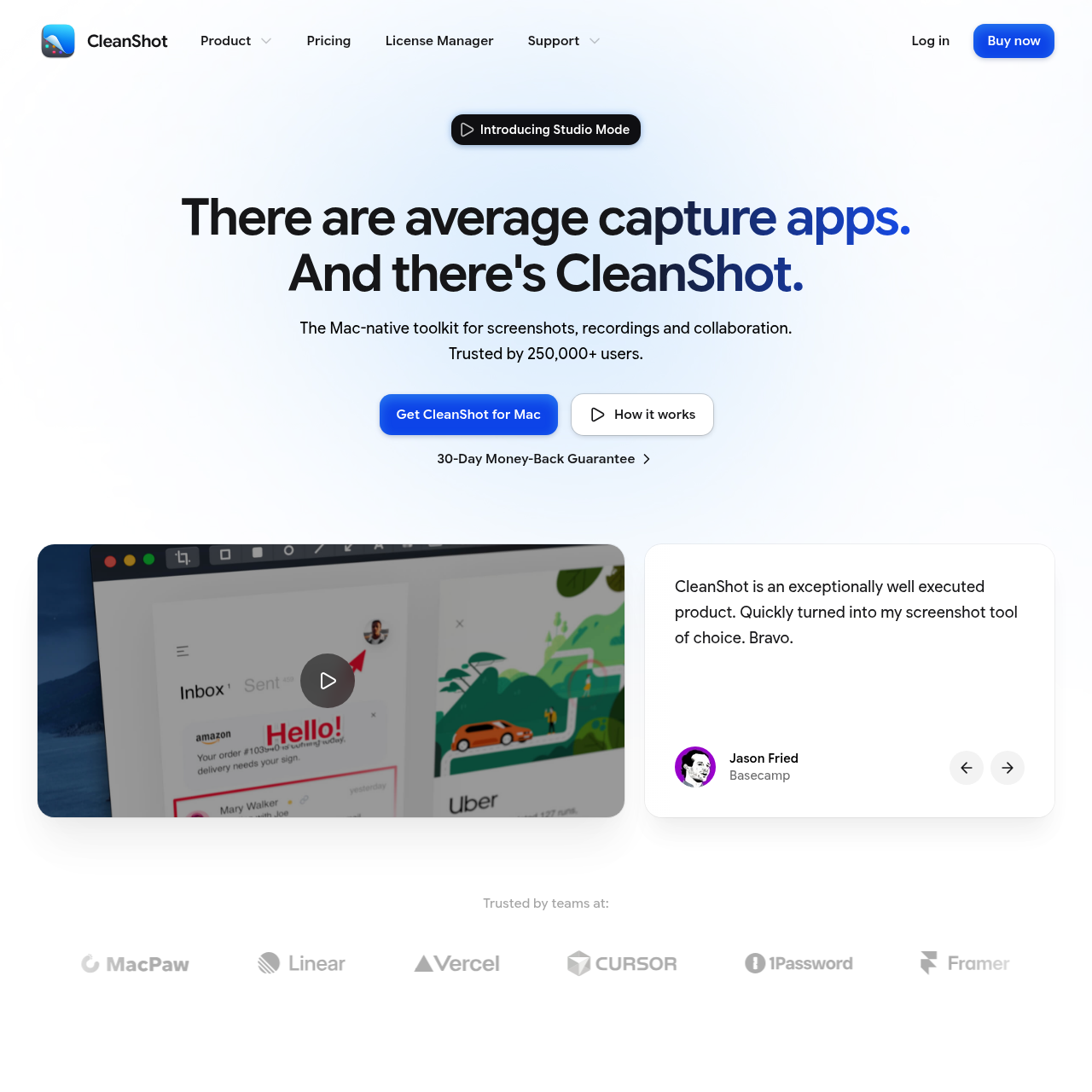
CleanShot is a comprehensive, Mac-native toolkit designed to streamline screen capture, video recording, and collaborative sharing workflows for individuals and teams.
ProductivityScrolling captureText recognition from images and…Capture history managementMarkup tools
Estimated monthly visits
298K
Data period:
Listed on AIToolly
What Is CleanShot 5.0 with Studio Mode? Product Overview
What the product does and how it is positioned
CleanShot provides a suite of tools for capturing and editing screen content directly on macOS, integrating screenshot capabilities with a video editor to facilitate the creation of polished media.
The platform emphasizes efficiency by allowing users to capture, annotate, and share content through a cloud-based service, including features for team management and visual enhancements.
What Can You Use CleanShot 5.0 with Studio Mode For?
Source-supported ways to use the product
Technical Documentation
Create high-quality annotated screenshots and recordings to explain complex software workflows or bug reports.
Remote Team Collaboration
Share visual feedback instantly using cloud links and comment directly on specific parts of screenshots or videos.
How to Use CleanShot 5.0 with Studio Mode
The documented workflow, where available
1
Capture
Users capture screen content, including screenshots, recordings, or scrolling areas, using customizable shortcuts.
2
Edit and Annotate
Captured media is refined using markup tools, background customization, or the Studio Mode video editor.
3
Share
Content is uploaded to CleanShot Cloud to generate instant, shareable links for team feedback and collaboration.
Studio Mode Functionality
Studio Mode serves as an integrated video editing environment within the CleanShot application. It is engineered to transform raw screen captures into professional-grade videos without requiring external software.
Trim mistakes
Apply automatically generated smooth zooms that highlight important details
Fine-tune video details prior to final export
What to Test Before Choosing CleanShot 5.0 with Studio Mode
Checks to run with your own material and workflow
Verify that the system meets the macOS requirements for native application performance.
Review the available administrative controls and security features if planning to deploy the tool within a team environment.
CleanShot 5.0 with Studio Mode Sources and Last Checked
CleanShot 5.0 with Studio Mode Frequently Asked Questions
Answers based on the source-checked product record
Is CleanShot available for Windows or Linux?+
No, CleanShot is designed exclusively for macOS and does not support other operating systems, supporting a native experience.
Can I edit videos directly within the application?+
Yes, the included Studio Mode allows users to trim mistakes, add smooth zooms, and refine video content before exporting.
Does the software support capturing content that extends beyond the screen?+
Yes, the Scrolling Capture feature allows users to capture full pages, long chats, documents, and code that exceed the visible screen area.
How can I share my captures with team members?+
CleanShot Cloud enables users to upload screenshots and recordings to generate shareable links, allowing for team collaboration and feedback via comments.
Is text recognition performed on the cloud or locally?+
Text recognition is performed using on-device processing, so that the feature remains fast and private for all users.
More Productivity AI tools
Explore other recently added tools in the same category.