CALL-E favicon

CALL-E

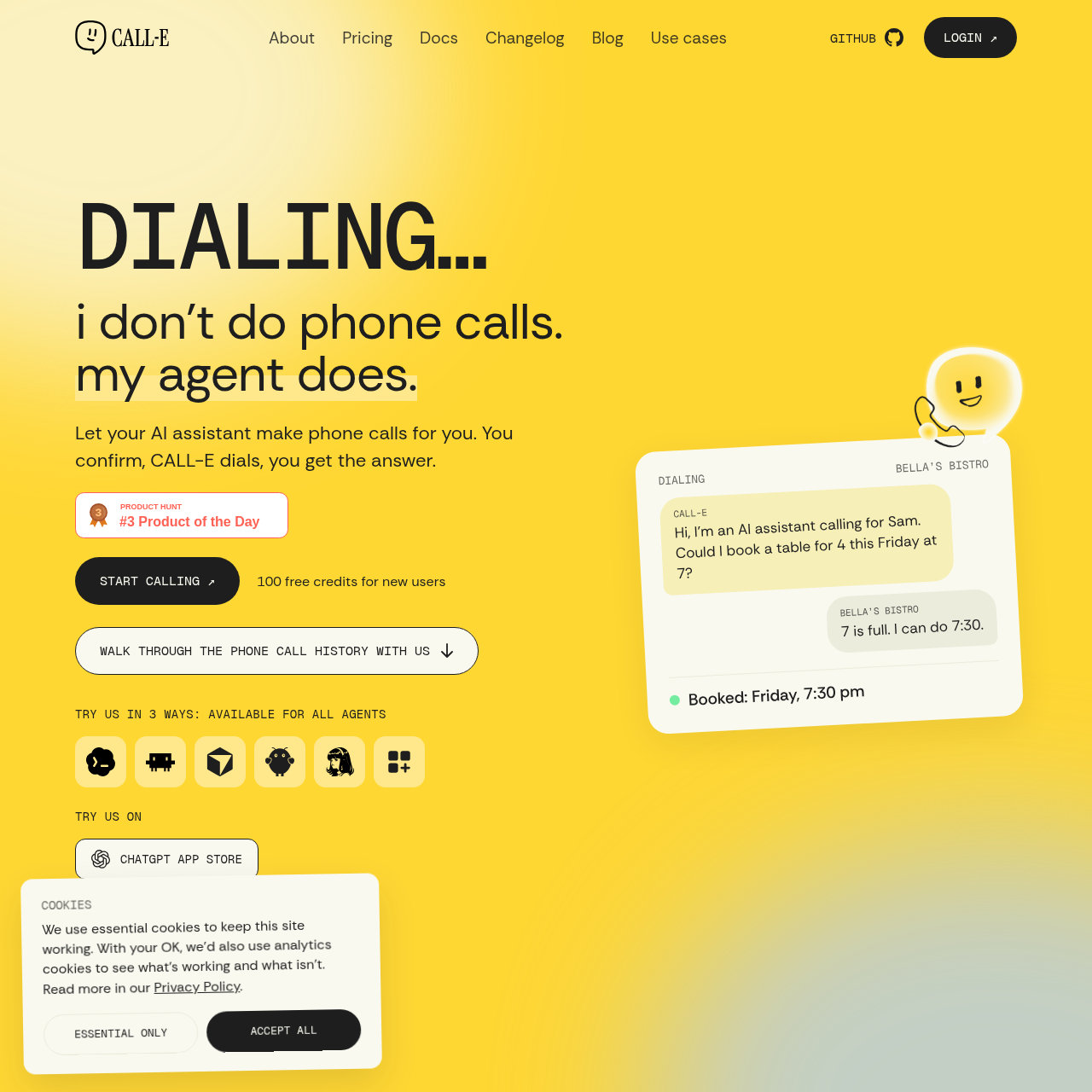
CALL-E is an AI phone-call assistant that clarifies goals, obtains authorization, places calls, and returns summaries, transcripts, and call data.

Organization & AutomationPlans calls from natural-language goalsAsks clarifying questions when…Calls real US and Canadian numbersNavigates phone menus and keypad…
CALL-E product interface screenshot
Listed on AIToolly

What Is CALL-E? Product Overview

What the product does and how it is positioned

CALL-E lets an AI assistant handle phone errands such as booking a table, moving an appointment, requesting a quote, or checking product availability.

Its documented process is plan, confirm, and dial: the service gathers missing details, shows what it will ask, places the authorized call, and reports the result.

What Can You Use CALL-E For?

Source-supported ways to use the product

Appointments and reservations

Use CALL-E to request a restaurant booking or move an existing appointment by phone.

Quotes and availability checks

Use CALL-E to call around for a quote or ask a store whether an item is in stock.

Phone-menu navigation

Use CALL-E when a call requires navigating an automated menu, waiting on hold, or handling a transfer.

How to Use CALL-E

The documented workflow, where available

  1. 1

    Describe the goal

    State the phone task in natural language, including the details already known.

  2. 2

    Resolve missing details

    CALL-E asks for information that is needed before it can plan the call.

  3. 3

    Review and authorize

    Check who CALL-E will call and what it will ask, then authorize the dialing step.

  4. 4

    Receive the result

    Review the returned summary, transcript, and data about what was said and what happened.

Call planning and results

CALL-E separates preparation from dialing. It first interprets the requested errand, asks for missing information, and presents the planned call for review before making the call.

The documented result includes a summary, the full transcript, and data describing the call outcome. The service also covers phone menus, keypad input, hold queues, voicemail, and transfers.

  • Plan, confirm, and dial are the stated call stages.
  • Authorization is required before dialing.
  • Results include a summary, transcript, and call data.

What to Test Before Choosing CALL-E

Checks to run with your own material and workflow

  • Confirm that the intended recipient and call questions are shown before authorization.
  • Verify that the required phone region matches the documented support for real US and Canadian numbers.
  • Check whether the returned result includes the transcript and the data needed for the intended workflow.
  • Review how the service handles phone menus, hold queues, voicemail, and transfers for the planned call.

CALL-E Sources and Last Checked

What was checked and when

Last checked

CALL-E Frequently Asked Questions

Answers based on the source-checked product record

How does a user make a call with CALL-E?

A user describes the goal through an AI assistant, supplies missing details, reviews the plan, and authorizes CALL-E to dial.

Does CALL-E ask for missing information?

Yes. CALL-E asks clarifying questions when information is missing before it plans the phone call.

What does CALL-E return after a call?

CALL-E returns a summary, a full transcript, and data describing what was said and what happened.

Can CALL-E handle automated phone menus?

Yes. The documented workflow includes listening to phone menus, pressing keypad selections, and reaching the relevant department or person.

Can developers connect their own code?

Yes. The official source describes an SDK and REST API, and also provides an installation path for a compatible agent.

Explore other recently added tools in the same category.