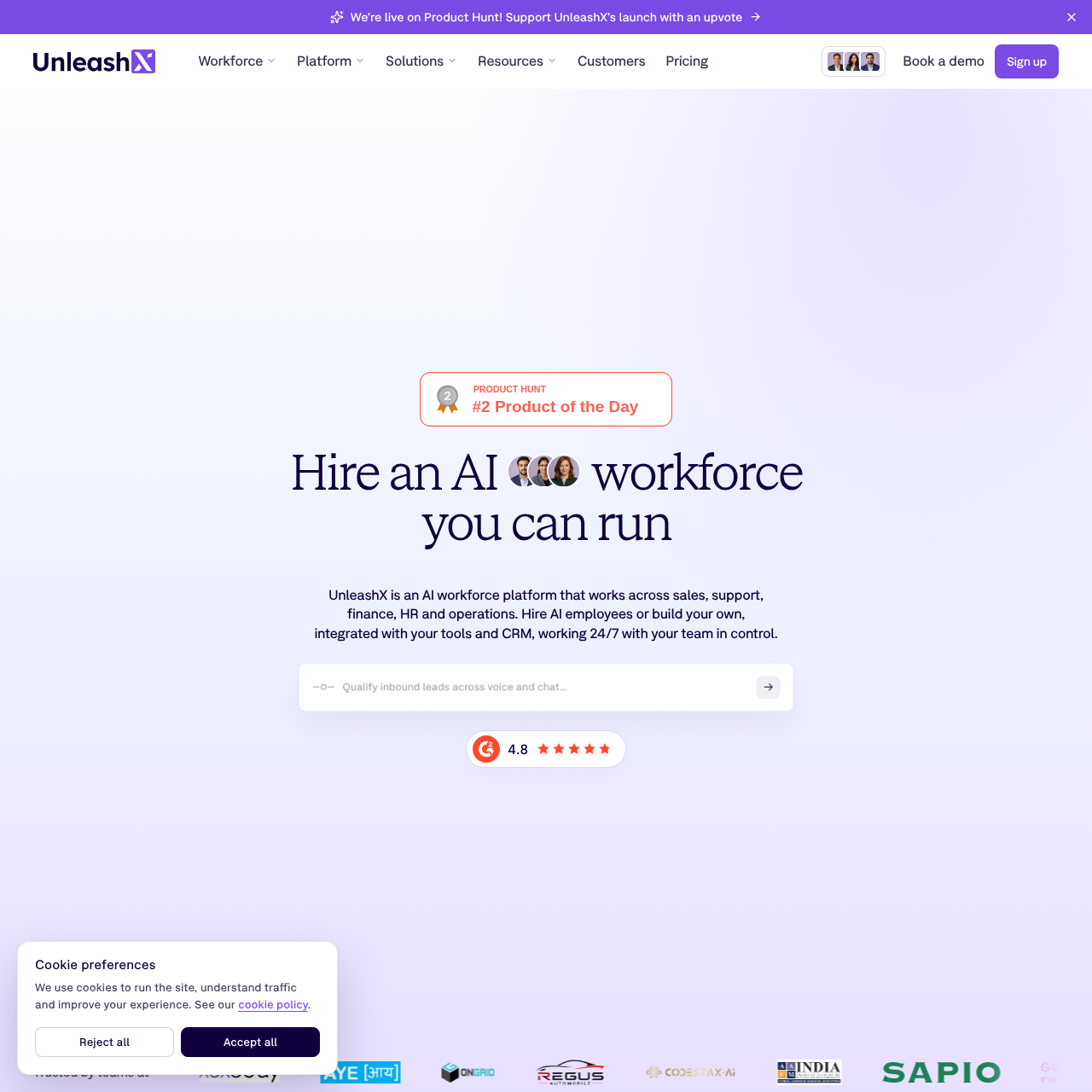
UnleashX provides AI employees that connect to business tools for sales, support, finance, HR, and operations workflows.
Organization & AutomationAI employees can follow up with leads,…The platform connects AI employees with…Connected systems can be used to access…The documented lead process includes…
Listed on AIToolly
What Is UnleashX? Product Overview
What the product does and how it is positioned
UnleashX is an AI workforce platform for deploying AI employees across several business functions, including sales, support, finance, HR, and operations.
Its documented workflows connect AI employees to CRM systems and other business tools so they can access information, complete tasks, and update records.
What Can You Use UnleashX For?
Source-supported ways to use the product
Lead qualification and appointment setting
AI employees can follow up with inbound leads, qualify needs, book meetings, and update the CRM.
Connected customer and operations workflows
Connected tools support workflows involving messages, calendars, payments, orders, tickets, files, tables, and project boards.
Sales and CRM record management
The platform is documented for reading and writing leads, accounts, and outreach activity in connected CRM systems.
How to Use UnleashX
The documented workflow, where available
1
Lead arrives
A lead enters the documented sales workflow.
2
AI employee calls
The assigned AI employee follows up with the lead by phone.
3
CRM is updated
The qualification and related activity are written back to the CRM.
4
Human takes over
The documented process includes a handoff to a human team member.
Business-tool integrations
UnleashX presents integrations as the connection layer for AI employees working with existing business systems. The source lists CRM, messaging, calendar, payment, commerce, support, document, data, and project tools.
Named CRM integrations include Salesforce, HubSpot, Apollo.io, Clay, Zoho CRM, and Instantly.
Messaging integrations include WhatsApp, Gmail, Outlook, and Slack.
Calendar integrations include Google Calendar, Google Meet, Calendly, and Outlook Calendar.
Other named tools include Stripe, Shopify, Zoho Desk, Jira, Google Workspace, Airtable, Notion, Monday, ClickUp, and Trello.
What to Test Before Choosing UnleashX
Checks to run with your own material and workflow
Confirm that the required CRM and business tools are among the supported integrations.
Verify how the intended workflow handles human takeover and team control.
Check whether the required operating system or deployment environment is documented for the intended use.
Review which records and task outcomes are written back to connected systems.