Calerto for Mac favicon

Calerto for Mac

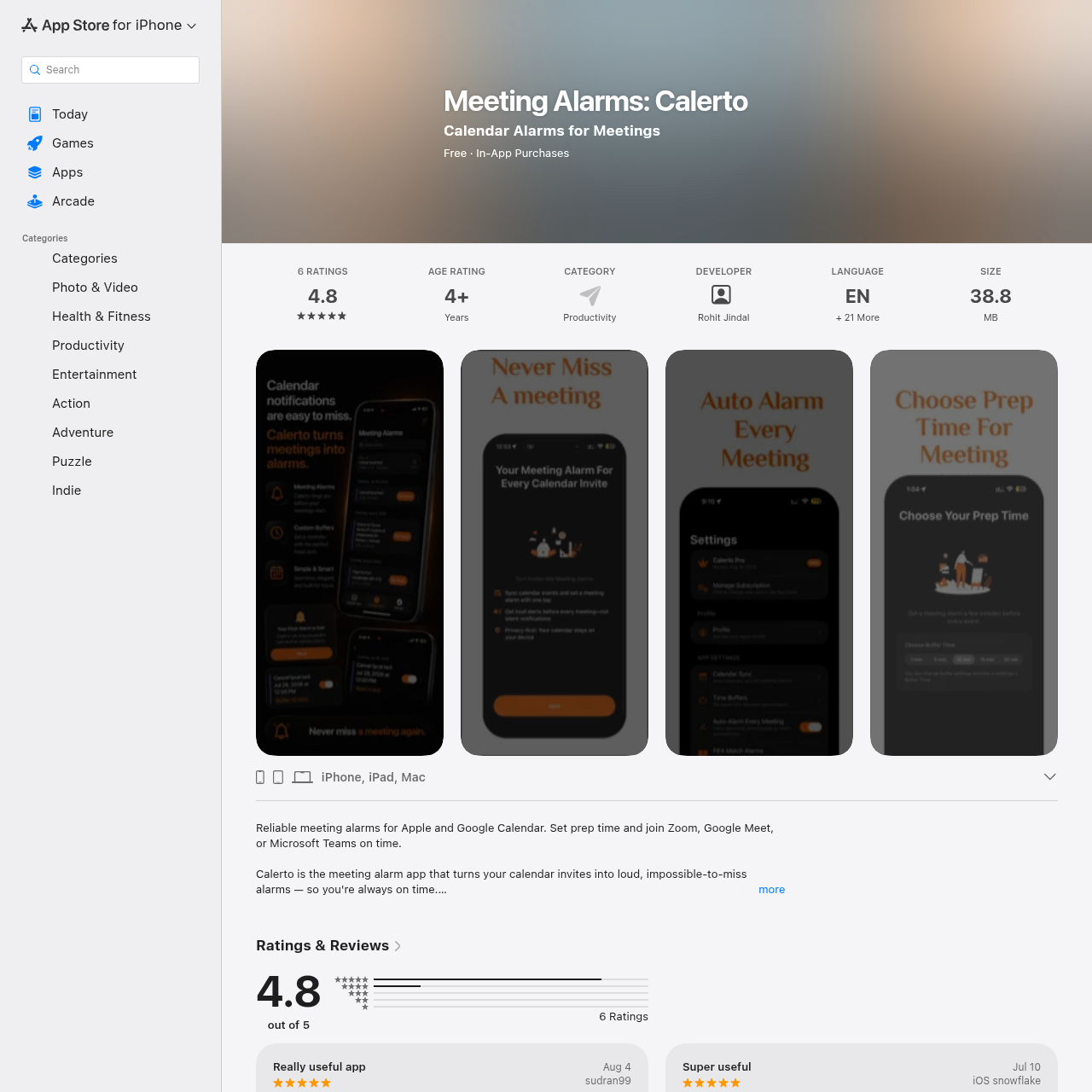
Calerto converts calendar invites into audible alarms with customizable lead times and quick-access video meeting links.

ProductivityExtracts conference links and locations…Displays an on-device countdown card…Arms upcoming meetings automaticallyAllows temporarily pausing alarms…
Calerto for Mac product interface screenshot
Estimated monthly visits
546.2M
Data period:
Listed on AIToolly

What Is Calerto for Mac? Product Overview

What the product does and how it is positioned

Calerto is a productivity tool designed to help reduce missed appointments by turning calendar events into audible alarms.

The software relies on AlarmKit to deliver alerts that break through silent mode and Do Not Disturb, while surfacing meeting join links five minutes prior to start time.

What Can You Use Calerto for Mac For?

Source-supported ways to use the product

Video Call Punctuality

Remote professionals receive persistent alarm alerts and launch Zoom, Teams, or Meet sessions without searching through calendar notes.

Pre-Meeting Preparation

Users configure custom buffer times up to a full day in advance to review agendas and prepare materials before discussions begin.

How to Use Calerto for Mac

The documented workflow, where available

  1. 1

    Connect Calendars

    Link Apple Calendar and Google Calendar to sync scheduled events into the app.

  2. 2

    Select Prep Buffer

    Choose a preset buffer or enter a custom preparation time before the scheduled start.

  3. 3

    Arm the Alarm

    Tap or swipe to activate the alarm for an individual meeting or schedule the week automatically.

  4. 4

    Join the Call

    Tap the Join button that illuminates five minutes before kickoff to enter the video conference.

What to Test Before Choosing Calerto for Mac

Checks to run with your own material and workflow

  • Confirm that target devices meet the minimum operating system requirement of macOS 26.0 or later.
  • Verify whether connecting Google Calendar requires purchasing the Pro subscription for your workflow.
  • Check whether video conference links embedded in event notes parse properly into the app Join button.

Calerto for Mac Sources and Last Checked

What was checked and when

Last checked
Category
Productivity

Calerto for Mac Frequently Asked Questions

Answers based on the source-checked product record

Which calendar services are supported by Calerto?

Calerto connects with Apple Calendar and Google Calendar, allowing users to search and color-code events from both sources.

Can Calerto alarms ring while the device is muted?

Yes, the application utilizes AlarmKit to deliver loud alarms that sound through silent mode and Do Not Disturb settings.

Which video meeting services can be launched directly from the alarm?

The application extracts video links for platforms including Zoom, Google Meet, Microsoft Teams, and Webex.

What preparation buffer intervals can be configured?

Users can select presets of 1, 5, 10, 15, 30, or 60 minutes, or enter custom durations up to a full day.

How is calendar privacy handled by the application?

Calendar data stays on the local device, and the developer indicates that no user data is collected from the app.

Explore other recently added tools in the same category.