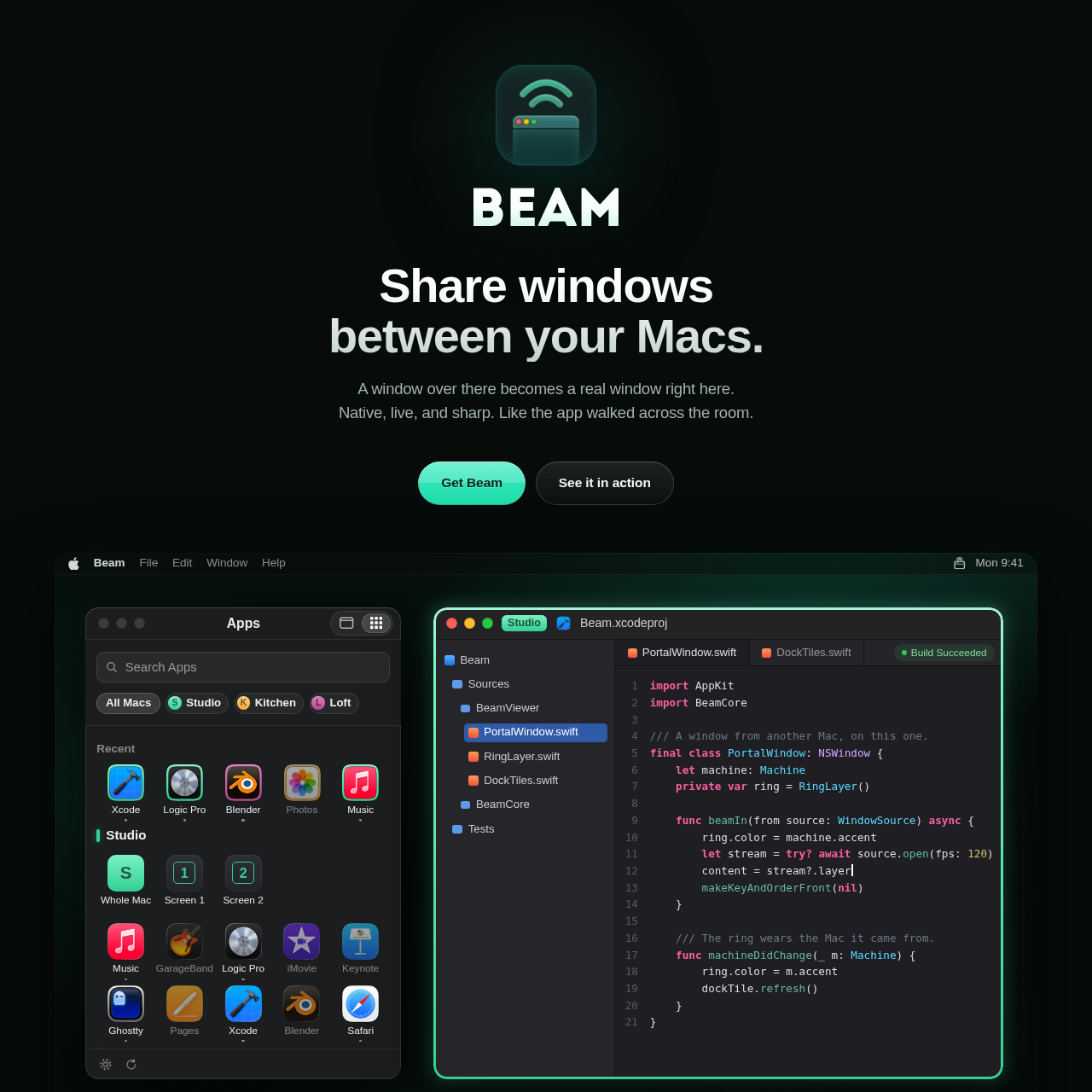
Beam.win enables users to stream, control, and interact with individual application windows and entire displays live and natively between multiple Apple silicon Macs.
ProductivityStream native individual windows with…Transfer files directly onto beamed…Toggle individual application audio to…Share windows with browser users via…
Listed on AIToolly
What Is Beam.win? Product Overview
What the product does and how it is positioned
Beam.win is an application designed to bridge multiple Apple silicon Macs by sharing individual application windows or full displays across devices. Rather than operating as a traditional screen-sharing tool that provides a flat image of a whole desktop, the software presents windows with their own dock icons and keyboard shortcut integration.
The platform functions locally over Wi-Fi or securely across distance using Tailscale. It features direct file transfer capabilities, audio streaming for individual apps, and support for headless machines, allowing remote interaction with unattended systems.
What Can You Use Beam.win For?
Source-supported ways to use the product
Multi-Mac Development and Testing
Developers can place build tools and logs from a secondary headless Mac mini side by side on their primary studio desktop.
Collaborative Review via Browser
Users can generate view-only share links to open specific application windows directly inside a web browser for guests.
Architecture and Connectivity
Beam.win establishes direct, encrypted connections between personal computers without intermediaries. It requires Apple silicon hardware running macOS Sonoma or newer. On local networks, devices discover one another automatically, while Tailscale integration facilitates remote connectivity across different locations.
Direct peer-to-peer encrypted transmission
Support for headless Macs lacking displays or keyboards
Optional browser viewing capabilities for external guests
What to Test Before Choosing Beam.win
Checks to run with your own material and workflow
Verify that both target computers feature Apple silicon and run macOS Sonoma or a later operating system version.
Check network configurations or Tailscale setup if connecting between machines located on different networks.
Answers based on the source-checked product record
How is Beam different from standard screen sharing?+
Screen sharing provides a static picture of an entire desktop, whereas Beam presents individual windows natively with their own dock icons and independent sizing.
What system requirements are necessary to run the software?+
The platform requires two Macs equipped with Apple silicon running macOS Sonoma or a later operating system version.
Can I connect to a Mac that has no display attached?+
Yes, headless Mac mini or Studio systems list their available windows normally, making them fully accessible for remote control.
Is my data routed through external servers?+
No, windows, keystrokes, clipboards, and audio travel straight between your Macs in an encrypted format and never pass through company servers.
Can I share a window with someone who lacks the application?+
Yes, generated share links allow guests to view a specific window directly within a web browser on any device without installing software.
More Productivity AI tools
Explore other recently added tools in the same category.