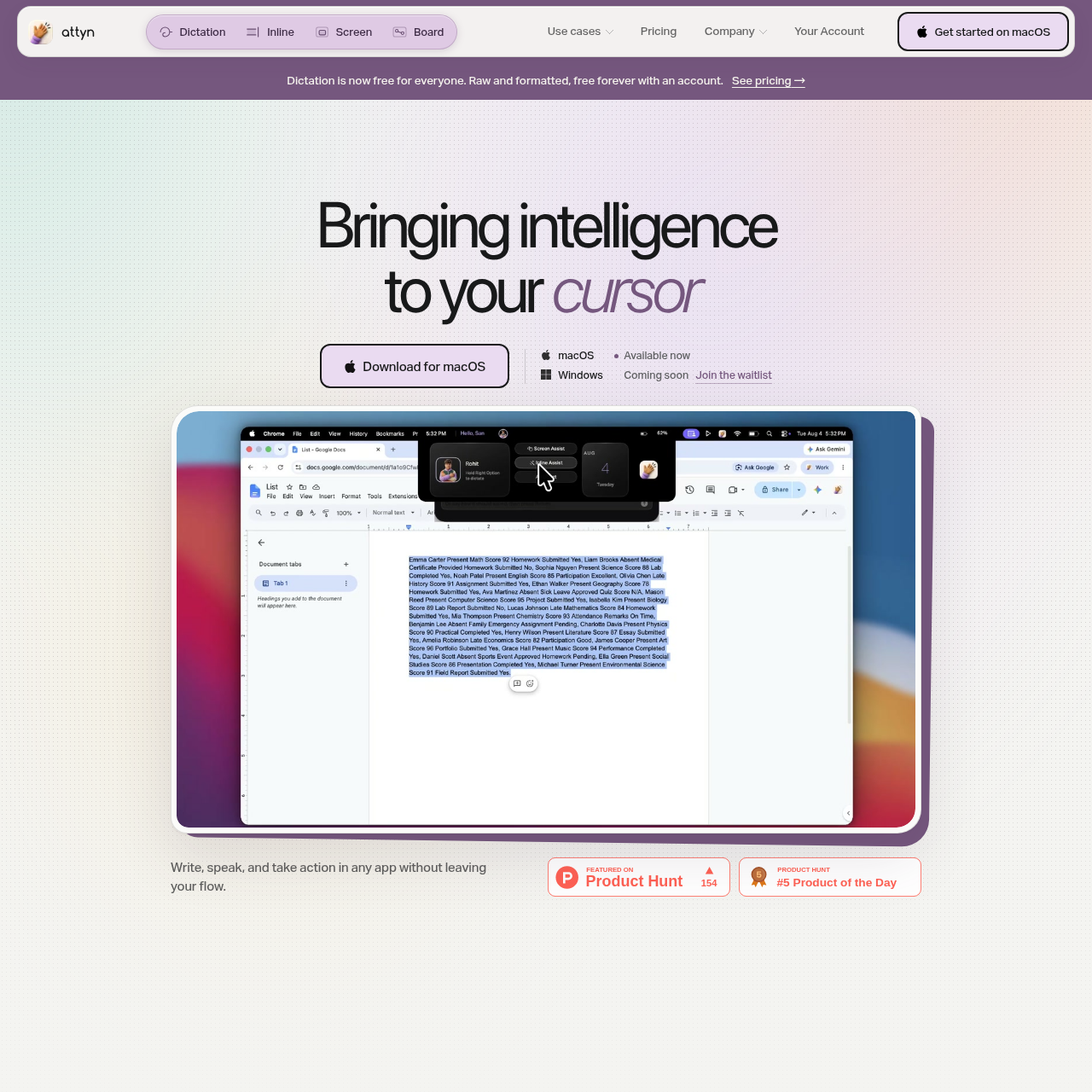
Attyn is a macOS productivity tool that integrates AI intelligence directly at the cursor to assist with writing, dictation, and screen analysis across any application.
ProductivityTransform text in place across various…Utilize local AI modelsConnect to cloud-based models via…Manage distinct Personal and Business…
Listed on AIToolly
What Is Attyn? Product Overview
What the product does and how it is positioned
Attyn functions as an application layer that brings AI capabilities to the user's current workflow without requiring them to switch tabs. It operates within any field that accepts text, including email clients, messaging apps, and document editors.
The tool is designed to be model-agnostic, allowing users to choose between cloud-based intelligence via API keys or local models for on-device processing. It combines user-defined context, memory, and permissions to generate results directly at the cursor.
What Can You Use Attyn For?
Source-supported ways to use the product
Content Transformation
Users can highlight existing text in any app and use Inline Assist to rewrite or adjust the tone without leaving the document.
Voice-to-Text Input
The dictation feature enables users to input formatted text into messaging or productivity apps using voice commands.
Contextual Screen Queries
Screen Assist allows users to ask questions about information displayed on their monitor to gain immediate insights or summaries.
How to Use Attyn
The documented workflow, where available
1
Profile Setup
Configure a Personal or Business profile by adding specific context, memory, and naming the assistant.
2
Intelligence Selection
Connect a supported cloud provider key or select an available local model for on-device tasks.
3
Action Triggering
Select text for Inline Assist, start a dictation session, or activate Screen Assist to process information at the cursor.
4
Review and Placement
Review the AI-generated output and allow the application to place the result directly into the active text field.
Flexible Intelligence Integration
Attyn is built as a model-agnostic harness that separates the application layer from the underlying AI intelligence. This architecture allows users to swap models as technology evolves without needing to rebuild their personal AI setup or change their workflow.
The system supports a hybrid approach where users can toggle between high-power cloud models for complex tasks and efficient local models for everyday work. This flexibility is managed through profiles that store specific context and permissions for different use cases.
Integration with cloud models via user-provided API keys
Support for local models to ensure data remains on-device
Profile-based management of context and memory across different tasks
Permission controls to decide which AI actions require manual approval
What to Test Before Choosing Attyn
Checks to run with your own material and workflow
Verify the compatibility of specific local models with the macOS application version.
Confirm how the software manages context and memory when switching between Personal and Business profiles.
Check the responsiveness of Inline Assist when used in high-latency web applications.
Review the process for connecting third-party cloud provider keys within the application settings.