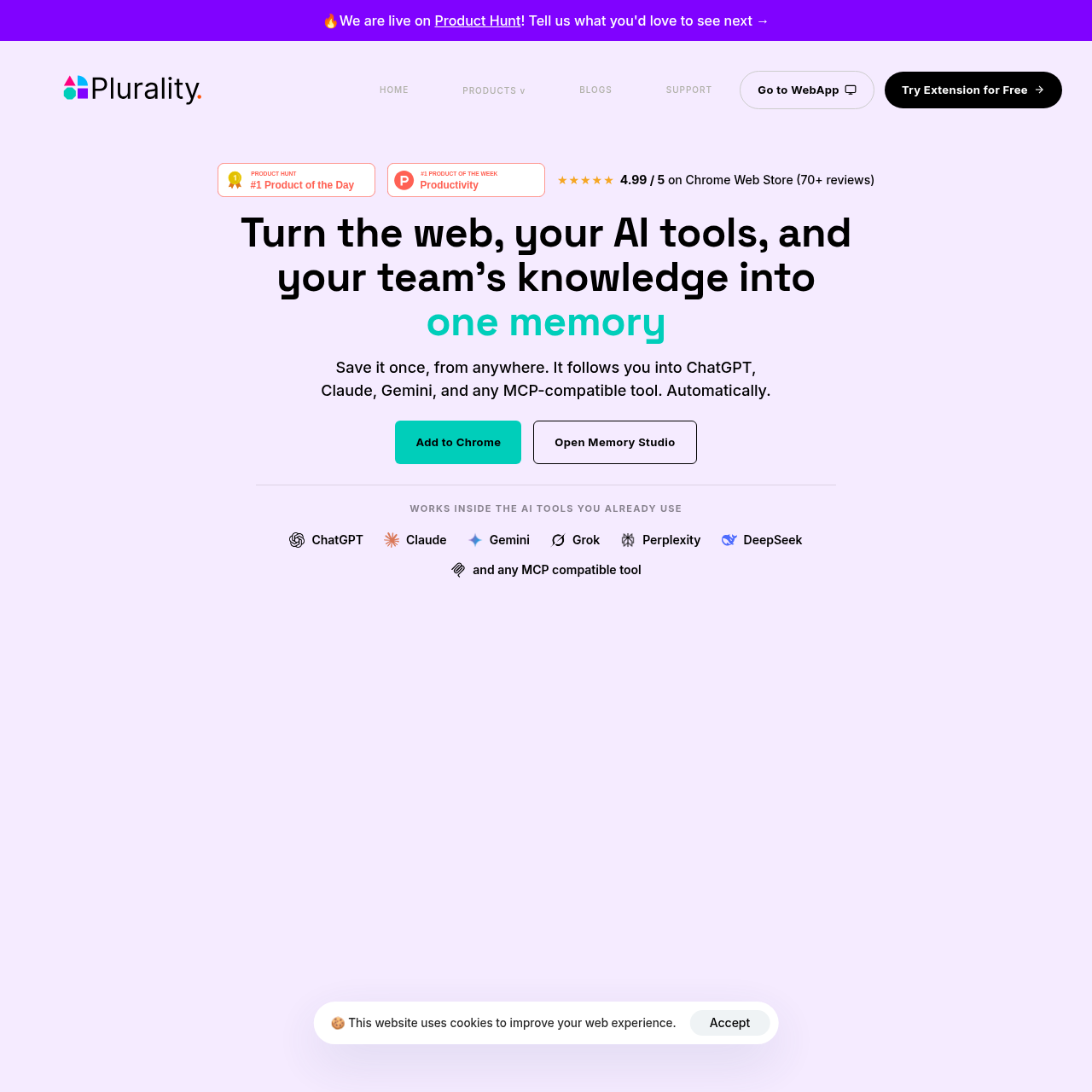
AI Context Flow MCP stores project context in Memory Studio so users can reuse it in supported browser chats and give connected MCP agents access to the same memory.
Plugins & ExtensionsSearch saved content by meaning and…Edit saved items and restore earlier…Use the browser sidebar to ask…Memory Studio
Estimated monthly visits
33K
Data period:
Listed on AIToolly
What Is AI Context Flow MCP? Product Overview
What the product does and how it is positioned
Memory Studio keeps notes, uploaded documents, and browser captures in separate spaces. Users can search and filter saved items, edit them, or restore earlier versions.
The Chrome extension lets users choose saved context to add to a prompt. Separately, connected MCP agents can read and write to Memory Studio from tools such as Cursor and Claude Code.
What Can You Use AI Context Flow MCP For?
Source-supported ways to use the product
Keep client briefs separate
Consultants can store briefs and notes in a space for each client, then pull the relevant context into a supported AI chat.
Share project reference material
A team can keep project notes and documents in one space, granting editing access to collaborators and viewing access to teammates who only need to read.
How to Use AI Context Flow MCP
The documented workflow, where available
1
Obtain the MCP endpoint
The user copies the MCP endpoint provided by AI Context Flow.
2
Configure the connector
In a compatible AI tool's settings, the user creates a custom MCP connector and enters the endpoint.
3
Authenticate with OAuth
The user signs in through the browser window opened by the connector to authorize the connection.
How agents access saved context
The MCP server connects compatible agents to Memory Studio. Connected agents can read and write to memory, with access scoped separately for each agent.
OAuth uses a browser sign-in.
Headless and CI setups can authenticate with a personal access token sent as a bearer token.
Access can be revoked per agent.
What to Test Before Choosing AI Context Flow MCP
Checks to run with your own material and workflow
Confirm that the intended AI chat is one of the five documented platforms for in-chat context insertion.
Verify that the intended MCP client supports the documented authentication method for its environment.
Review whether viewer and editor permissions meet the team's space-sharing requirements.
Answers based on the source-checked product record
What is AI Context Flow MCP?+
It is a tool for saving and reusing AI context. Memory Studio holds the saved material, which can be accessed through the Chrome extension or a connected MCP client.
Which AI chats support the extension's prompt tools?+
The extension supports context insertion and prompt optimization in ChatGPT, Claude, Gemini, Grok, and Perplexity.
How does an MCP client authenticate?+
The server supports browser-based OAuth sign-in. Headless and CI setups can instead send a personal access token as a bearer token.
Do viewers need an account to open a shared space?+
No. A space can be shared by link, and recipients with viewer access do not need an account.
Can a saved item be restored to an earlier version?+
Yes. Memory Studio keeps item version history so users can restore a previous version.
More Plugins & Extensions AI tools
Explore other recently added tools in the same category.