Agentic Video Understanding in Gemini favicon

Agentic Video Understanding in Gemini

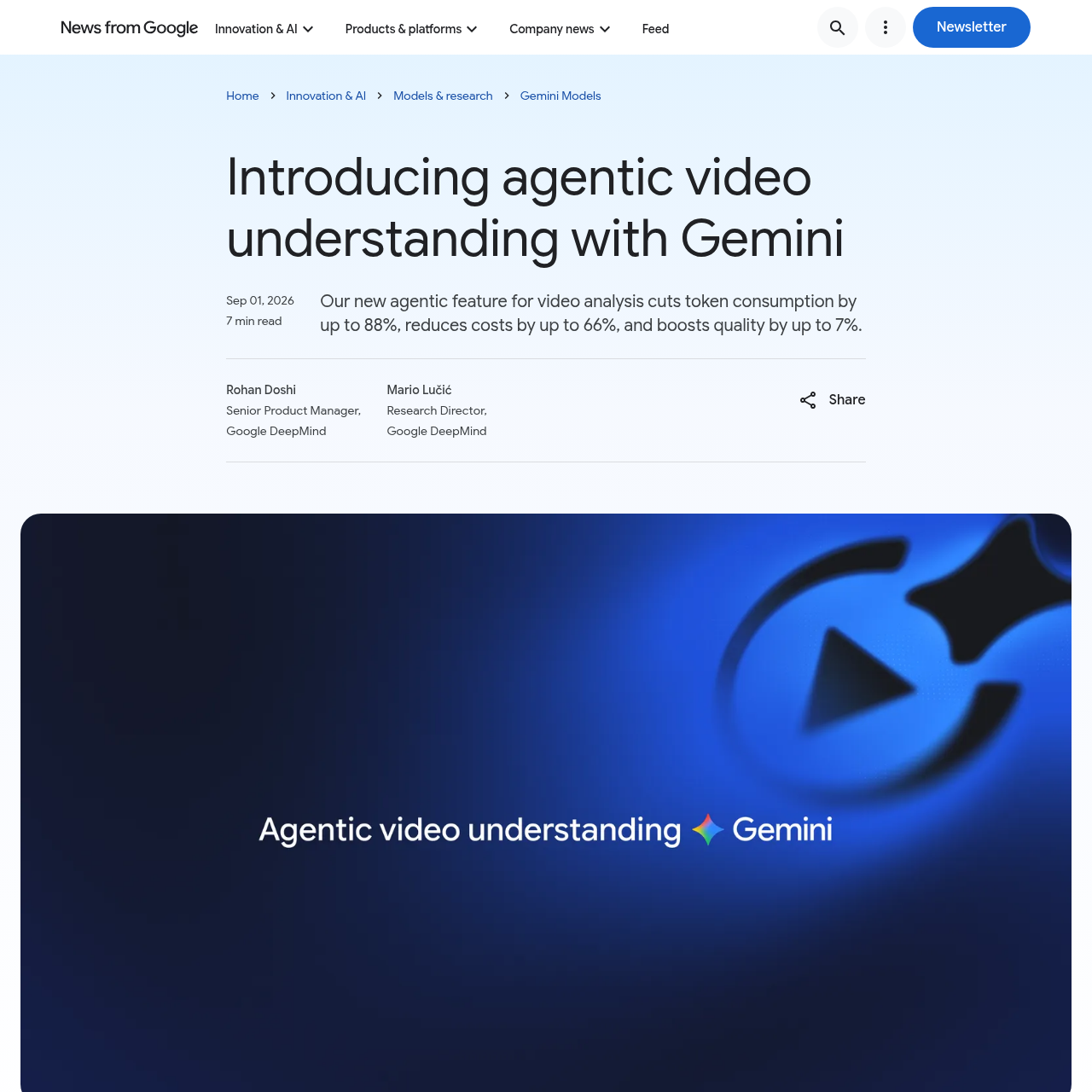
Agentic Video Understanding in Gemini uses an active reasoning loop to dynamically scan video segments, reducing token consumption by up to 88% while improving accuracy for long-form content.

VideoSub-second moment retrievalLong-form needle-in-a-haystack search…Anomaly detectionAccurate counting of repeated physical…
Agentic Video Understanding in Gemini product interface screenshot
Estimated monthly visits
9M
Data period:
Listed on AIToolly

What Is Agentic Video Understanding in Gemini? Product Overview

What the product does and how it is positioned

Agentic Video Understanding in Gemini improves the efficiency and accuracy of video analysis by moving away from fixed-rate frame ingestion. The model takes an active role in determining which specific moments and signals are required to answer a query.

This feature is integrated into the Gemini Flash model family and is accessible through developer platforms. It is optimized for long-form content, such as lectures and multi-hour recordings, where traditional static processing often results in high token costs.

What Can You Use Agentic Video Understanding in Gemini For?

Source-supported ways to use the product

Automated Video Editing

Pinpointing split-second state changes and tight cut boundaries that are typically missed at standard frame rates.

Security and Quality Control

Detecting anomalies by resample-ing specific time windows at higher frames-per-second to inspect rapid motion.

Physical Activity Tracking

Accurately counting repeated movements or tracking distinct objects over the course of a video.

How to Use Agentic Video Understanding in Gemini

The documented workflow, where available

  1. 1

    API Configuration

    The developer sets the video processing parameter to 'agentic' within the Gemini API configuration settings.

  2. 2

    Media Input

    The user provides a video source, such as a file upload or a YouTube URL, along with a natural language prompt.

  3. 3

    Targeted Inspection

    The model uses an internal tool to fetch only the relevant segments of the video, audio, or transcript needed for the task.

  4. 4

    Analysis Delivery

    The system returns the requested information, such as a summary, a specific timestamp, or a count of events.

Agentic vs. Static Video Processing

Traditional video analysis models typically use static processing, where the video is ingested at a fixed rate. This approach can be inefficient for long videos, as it either consumes a massive number of tokens or misses critical details that occur between the sampled frames.

Agentic video understanding changes this by allowing the model to act as an agent that decides what to watch and at what speed. By invoking internal tools to load only the necessary data, the model can achieve higher accuracy with significantly lower resource consumption.

  • Reduces token consumption by up to 88% compared to static methods.
  • Lowers analysis costs by up to 66% for developers.
  • Improves overall accuracy by approximately 7% on standard benchmarks.
  • Enables sub-second precision for identifying state changes.

What to Test Before Choosing Agentic Video Understanding in Gemini

Checks to run with your own material and workflow

  • Confirm the model can identify specific visual changes that occur in less than one second.
  • Verify the reduction in token usage when analyzing a video longer than ten minutes.
  • Check the model's ability to switch between audio and visual signals to answer a complex query.
  • Review the accuracy of object counting during fast-paced physical movements.

Agentic Video Understanding in Gemini Sources and Last Checked

What was checked and when

Last checked
Category
Video

Agentic Video Understanding in Gemini Frequently Asked Questions

Answers based on the source-checked product record

Which Gemini models support agentic video understanding?

The feature is available for Gemini 3.7 Flash, Gemini 3.6 Flash, and Gemini 3.5 Flash-Lite models.

How does this feature reduce costs for developers?

It reduces costs by up to 66% by fetching only the necessary video segments rather than processing the entire stream at a fixed rate.

Can the model analyze YouTube videos directly?

Yes, the feature supports both direct video uploads and YouTube videos via the Gemini API and Google AI Studio.

What modalities can the model inspect during analysis?

The model can dynamically choose to inspect visual frames, audio tracks, or video transcripts depending on the goal.

Is there an additional fee for using agentic video understanding?

No, the feature uses standard Gemini API token pricing with no additional feature-specific fees.

Explore other recently added tools in the same category.