SparrowDesk Phone Calls favicon

SparrowDesk Phone Calls

SparrowDesk Phone Calls is an integrated voice support channel that enables customer service teams to answer inbound phone calls and manage call records directly within a centralized omnichannel inbox.

Customer SupportReceiving and answering inbound…Consolidating phone call conversations…Maintaining voice customer interaction…Omnichannel Inbox Integration
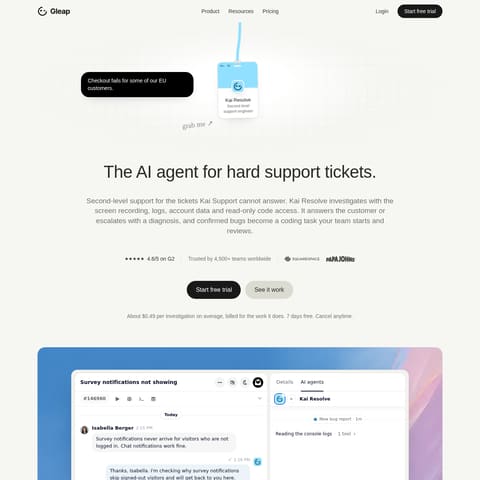
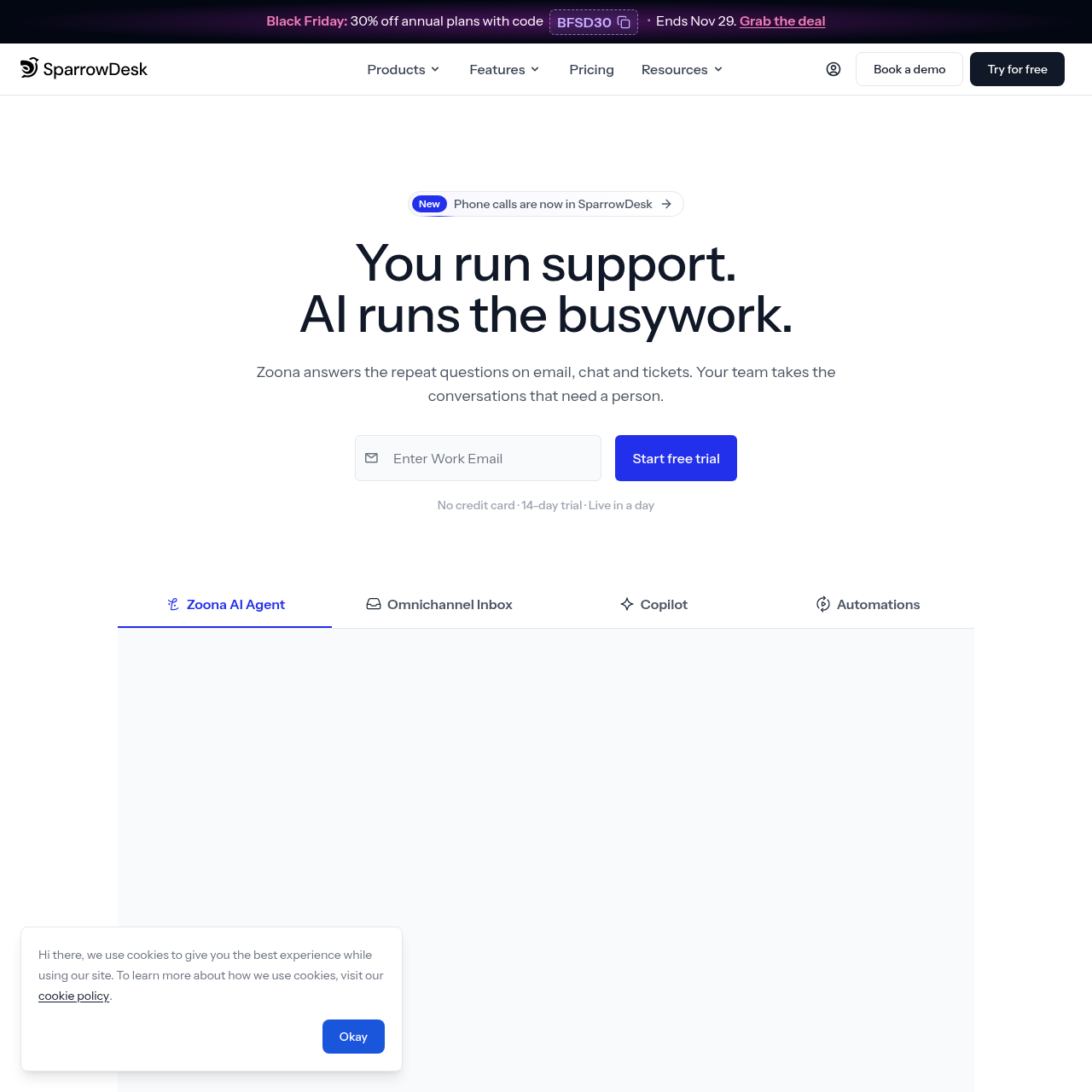
SparrowDesk Phone Calls product interface screenshot
Listed on AIToolly

What Is SparrowDesk Phone Calls? Product Overview

What the product does and how it is positioned

SparrowDesk Phone Calls incorporates voice call handling into the SparrowDesk customer support platform. The feature allows customer support teams to receive incoming telephone inquiries and consolidates every conversation within a single omnichannel inbox alongside messages from other communication channels.

Within the SparrowDesk environment, phone calls are routed to human representatives to handle inquiries that require personal communication. The broader platform complements voice support with ticketing tools, service level agreement tracking, and automated workflows for digital channels.

What Can You Use SparrowDesk Phone Calls For?

Source-supported ways to use the product

Inbound Support Call Management

Customer service teams answer incoming telephone inquiries and log each conversation directly inside the unified inbox to track customer history.

Omnichannel Conversation Tracking

Organizations centralize voice calls alongside email, chat, and social messaging tickets to maintain a single view of all customer communications.

Phone Support and Omnichannel Inbox Integration

SparrowDesk Phone Calls integrates telephone communication directly into the platform omnichannel inbox. Rather than maintaining an isolated phone system, support organizations receive calls within the same interface used for tracking tickets, chat threads, and messaging inquiries.

The system operates alongside platform capabilities such as service level agreement management, business hours configurations, and team workflows. While automated agents resolve common repetitive requests on text channels, phone calls ensure direct human assistance remains available for complex issues.

  • Consolidates inbound customer phone conversations into a single shared inbox alongside other support channels.
  • Preserves human agent routing for high-touch inquiries while automated systems handle routine inquiries on digital channels.
  • Connects voice interaction tracking with platform tools including ticketing, business hours, and SLA management.

What to Test Before Choosing SparrowDesk Phone Calls

Checks to run with your own material and workflow

  • Verify that the unified omnichannel inbox accommodates your team call handling workflow alongside existing digital channels.
  • Confirm that adequate human support staffing is available to answer live phone calls, as automated handling is designated for text channels.
  • Check telephony requirements, phone number setup procedures, and call routing options directly with the vendor.
  • Review organizational compliance and data protection policies against SparrowDesk SOC 2 Type II certification and GDPR adherence.

SparrowDesk Phone Calls Sources and Last Checked

What was checked and when

Last checked

SparrowDesk Phone Calls Frequently Asked Questions

Answers based on the source-checked product record

What is the primary function of SparrowDesk Phone Calls?

SparrowDesk Phone Calls allows customer service teams to answer inbound phone calls and retain every conversation record inside a unified omnichannel inbox.

Does the Zoona AI agent answer phone calls autonomously?

No. The official documentation states that Zoona answers repetitive questions across email, chat, and tickets, while human team members handle conversations requiring a person.

How are telephone calls organized alongside other customer messages?

Phone calls are integrated into the SparrowDesk omnichannel inbox, where every customer interaction across channels is consolidated and tracked in one location.

What security certifications does SparrowDesk maintain?

SparrowDesk is SOC 2 Type II certified and GDPR compliant. The vendor also documents that customer data is never used to train artificial intelligence models.

How does SparrowDesk assist with service level agreement tracking?

SparrowDesk allows administrators to establish response and resolution targets for tickets, monitoring due dates and alerting team members before targets are breached.

Explore other recently added tools in the same category.